
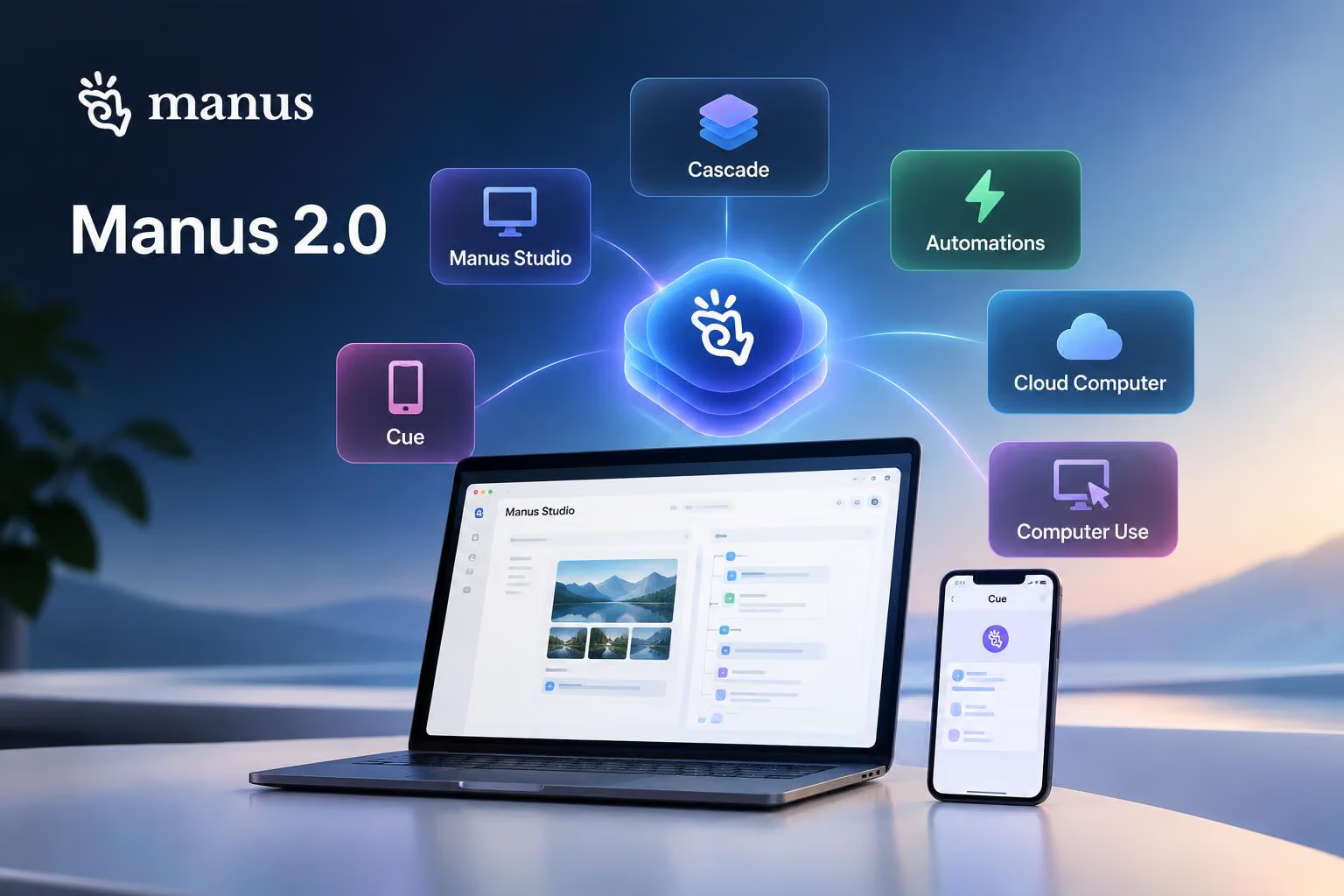
Manus says Manus 2.0 is a broad redesign rather than a routine model update. In a post on X, @ManusAI introduces the Cascade agent harness, the Manus Studio desktop workspace, event-triggered Automations, Cloud Computer environments, Computer Use controls and Cue, a separate app for personal agents.
Together, these products are intended to cover hands-on creative work and longer-running tasks. Manus reports performance improvements for Cascade and describes a range of product capabilities, but those statements are not independent tests of performance, reliability, security or operating limits.
Cascade connects projects, tools and ongoing work
Cascade is Manus’s latest in-house agent harness, or the system that coordinates an agent’s work and brings in specialised capabilities when they are needed. Manus says it keeps a project’s brief, page, video and automation within one connected project instead of treating each task as an isolated generation.
In one tested configuration, Manus reports that Cascade used 23.2% fewer tokens, completed tasks in 28.2% less time and cost 32% less to run than its previous system. The announcement does not describe the test methodology, so these figures should be understood as Manus’s reported results rather than independently verified measurements.
The broader Manus 2.0 redesign also introduces Cloud Computer for projects that need a persistent environment. A multiplayer game, for example, may require a server that remains available after a user closes a laptop. Manus says users can purchase a dedicated Cloud Computer for that server or for an automation that needs to run continuously.
Automations respond to events, not just schedules
Manus previously described Scheduled Tasks as work that began at a specified time. Its new Automations can also start when an event occurs in a connected service, according to the announcement.
Examples include a new email, a change in advertising performance, a calendar event, a Slack message or a Notion update. The user describes what Manus should watch and what it should do next, and Manus says it can configure and run the workflow from that instruction. The announcement does not specify the permissions or limits for each integration.
Manus Studio puts creation and editing in one workspace
Manus Studio is the upgraded desktop app and a shared workspace where a person and AI can work on the same project. The official Manus desktop page says Studio works with websites, videos, games, local files and tools. The Manus 2.0 announcement also lists documents, spreadsheets, PDFs, slides, websites and code among the supported types of work.
The basic idea is selective tooling: Studio brings in the capabilities a project needs instead of carrying every capability into every task. The desktop page says Manus can work directly with local files, folders and tools, while agents can be continued across desktop and Cue. It also advertises voice control from a phone or watch for work on a desktop computer.
Manus’s website builder page separately describes conversational full-stack development, including generated frontend and backend code, databases, authentication, integrations and code export. Those details describe Manus’s website-builder product rather than establishing independently tested Studio results.
Video Editor lets users revise individual parts
Video Editor is one of two new professional environments highlighted in Studio. Manus describes it as a workspace for short product advertisements, AI-generated user-generated-content videos, data motion graphics, tutorials, vlogs and other motion-led videos.
The main change is control over the generated project. Instead of regenerating an entire video after every revision, users can work with separate clips, images, text, motion graphics and audio on a timeline. Manus’s example involves replacing the music, adding a user’s own product footage and moving an animation before exporting the result.
Users can also send the edited project back to Manus for another pass. The announcement says the agent works from those edits rather than starting over. Video Editor includes an Alchemy mode, which Manus describes as combining video and code generation to handle creative direction before the user fine-tunes the result on the timeline.
Game Dev combines code, assets and multiplayer hosting
Game Dev combines video, image and coding models in a workspace for creating and editing games. Manus says users can begin with a playable template, then use an Edit panel to watch the game, manage assets, modify code and change movement, art and scenes by hand.
That hands-on workflow is intended to preserve specific edits. For example, the announcement describes selecting one villager and changing its hair colour while leaving the rest of the game unchanged. The example illustrates the product’s proposed editing model, rather than establishing how the feature performs in general.
For multiplayer projects, Manus says users can configure a game, choose Multiplayer, select Cloud Computer and purchase an environment for the always-on server. The announcement says the setup is intended for racing, head-to-head, competitive and 3D games, with friends able to join through a link or the published game. It does not describe server capacity or uptime.
Computer Use can work in an authorised computer session
Computer Use is designed for delegated work on a computer rather than merely remote viewing. Manus describes a connected and authorised session in which the agent operates in its own visible workspace, using approved files, browsers and applications while the user continues working elsewhere.
The announcement’s example is a person away from home who asks Manus to find the latest presentation in a launch folder and send it to them, or provide the PDF instead. The user can watch the desktop session from a phone. Manus also describes using the feature to test an application or continue work while the user is away.
Because the workflow depends on authorisation and access to relevant files and applications, users would need to control what the session can reach. The announcement does not establish how the feature handles failures or how broadly it supports different software, so it does not guarantee that every computer task can be delegated safely or successfully.
Cue is a separate app for personal agents
Cue is a standalone personal-agent app that Manus says is built on the same infrastructure as Manus. Manus says Cue is in early access and requires an invite code.
According to Manus, each Cue agent can have its own email address, phone number, wallet and computer. The company says an agent can send messages, make payments within a user-set budget, work through a task on its own machine, take calls and leave a summary in Cue.
Cue also supports groups of agents with a shared goal. Manus’s example assigns research, shortlisting and presentation drafting to different agents while the user sets the direction and makes the final decision. The announcement further describes agents working with everyday services, such as ordering at a restaurant or holding a place in line after scanning a QR code.
Manus presents Cue in promotional material showing multiple agent identities, a Mail Assistant and automation entries. The image illustrates the app’s proposed interface rather than independently verifying that those functions operate as shown.
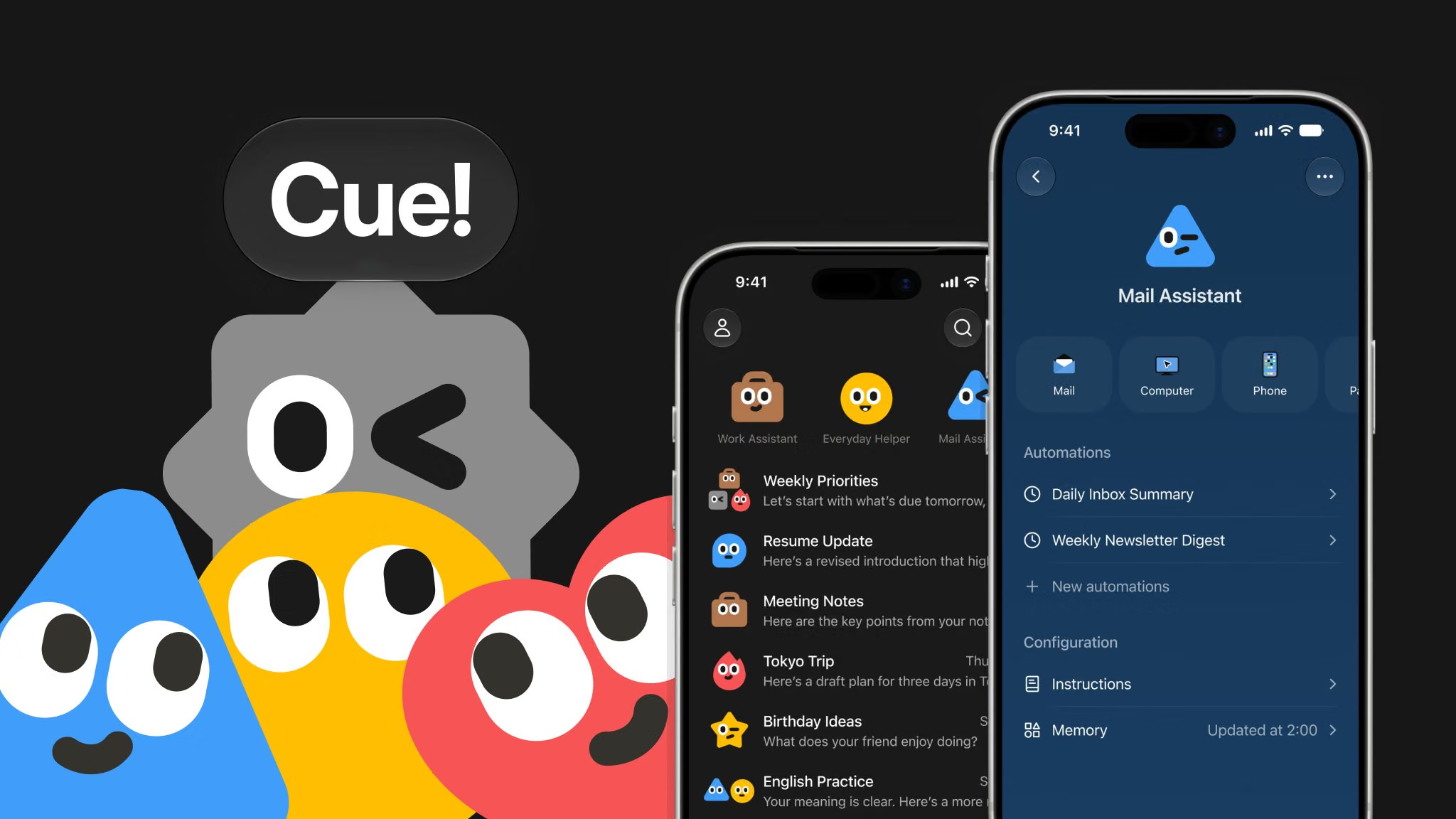
Image credit: @ManusAI on X
Availability and what Manus 2.0 does not establish
Manus says Manus 2.0 is available on the web, desktop and mobile. Its announcement says the iOS version was in App Store review and would be available soon, so that statement should not be treated as confirmation of general iOS availability at the time of the announcement. The desktop download page lists macOS with Apple Silicon and Windows downloads.
The announcement says Cue is available on the web, desktop and mobile, with iOS coming after App Store review. It describes Cue as early access and says the invite code MEETCUE was intended for the first 1,000 people. Availability may therefore differ between Manus 2.0 and Cue, and between platforms.
The supplied Manus pricing page does not provide plan or price information, so this announcement does not support a pricing comparison. It also does not independently establish the reported Cascade gains, the reliability of Automations, the safety of Computer Use, the performance of Cloud Computer servers or the practical limits of Cue’s agents.
The clearest way to understand Manus 2.0 is as a connected product and infrastructure announcement: the broader redesign introduces Cascade as its reported agent foundation, Studio as the hands-on creation workspace, Automations and Cloud Computer for persistent work, Computer Use for authorised computer tasks, and Cue for personal agents.


0 comments
No approved comments yet. You can start the conversation.
Leave a comment