
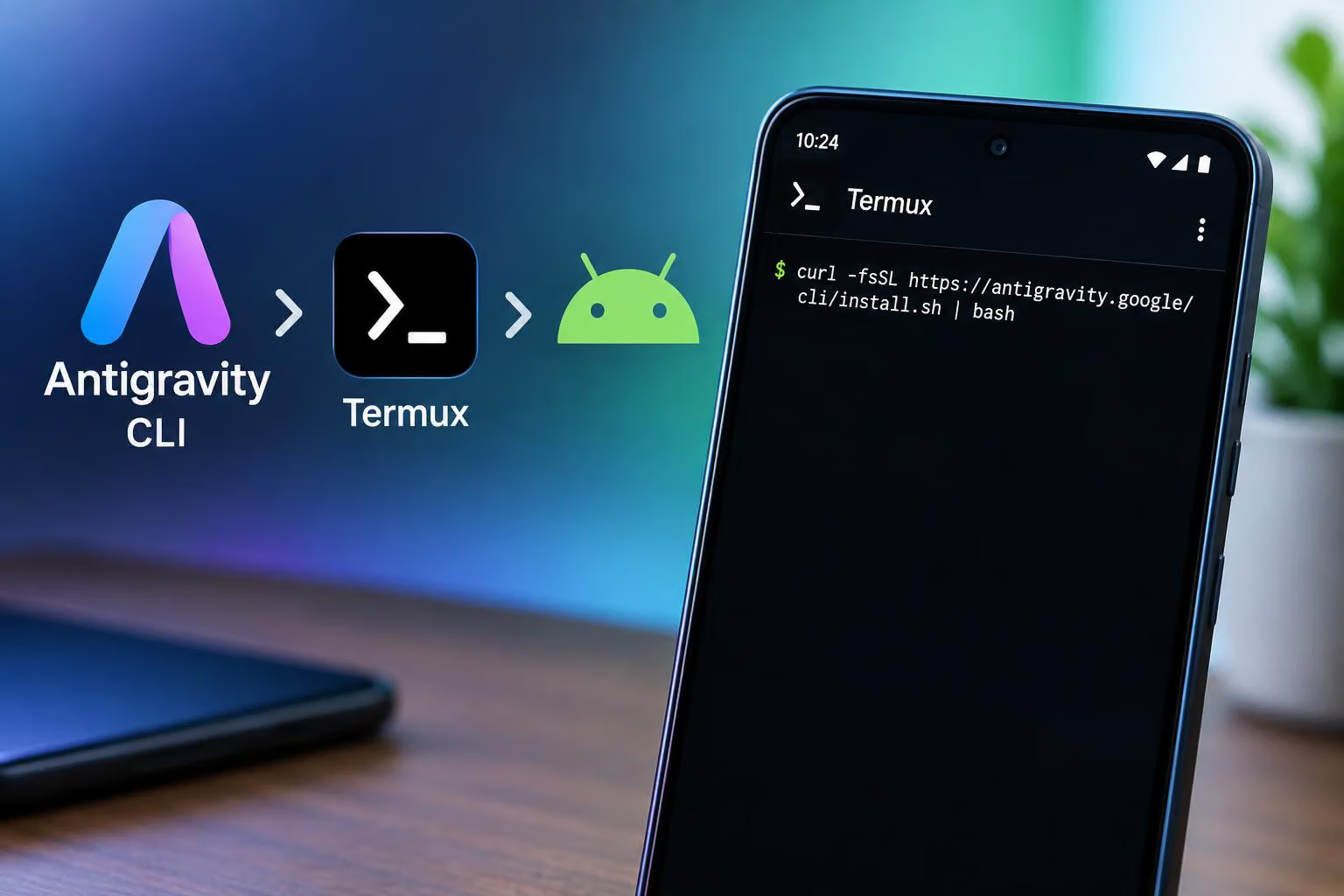
An X post reports that Antigravity CLI is now available natively on Android through Termux, an Android terminal environment. The post also provides an installation command, but the supplied evidence does not independently confirm that the release is official, safe or compatible with Android devices generally.
In a post on X, @thtbee_ says users can install Termux and run the following command:
curl -fsSL https://antigravity.google/cli/install.sh | bashThe command is reproduced as reported, not as a tested installation procedure. The post does not specify the installer's prerequisites, permissions, installation behavior or supported devices. The installer URL is included in the reported command, but the available evidence does not establish whether it is an official, documented release path or what it changes beyond the command shown.
What the Android report says
The post describes the Android version as native and contrasts it with an unofficial patched binary mentioned in a reply. That distinction matters: the thread reports a difference between the two implementations, but it does not provide release documentation or official confirmation establishing how the native version was produced or supported.
The source also does not explain whether users need a particular Termux distribution, additional packages, a specific Android version or account access. It gives no uninstall instructions or troubleshooting steps, so the report is better understood as a limited availability update than as a complete installation guide.
What the screenshot shows
The attached screenshot visibly shows a terminal interface labelled “Antigravity CLI 1.2.15.” It also displays a partially obscured account line, “Google AI Pro,” “Gemini 3.8 Flash (High),” and an active prompt asking for Gemini 4 Argon to be made publicly accessible. These are observations from the supplied image, not independently verified details about the software, account or model access.
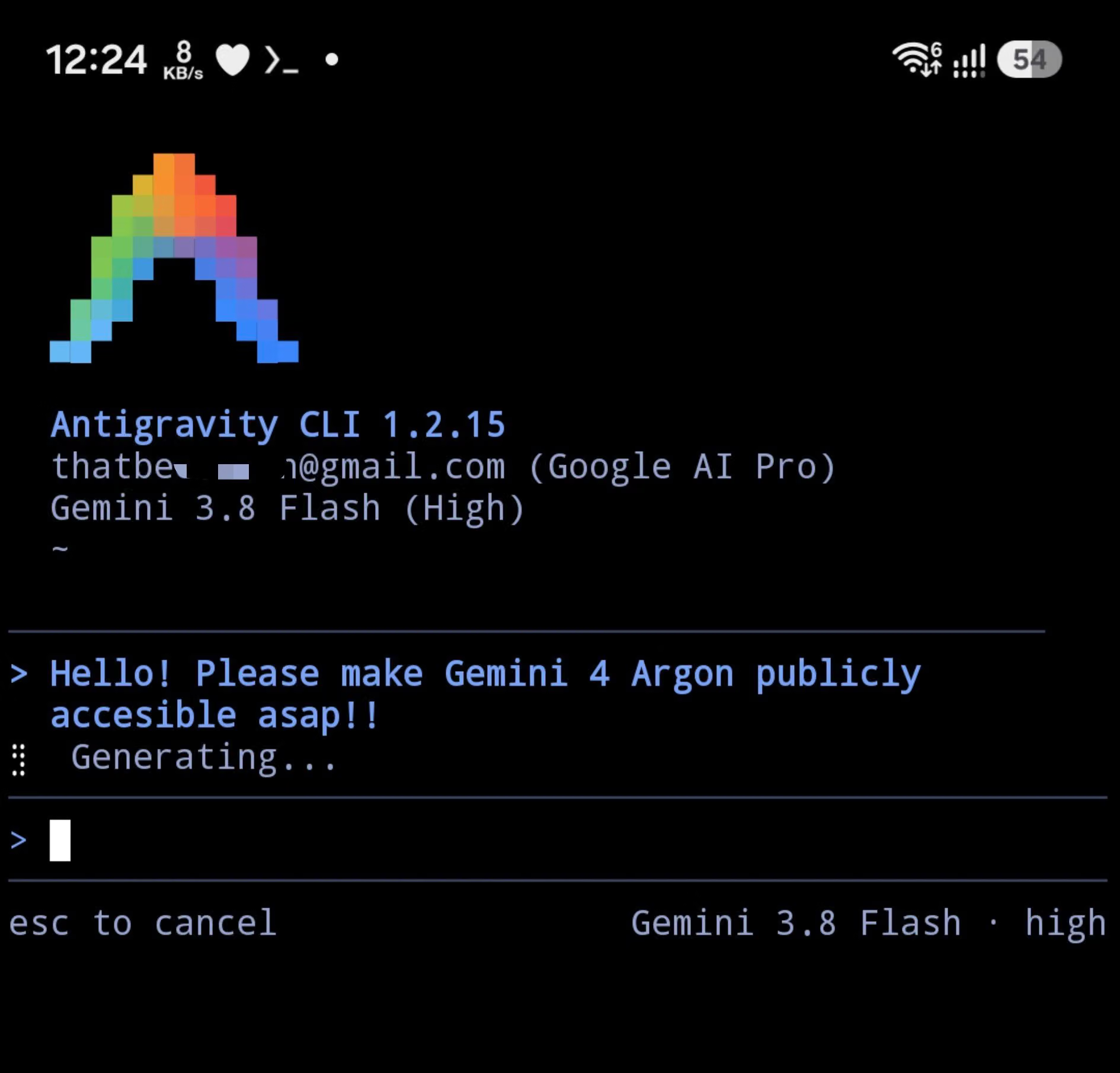
Image credit: @thtbee_ on X
A screenshot can show that the pictured terminal session displayed this information, but it does not establish that the command works across Android devices or that the software is officially supported. It also does not verify the broader model and account details visible in the interface.
What Android users should take from the report
The supplied source supports one narrow conclusion: a post on X reports native Antigravity CLI availability on Android and points users to a Termux-based installation command. It does not establish successful installation, general compatibility, official endorsement or the safety of piping a remotely fetched script directly into Bash.
Anyone evaluating the report should wait for readable installation documentation or independent testing before treating the command as a confirmed, generally supported Android installation path. The available evidence does not answer what the installer changes, what permissions it needs or how to recover if the installation fails.


0 comments
No approved comments yet. You can start the conversation.
Leave a comment