
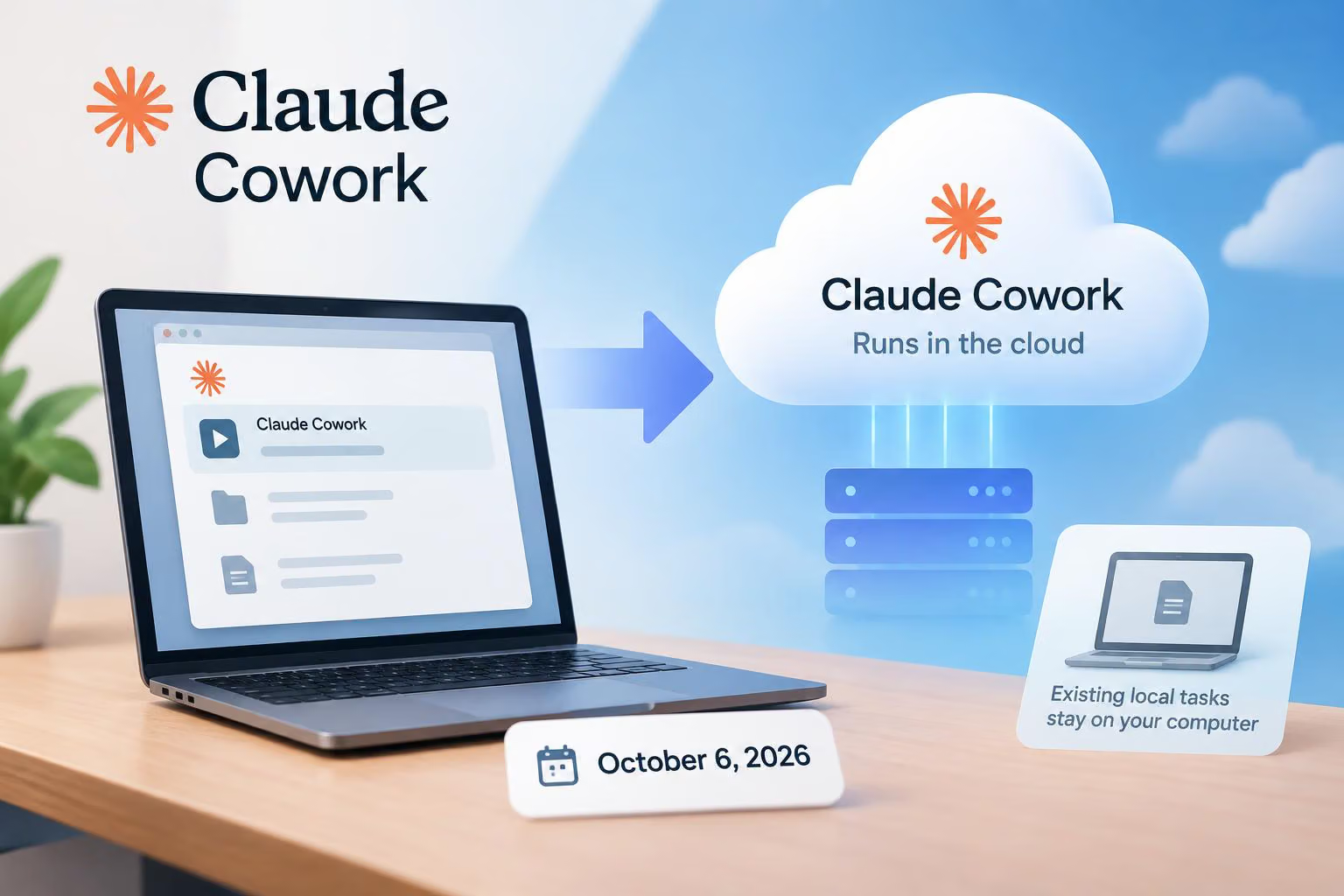
Anthropic says new Claude Cowork tasks for Pro and Max users will run in the cloud from October 6, 2026, while tasks already started on a computer will remain there. In a post on X, @hqmank pointed to the change and Anthropic’s support documentation. The move removes the “Only on your computer” option from Claude’s settings, but it does not immediately convert existing local tasks or move users’ folders off their computers.
What changes on October 6, 2026
Anthropic’s Claude Support article says that new Cowork tasks on Pro and Max plans will run in the cloud on October 6, 2026. The Only on your computer option in Settings > General will be removed, and Anthropic says users will not need to configure anything for the change.
A cloud task runs its agent loop and code execution on Anthropic-managed servers rather than directly on the user’s computer. Anthropic’s architecture overview describes each cloud session as running in an isolated, temporary sandbox. The support documentation says sessions and files are saved to the user’s Claude account, allowing cloud sessions to be opened across desktop, web, and mobile.
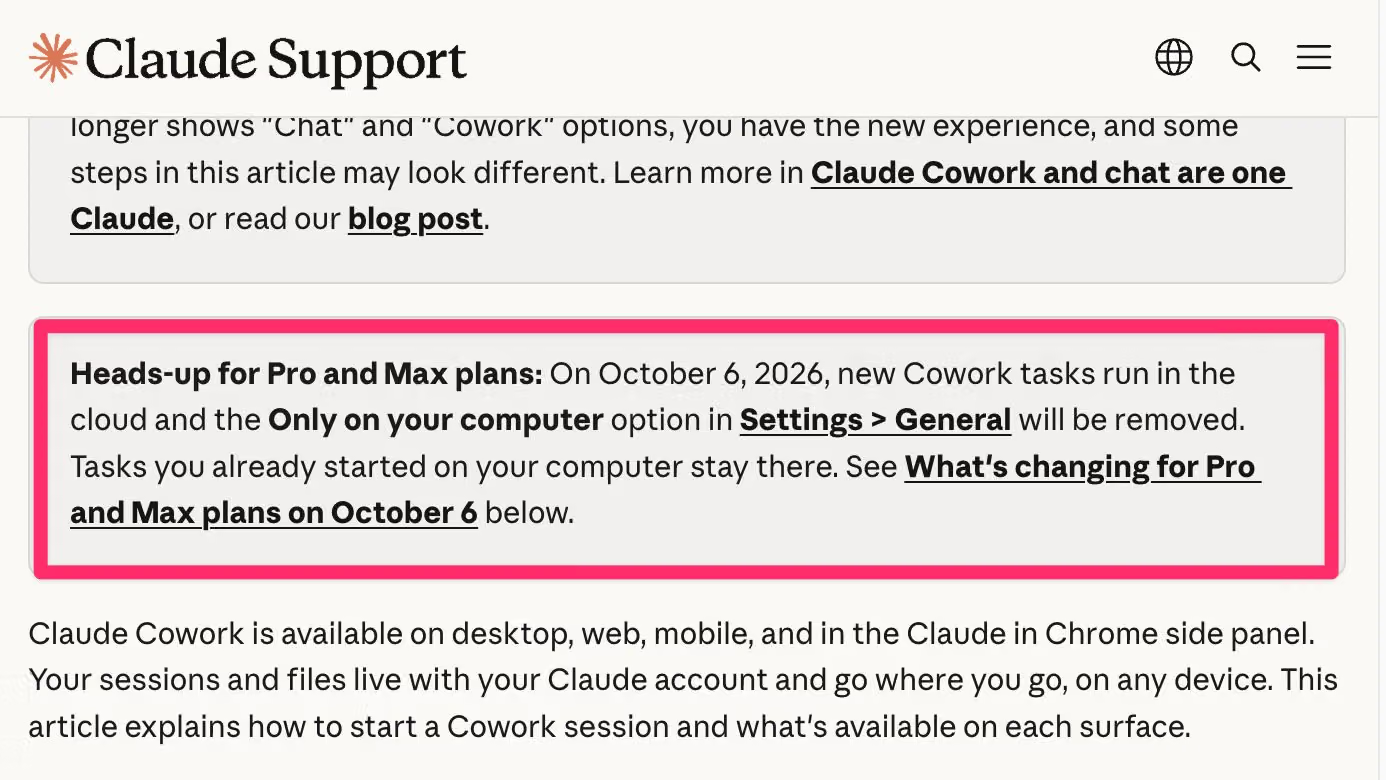
Image credit: @hqmank on X
The practical benefit is that cloud work can continue after a user closes a laptop, and scheduled tasks can run without the computer remaining online. Users can start or resume a session on another supported surface, review its progress, answer questions, or redirect it from there.
What happens to existing local tasks
Tasks already started on a computer remain there. Users can continue working on those tasks until they are finished, according to Anthropic’s support page. Each existing local task will show a note with an option to download its transcript, which Anthropic says can help users continue the work in Claude Code.
This is a transition between execution modes rather than an automatic conversion of every task. New Pro and Max Cowork tasks will use the cloud after the stated date, while tasks that were already running locally retain their local execution.
Anthropic’s separate documentation says the broader Claude experience is rolling out gradually, so accounts on the same plan may see the surrounding Chat-and-Cowork changes at different times. That rollout information does not change the October 6 date stated in the Cowork support notice.
Where local files remain
Users’ folders stay on their computers. A cloud session can access only folders that the user has connected through the Claude Desktop app, and the app must remain open for that connection to work.
When a cloud task needs a local file, Claude fetches a copy of that file rather than continuously mirroring every local folder. Anthropic says that copies fetched for a session are deleted when the session is deleted, subject to its data-retention practices. Whether conversations are used to improve Claude follows the Help improve our AI models setting in Settings > Privacy.
The architecture documentation adds that local-file requests travel through the Claude Desktop app over an Anthropic-brokered connection. Access is limited to connected folders and checked against the user’s permissions. If the desktop app is offline, the cloud session cannot reach the computer.
Anthropic also describes the cloud environment as separate from its corporate, research, and model-training environments, with stored records scoped to the relevant organization and account. However, the supplied documentation does not specify which Anthropic personnel, if any, can access Pro or Max users’ cloud-stored session data. The account-storage description and sandbox isolation therefore do not, by themselves, answer the question of personnel access.
What still requires the desktop app
Cloud execution does not remove the desktop computer from every workflow. The Claude Desktop app must be open when a cloud session needs capabilities on that computer, including:
Local file access: Claude can read or write only in folders the user has connected.
Local connectors: Connectors and plugins that depend on local MCP servers work through the desktop app.
The built-in browser: A cloud session using the browser built into Claude Desktop needs the desktop app online. A browser-driven task also requires the desktop app to remain open.
Computer use: Claude can click, type, and navigate the computer through the desktop connection.
The Claude in Chrome side panel is a separate case: it can read the browser tab currently open without the desktop app. If Claude is driving a browser as part of a task, however, the desktop app must be open for that computer connection.
If the desktop app closes, the cloud session can keep running, but it cannot reach local files, local connectors, the desktop browser, or the computer until the app is available again. A session started on desktop can also be steered from web or mobile while the desktop app remains open.
What if work must stay on one computer?
Anthropic points users who need execution to remain on one machine toward Claude Code in the desktop app. The support page says Claude Code runs on the computer and keeps folders and history there.
Users can bring previous work over by downloading a task transcript from the notice at the top of an existing local task. Anthropic also says users can download their full Cowork history from the notice in the app and open it in Claude Code. Projects and scheduled tasks do not carry over to Claude Code, however, so moving a transcript is not the same as migrating every Cowork configuration.
The practical choice for Cowork users
Use cloud Cowork when a task can run without an online connection to your computer, or when you want to monitor and continue work across devices. If the work must execute on one machine and keep its folders and history there, Anthropic’s documented alternative is Claude Code in the desktop app.
0 comments
No approved comments yet. You can start the conversation.
Leave a comment