
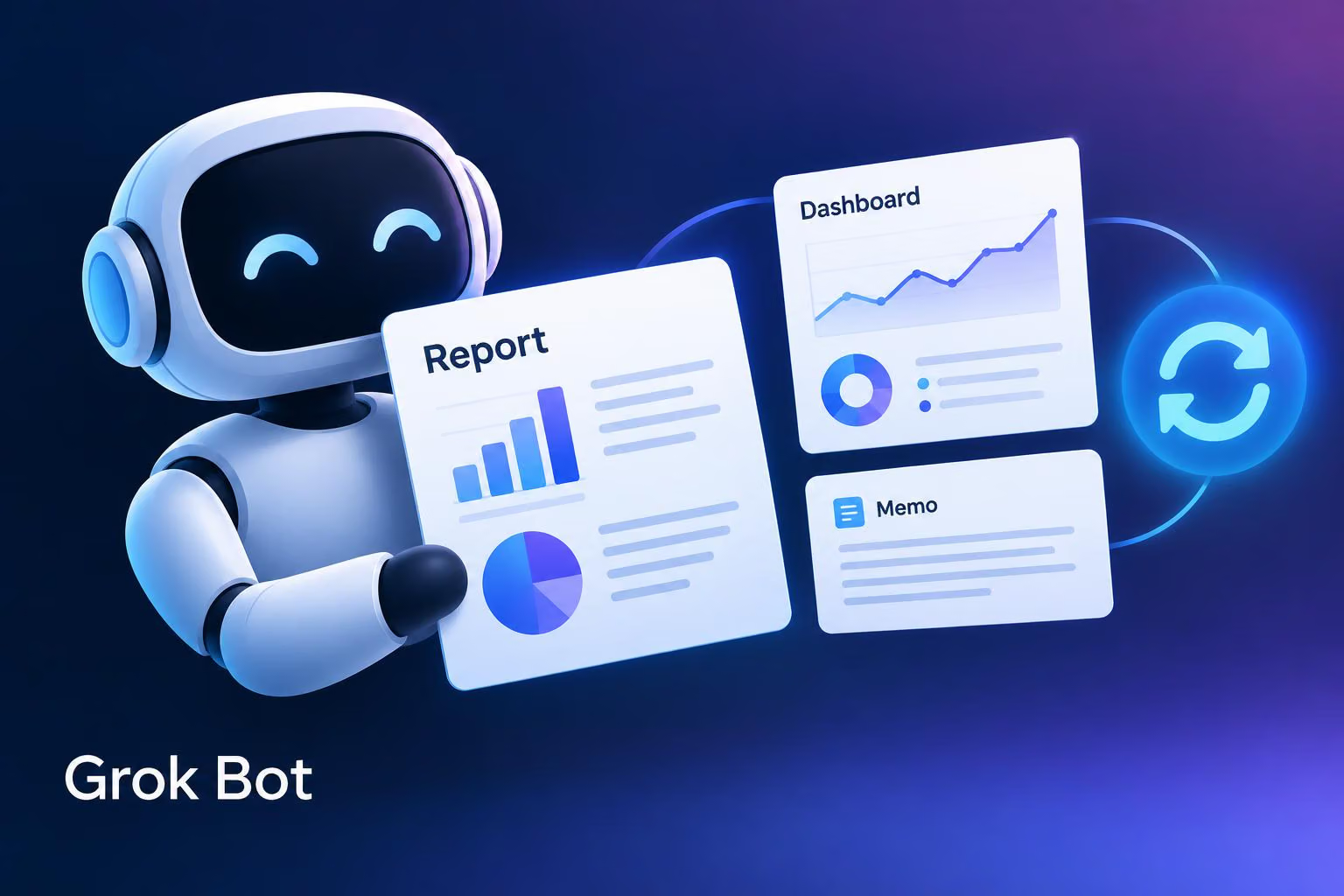
Grok Bot can now build reports, memos and dashboards, and the @bot account on X says users can edit them with the Bot or have it keep them up to date. The announcement, posted on 21 October 2026, describes the new output as a "page", while TestingCatalog's @testingcatalog relayed it as "live artifacts". "Live artifacts" is TestingCatalog's phrase; the practical point is that the Bot can keep pages updated.
What's new
The @bot post reads: "Ask Bot for a page, then edit it together or have Bot keep it up to date." That adds an output type. Until now, the official Files and results docs, last updated on 3 October 2026, described results as cards in the conversation: files, images, links and tool results that you can preview, save or revise. Those docs do not mention pages or dashboards. They do tell users to ask the Bot to revise an existing artifact instead of creating disconnected copies.
The two ideas in the announcement are separate:
Edit together: you and the Bot work on the same page, rather than regenerating a document each time.
Keep it up to date: the Bot maintains the page over time, which is what turns a report into something closer to a living dashboard.
Our read: the second part is why this matters. A memo you can edit is useful, but a dashboard that refreshes itself changes how you would use a Bot day to day.
What it likely runs on
The Grok Bot overview (last updated 7 October 2026) says each Bot works on a persistent cloud computer with a browser, filesystem and terminal, and that work continues while your laptop is closed. It also says a Bot can save a demonstrated path as a skill and rerun it on a schedule. Neither the docs nor the announcement ties these features to pages, so treat the connection as our inference: an always-on computer and scheduled skills are the obvious machinery for a page that updates without you present.
How to get Grok Bot
The overview page says Grok Bot runs on macOS, Windows, Linux, iOS and Android. It is included with every paid individual Cursor plan and with the Cursor Teams plan. You can also link an individual SuperGrok, SuperGrok Plus or SuperGrok Heavy subscription. Usage resets weekly.
That describes access to Grok Bot in general. The announcement does not say whether pages are available on every one of those plans, and it does not give refresh frequency, usage cost or who can view a page.
Who should care
Our view: this is most relevant if you already use Grok Bot for recurring work such as weekly status summaries, pipeline reviews or monitoring, and currently re-request the output each time. A page that the Bot maintains could replace that routine. If you are only considering the product, the practical step is to check the docs for a pages section as it appears before building a workflow around it.
0 comments
No approved comments yet. You can start the conversation.
Leave a comment