
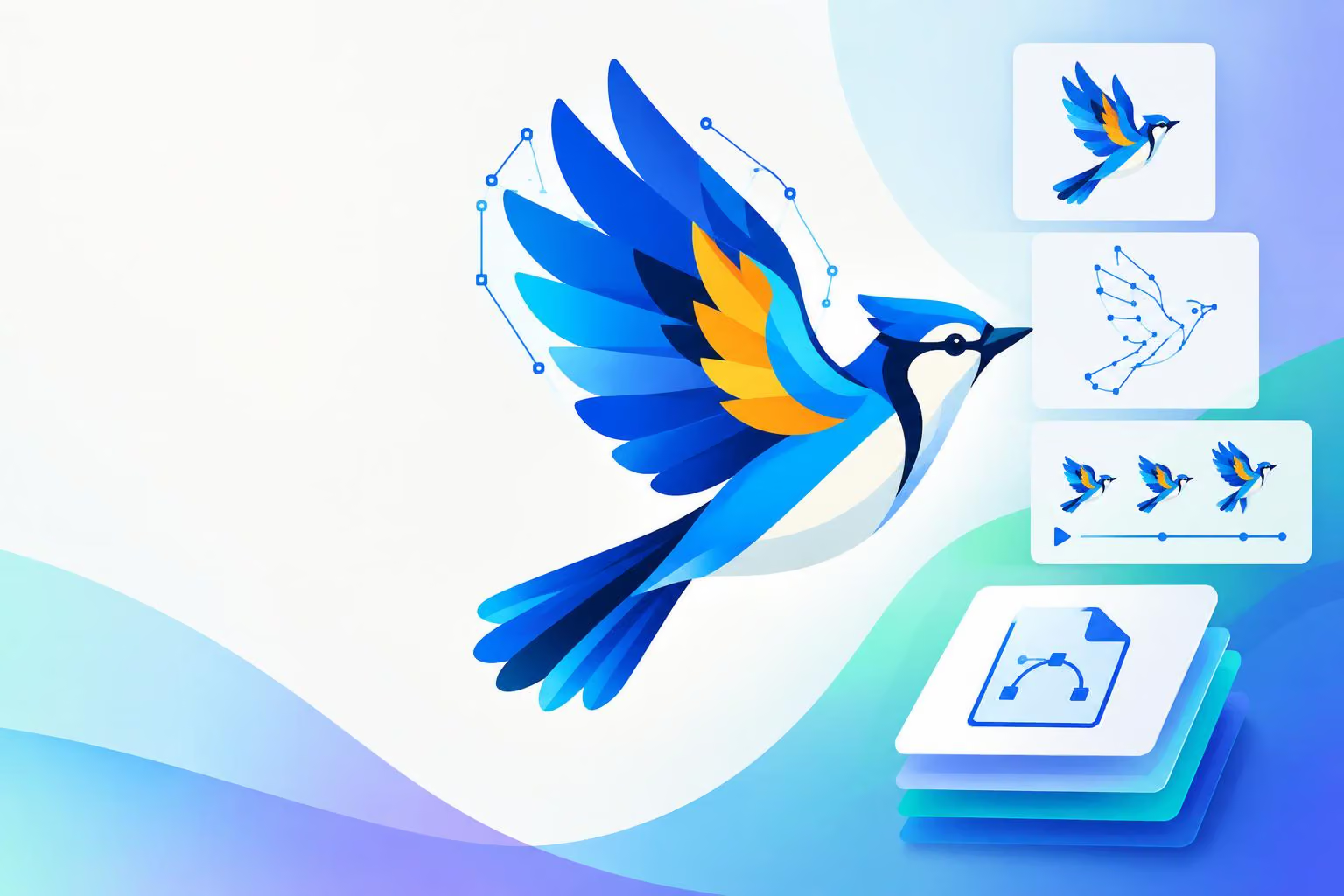
QuiverAI is introducing Arrow 2.0, a new generation of models for creating precise, editable vector graphics. In a post on X, @QuiverAI describes the release as faster and higher quality for animation, vectorization and asset creation, while also introducing Arrow 2 Telos for more demanding creative work.
QuiverAI says Arrow 2.0 is available through its App and API. The company’s announcement describes a workflow that starts with a creative brief and produces an SVG—an image format whose shapes and paths can be edited and scaled rather than treated as a single raster image.
What Arrow 2.0 is designed to create
The model is aimed at several types of structured visual work:
Illustrations: It can create variations from a reference while retaining elements such as the palette, shape language and overall graphic treatment.
Illustrative diagrams: The announcement shows a diagram workflow in which selected information, such as targeted muscle groups, receives emphasis while surrounding anatomy remains clear.
Technical drawings: QuiverAI highlights line work and design concepts that need details such as seams, closures and panel construction to remain consistent across variations.
Vectorized artwork: Arrow 2.0 can turn raster images into editable SVGs that teams can refine, scale and reuse across products or brand assets.
Micro animations: It can add motion to static SVG assets for uses such as logo reveals, loading states, motion graphics, product illustrations and animated icons.
These examples point to a workflow focused on reusable design assets rather than images intended only for viewing. The company says the animation feature works with the shapes and groups already present in an SVG, making it suited to flat, structured artwork and interface motion.
Generation and editing in one workspace
QuiverAI’s new App brings generation and editing together in a single workspace. Users can describe what they want, iterate through conversation and apply precise adjustments on the canvas. The resulting creation remains an editable SVG that can be used outside the App.
That distinction matters for design teams. A generated asset can be adjusted after creation instead of requiring the team to regenerate the entire image whenever one element changes. For example, QuiverAI's interface image shows a user asking Arrow 2.0 to delete clouds from a generated illustration, while a selected shape is adjusted directly on the canvas. The image demonstrates the intended interaction, but it does not establish how the feature performs across other designs.
The underlying approach is also part of QuiverAI’s positioning. In its Arrow 2.0 announcement, the company says vectors should be intentionally crafted through code. It links the model’s output to cleaner geometry, including fewer and more precise control points, as well as stronger spacing, padding and alignment decisions. Those are design-quality descriptions from QuiverAI, not independent benchmark results.
Arrow 2.0 and Arrow 2 Telos
QuiverAI is introducing Arrow 2 Telos alongside Arrow 2.0. The company describes Telos as combining Arrow’s infrastructure, taste and speed with the refinement capabilities of frontier models. It is intended for teams exploring complex styles, compositions and requirements.
The practical distinction in QuiverAI’s announcement is straightforward:
Model | Intended priority |
|---|---|
Arrow 2.0 | Faster generation and lower cost per asset, according to QuiverAI |
Arrow 2 Telos | More demanding briefs that benefit from additional refinement, according to QuiverAI |
QuiverAI hasn't published benchmark figures, pricing or a measured quality comparison between the two models. It also does not confirm broad availability for Arrow 2 Telos, so teams should treat the distinction as QuiverAI’s stated positioning rather than a verified performance test.
App and API access
QuiverAI says Arrow 2.0 is available now through its App and API. The company has also introduced a developer platform for Arrow integrations, with controls for API credentials, usage and billing in one place. There's no API documentation, usage limits or pricing yet.
For designers, the main change is the combination of conversational generation, canvas-based editing and editable SVG output. For developers and teams building automated workflows, the API provides a route to integrate Arrow, though QuiverAI hasn't published the technical details yet. The result is a release positioned around turning a visual brief into a reusable vector asset, then refining or animating that asset as the project develops.

0 comments
No approved comments yet. You can start the conversation.
Leave a comment