
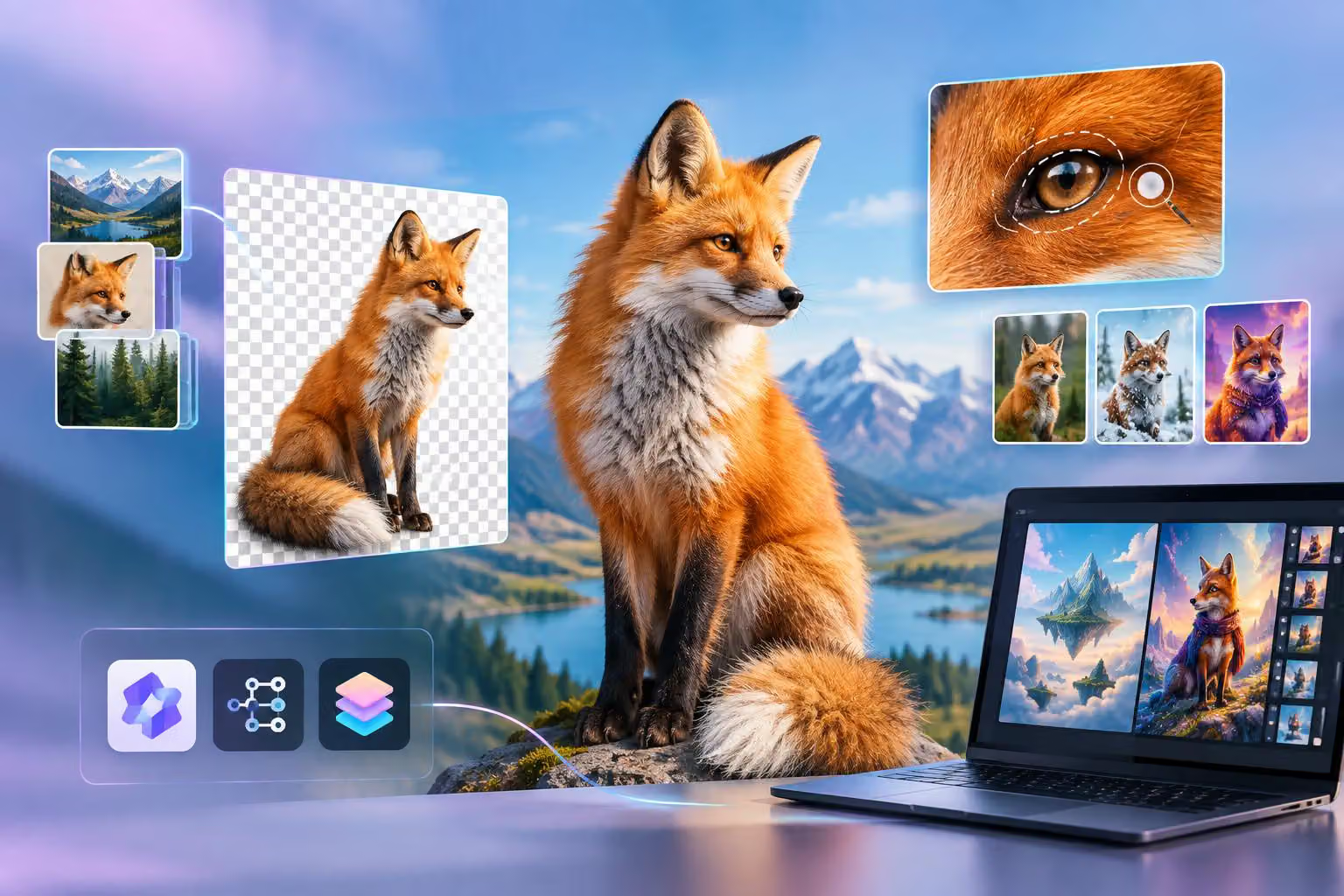
Qwen-Image-2.1 is an open-weight model for both text-to-image generation and image editing, Alibaba Qwen says in a post on X from @Alibaba_Qwen. Its documented feature set combines transparent RGBA output, image-conditioned editing, multiple reference images, local edit controls, and integrations for tools such as Diffusers and ComfyUI.
The release is aimed at developers and image creators who want to run or integrate an image model rather than use only a hosted interface. The documentation describes a 7-billion-parameter visual-generation component, native 2K output support, prompt-rewriting checkpoints, and several serving and acceleration options. No independent performance, latency, memory, cost, or quality results are established here.
What Qwen-Image-2.1 includes
The model uses one pipeline for two related jobs:
Text-to-image generation: creating an image from a written prompt.
Image-conditioned generation and editing: using one or more input images together with an instruction to create or modify the result.
The GitHub README describes the visual-generation component as a 7B single-stream DiT, or diffusion transformer. A diffusion transformer is a neural network architecture used to progressively turn a noisy representation into an image. The README also lists a Qwen3-VL 8B text-and-vision encoder and a 64-channel RGBA autoencoder among the model’s components.
The release describes mixed-granularity attention and prefix key-value caching as part of its efficiency design. Prefix caching reuses encoded text and image conditions across denoising steps instead of recomputing the same context each time.
Weights are listed on Hugging Face and ModelScope. The model card identifies the license as the Qwen Research License Agreement, whose terms determine whether the model fits a particular commercial or research workflow.
Generation and editing in one workflow
For ordinary generation, the documented example asks the model to create a neon shop sign reading “QWEN IMAGE 2.1.” For editing, the example supplies an image and asks the model to change its background to a sunset beach.
That combination can reduce the need to maintain separate generation and editing pipelines in an application. A creator might begin with a text prompt, then pass the resulting image or another input image back through the same model for changes. The documentation does not guarantee that every edit will preserve the original subject or composition exactly, so those results would need to be evaluated for the intended use.
The release also highlights panoramas, infographics, virtual try-ons, portraits, text rendering, and storyboards. These are documented showcase categories and intended use cases, not guarantees for every subject or prompt.
Transparent images and RGBA output
Qwen-Image-2.1 supports native transparent image generation and editing, according to the release documentation. RGBA means red, green, blue, and alpha: the alpha channel stores how transparent or opaque each pixel is.
This matters for workflows that need an asset without a rectangular background. Examples include stickers, product cutouts, interface assets, and compositing, where an image is placed over another background. The README recommends explicitly telling the model that the requested result is an RGBA image with an alpha channel and a transparent background.
The documentation also describes editing transparent layers and extracting subjects from photographs. In practice, creators should inspect the saved file and the transparency channel rather than assuming that a prompt requesting a transparent background always produces a clean cutout.
Multiple references and local edits
The model supports up to 10 reference images for multi-subject composition. The documented examples include a group photograph assembled from individual portrait references and an outfit assembled from several references, including a model, clothing, shoes, a bag, and a hat.
Reference-image workflows can be useful when a prompt needs to combine several known subjects or objects. The release describes identity preservation for people and products as a design goal, but exact fidelity is not guaranteed.
For more targeted changes, the model supports circles, painted annotations, or separate masks. A mask is an image or channel that marks which area should be affected. The announcement’s multi-region example asks the model to remove a metal watch in one circled area, change hair to black in another, and replace clothing in a third area with gray short-sleeved linen pajamas.
This example shows the practical difference between a global instruction and a local edit: the creator can identify separate regions and associate a different operation with each one. The result would still need visual checking, particularly where an edit crosses hair, clothing, hands, or other detailed boundaries.
Resolution, aspect ratios, and prompt rewriting
The README says Qwen-Image-2.1 natively supports 2K resolution and lists recommended sizes for several aspect ratios:
1:1: 2048 × 2048
4:3: 2400 × 1792
3:4: 1792 × 2400
3:2: 2528 × 1696
2:3: 1696 × 2528
16:9: 2752 × 1536
9:16: 1536 × 2752
The listed default is 40 denoising steps, although the appropriate settings will depend on the workflow and available hardware. The README also includes CPU offloading through the Diffusers pipeline for GPUs with limited memory. CPU offloading moves parts of the model between GPU and CPU, which can make a lower-memory setup possible while affecting execution behavior.
Qwen also provides two prompt-rewriting checkpoints: one for text-to-image tasks and one for image editing. Prompt rewriting expands a short instruction into a more detailed description before it is passed to the image model. The documented code supports local Transformers inference and vLLM-based batch or server workflows, and the output can include an aspect-ratio recommendation or an instruction to follow an input image’s ratio.
This can be useful when an application wants to accept short user prompts while giving the image pipeline more structured descriptions. It adds another model component, however, so developers should assess its hardware and operational requirements separately from the image-generation model.
Developer integrations
The documentation lists these ways to run or integrate Qwen-Image-2.1:
Diffusers: The
QwenImage21Pipelinehandles text-to-image generation and image-conditioned generation in one pipeline. The repository includes examples for single-image editing, multiple references, and transparent output.ComfyUI: The project lists native support and compatible weights from
Comfy-Org/Qwen-Image-2.1, along with example workflows for generation and editing.vLLM-Omni: The README describes serving support with prefix caching, step-wise execution, CUDA Graph decode, FP8 quantization, and tensor or Ulysses parallelism.
SGLang-Diffusion: The listed integration supports image generation, multi-image editing, transparent output, memory offloading, and multi-GPU options.
LightX2V: The project lists support for text-to-image generation and image editing, with an emphasis on inference speed and GPU memory efficiency.
The README also provides an offline vLLM example and an OpenAI-style image-generation endpoint for a local server. These examples show documented integration paths rather than tested setup instructions. The available GitHub material does not establish complete hardware compatibility or installation requirements.
What to check before adopting it
Qwen-Image-2.1 is most relevant to teams that want a single open-weight model for generation and editing, especially when their workflow benefits from transparent assets, multiple references, or region-specific changes. Its listed integrations also give developers several ways to experiment, from a Diffusers pipeline to node-based ComfyUI workflows and serving frameworks.
Before adopting it, developers should test the model on their own images and prompts. Important checks include:
whether the available GPU memory and CPU-offloading setup are practical for the chosen resolution;
whether reference subjects remain sufficiently consistent across the required number of images;
whether local masks and annotations affect only the intended regions;
whether text, portraits, transparent edges, and fine product details meet the project’s quality threshold;
whether prompt rewriting improves the application’s inputs enough to justify its additional model component; and
whether the Qwen Research License Agreement permits the planned use.
Qwen-Image-2.1 offers a broad documented feature set, but its suitability depends on the target workflow, hardware, output requirements, and license terms. It should be evaluated against those requirements rather than treated as a guaranteed replacement for other image-generation or editing systems.



0 comments
No approved comments yet. You can start the conversation.
Leave a comment