
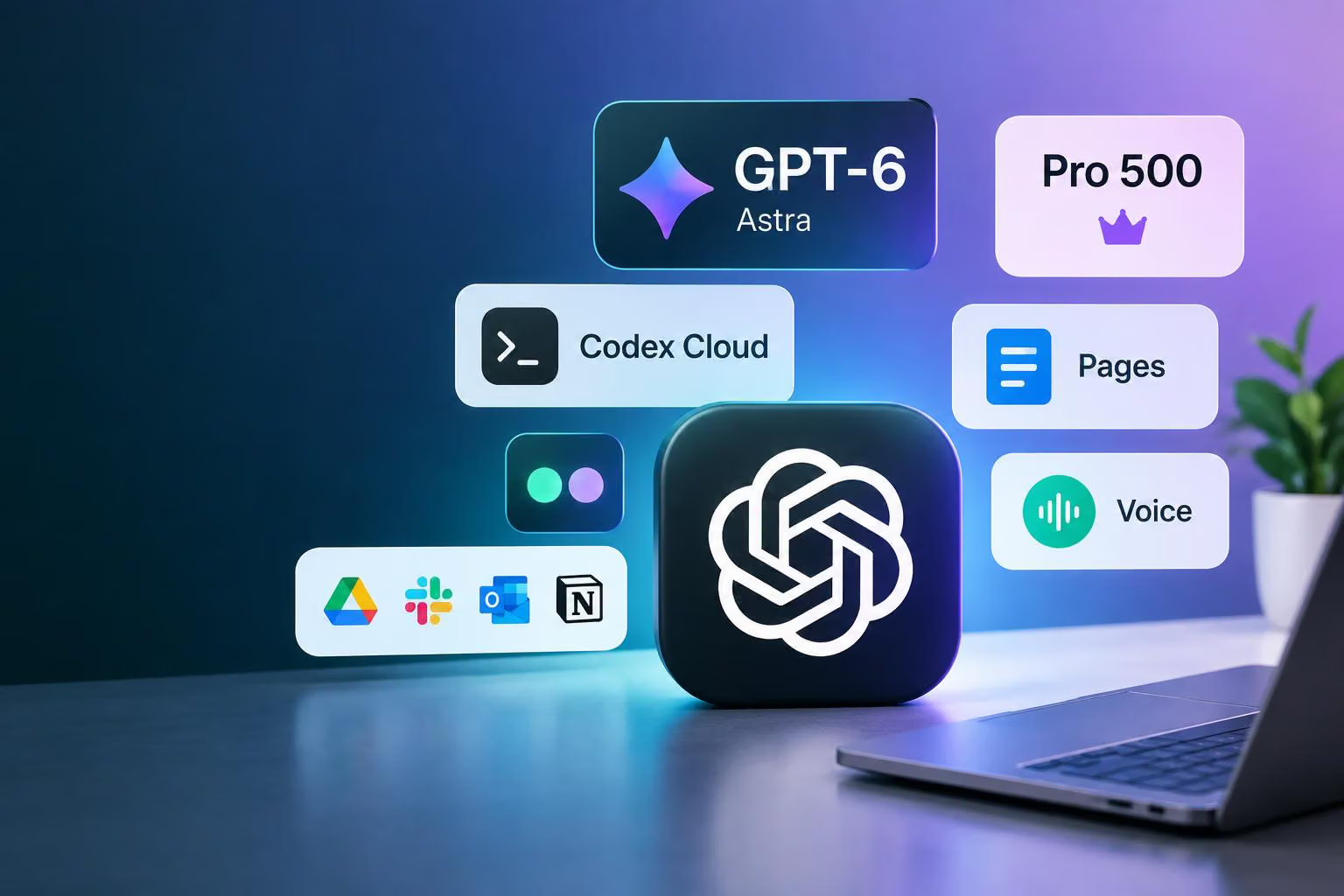
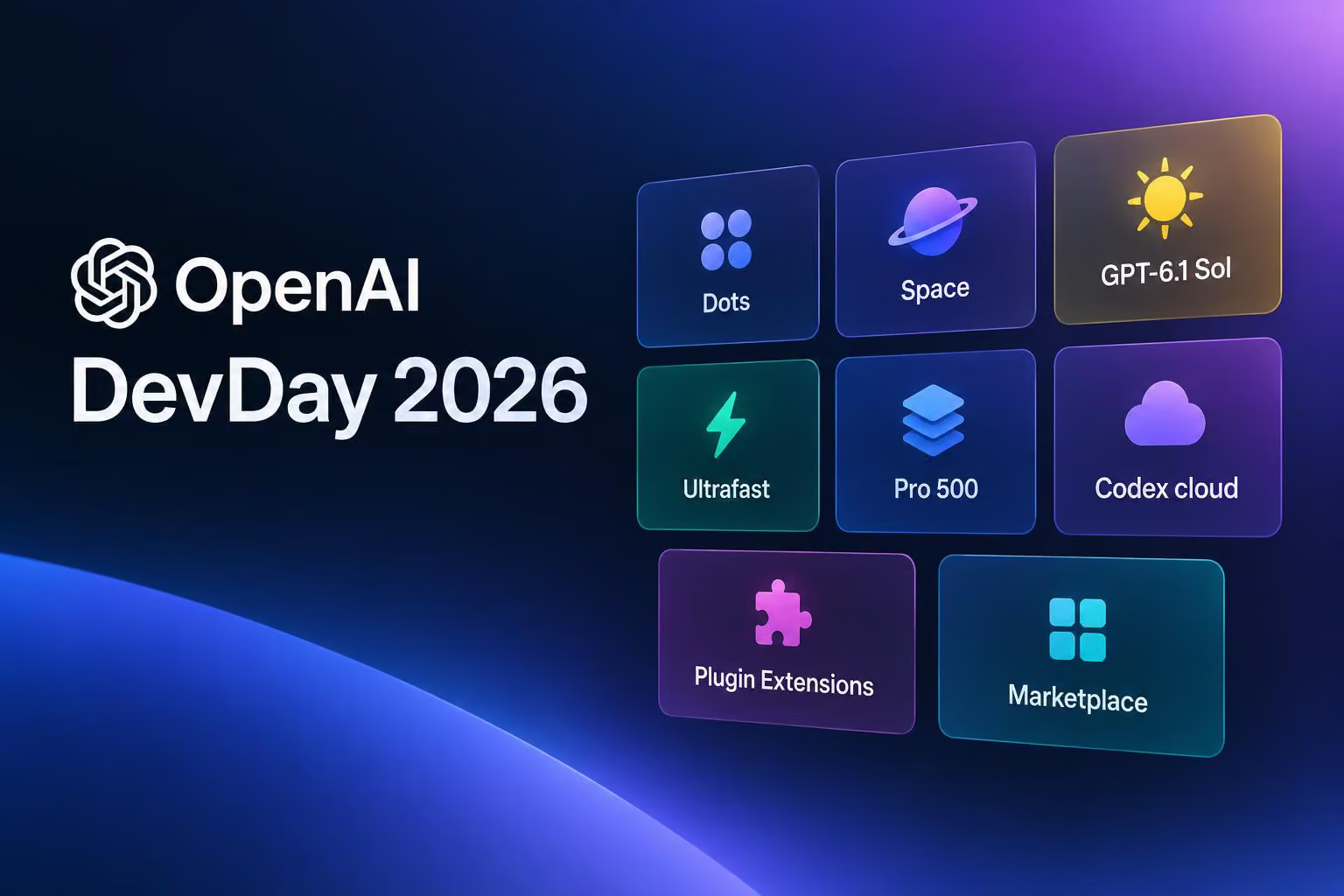
OpenAI Help Center’s September 2026 release notes describe new ChatGPT plans, models, coding tools, collaboration features, connected-app capabilities and personal productivity updates. The changes range from a new $500 Pro tier and GPT-6 models to Pages, always-on dots, Codex Cloud, Voice improvements and expanded file integrations.
Availability varies widely. Some features are limited to particular plans, workspaces, platforms, regions or age groups; others are previews, betas, gradual rollouts or planned migrations. The most useful way to read this month’s changes is by the kind of work you want ChatGPT to do.
Plans, models and ongoing agents
Pro 500 adds faster GPT-6 Astra access
OpenAI introduced Pro 500, a $500-per-month plan with the highest included usage among the Pro plans and access to Astra Ultrafast in ChatGPT Work and Codex. Users can select Ultrafast in the model picker to use a faster service tier for GPT-6 Astra.
Ultrafast uses the plan’s included allowance first and then draws from the user’s credit balance after that allowance is used. It is available only with Pro 500; buying credits on Pro 100 or Pro 200 does not unlock the service tier. Pro 500 subscriptions were available through ChatGPT on the web at launch.
The same release made Pro 200 available again for new subscriptions at $200 per month. OpenAI says included usage allowances are changing for some users and that affected subscribers will receive additional details by email. The monthly price remains $200.
GPT-6.1 Sol and other Work and Codex models
GPT-6.1 Sol is rolling out in ChatGPT Work and Codex. OpenAI describes it as an improvement over GPT-6 Sol for agentic coding, meaning coding tasks carried out with more autonomous assistance, computer use and professional work. The rollout starts with Pro users and expands to Plus, Business, Enterprise and Edu.
Enterprise and Edu workspace owners can control access through workspace permissions and roles. That means an eligible plan alone may not be enough to make the model available to everyone in an organization.
OpenAI also introduced GPT-6 Sol and GPT-6 Luna in ChatGPT Work and Codex on September 22. These models are separate from the models available in Chat. Available models and reasoning-effort options depend on the user’s plan and workspace settings, while Codex desktop keeps the model selected manually.
Dots are always-on agents for eligible users
Dots are described as always-on agents that can continue making progress between conversations. Users give a dot a goal, connect the apps it needs and define what it can do independently. Each dot is powered by GPT-6 Astra and has its own cloud computer, allowing it to return results for review.
The feature is gradually rolling out to eligible Pro and Business Premium users aged 18 and older in supported markets. Pro access excludes the European Economic Area, Switzerland and the United Kingdom at launch. Enterprise access is a beta and is off by default.
Dots can be created in the ChatGPT desktop app or on desktop web. For the first month, usage does not count toward eligible Pro, Business and Enterprise plan allowances. OpenAI says it will share the usage terms for each plan after that period.
Work and collaboration
Pages turn conversations into shared documents
Pages let users turn a conversation into a document, start from a template or begin writing directly in Space. ChatGPT can revise the text, add charts or create interactive content, while collaborators can work on the same Page and leave comments.
Each collaborator uses their own ChatGPT. Pages follow Space’s availability and sharing settings. Sharing a Page does not give other people access to private chats or memory, but information added to the Page is visible to people who can view it.
Space brings project material together
Space is designed to bring Pages, files and related work together around a project. Users can create a space, add the material they need and share it with other people. Space replaces Library for accounts with access, while existing Projects remain separate.
The feature is available to eligible Pro, Business and Enterprise users in the ChatGPT desktop app and on the web. Sharing in managed workspaces follows the organization’s settings, and Enterprise sharing is an opt-in preview.
Sites can be edited and scheduled
Site owners and editors on Plus and Pro can select Edit site from a published Site in a desktop browser, review changes in ChatGPT and publish when ready. Site owners can also create recurring cloud schedules from Automations.
These capabilities are available where Sites is supported, so the feature is not necessarily available in every market or account.
Meetings adds meeting context to ChatGPT
The Meetings plugin can take notes based on what is said in a meeting and save personalized summaries with action items in ChatGPT Space. Users can keep the notes private or share them with a team, then ask ChatGPT to update a project plan or draft a follow-up.
The audio is deleted once the notes are ready and cannot be accessed or replayed. Meetings is available in beta in the ChatGPT desktop app on macOS for Pro and Business users. Enterprise access is planned for later.
Profiles and Sites can be shared publicly
ChatGPT profiles now bring together a user’s bio, activity and selected Sites. Profiles are private by default, but users can make them public and share a link with people signed in to ChatGPT. Shared profiles do not show conversation titles or content.
Profile sharing and the Sites showcase are available on the web and desktop. In Business workspaces, administrators control whether coworkers can view workspace profiles. Enterprise access is planned for later.
Coding and developer workflows
Codex Cloud continues coding tasks across devices
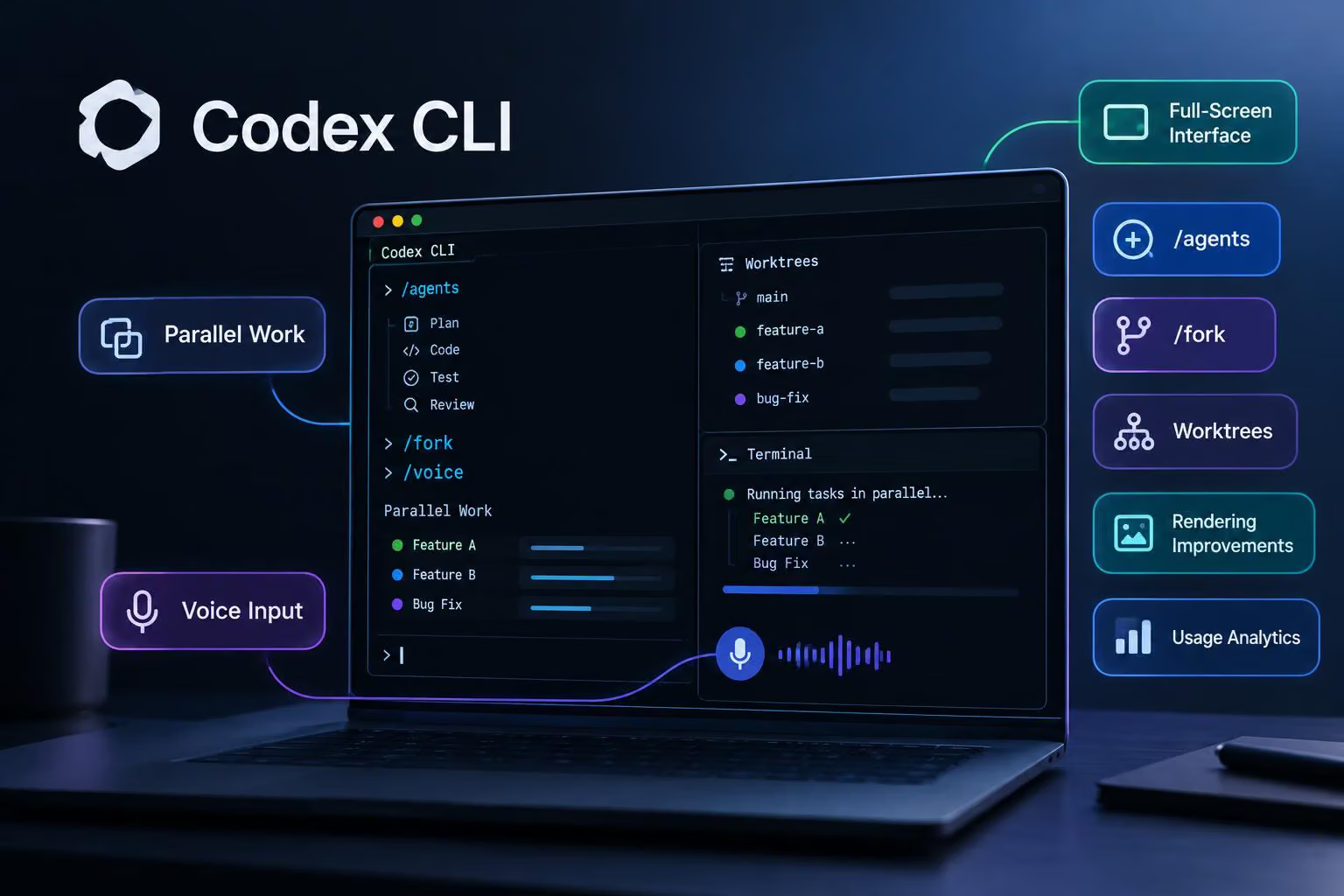
Codex Cloud lets users start or continue coding tasks from desktop, web or mobile. Each task uses an isolated workspace containing the project’s repositories, tools and dependencies, and tasks can continue while the user’s computer is asleep.
In managed workspaces, the organization’s Codex cloud-access settings apply. Connecting repositories and preparing an environment still requires the applicable setup, permissions and plan access.
Code Review can inspect pull requests
The Code Review feature in Codex can read pull-request summaries and diffs, show review findings and discuss changes. A user can open a pull request, inspect its changes and ask Codex to explain a section or help address a potential issue before sending feedback.
Code Review is available through the Code Review plugin on supported desktop and web experiences. Repository access follows the connected account and workspace permissions.
Codex Security Cloud scans repositories
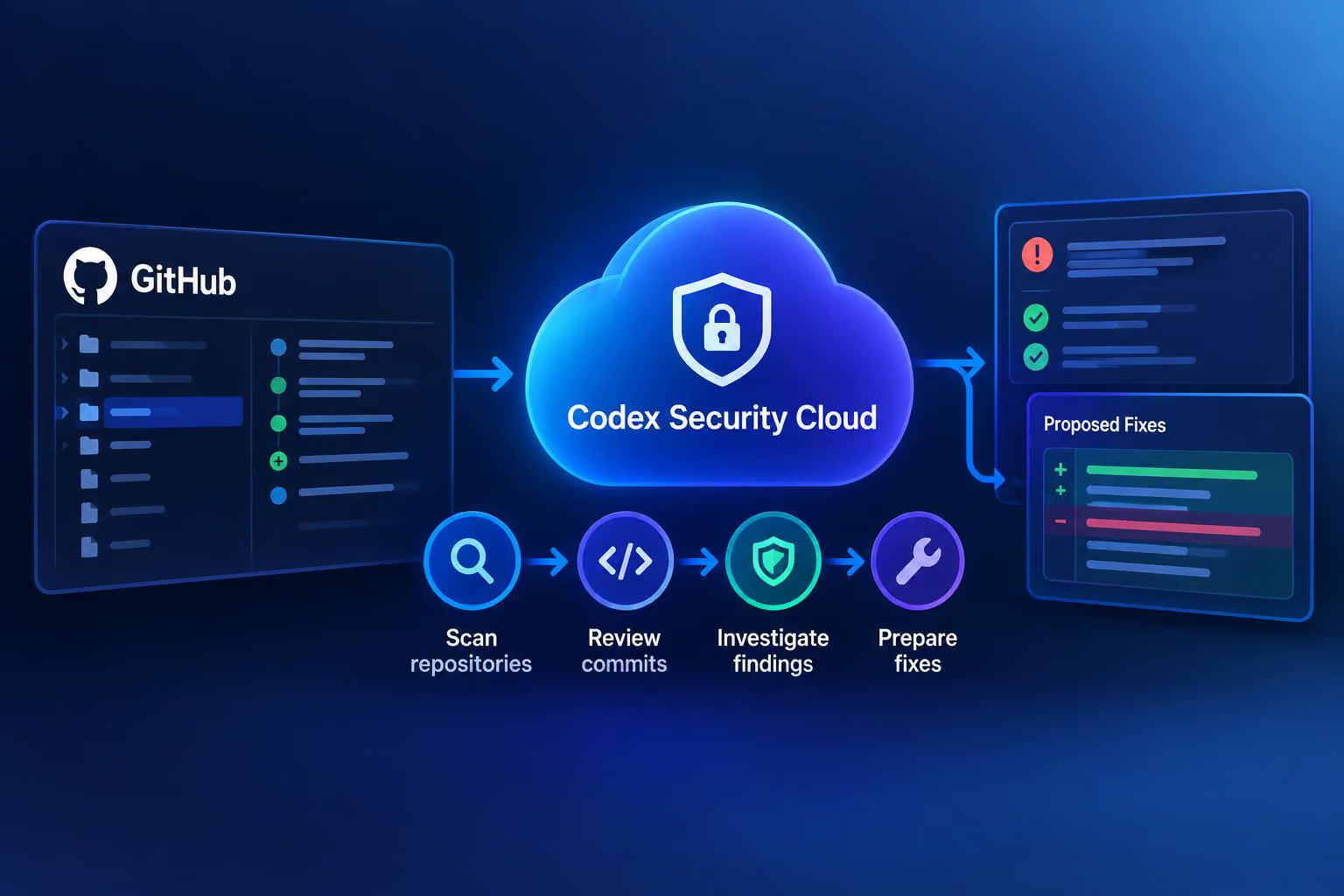
Codex Security Cloud can scan GitHub repositories on demand or on a schedule. Ongoing checks can review new commits, while Codex investigates findings, removes duplicates and prepares proposed fixes for human review.
Scans run in the cloud and can continue after a laptop is closed. Access requires the applicable workspace permissions, repository setup and billing configuration. Existing Codex Security customers must opt in before paid usage. The feature provides access to Daybreak Blue models only within Codex Security Cloud.
Connected apps, files and automations
More file services are available in Library
Box, Dropbox and SharePoint join Google Drive in ChatGPT Library. After connecting an account, users can browse and search available files and folders, add files to a conversation through Add from Library or @mentions and follow citations back to the original source.
Users can keep supported files open beside the conversation while asking ChatGPT to summarize, analyze, compare or create something from them. A selected folder can also provide the working material for a request across multiple files.
The integrations were rolling out to Go, Plus, Pro, Business, Edu, Healthcare and Enterprise users on the web in Chat and Work. Existing file permissions and workspace controls apply, while mobile support is planned to follow. The release notes include overlapping availability descriptions, so the exact account rollout may vary.
Automations can respond to connected-app events
Supported plugins can use MCP events—signals from changes in a connected app—to start an automation when something changes. For example, a user can ask ChatGPT to monitor a channel and prepare a summary when matching information arrives.
The connected account must have access to the event and to any information used by the task. The feature therefore depends on both the integration and the user’s existing permissions.
Participating apps can use a ChatGPT allowance
Eligible Plus and Pro users can authorize participating apps to use their ChatGPT model allowance without creating an API key. Users choose which apps can use the allowance and set an app-specific limit.
This does not add more usage: activity counts toward the existing plan allowance. The capability is a limited preview with participating integrations, and using purchased credits requires a separate opt-in. A partner may still charge for its own product or services.
Plugins gain interactive extensions
Plugins can now include interactive panels, sidebar views and viewers or editors for supported file types. Users can work with an app alongside a conversation, select the information ChatGPT should use or complete a form provided by the plugin.
Applicable account connections and workspace permissions are still required.
Multiple accounts can connect to plugins
Users can connect multiple accounts to plugins, expanding support beyond Gmail, Google Calendar and Google Contacts. This allows personal and work accounts to be used in the same conversation.
The capability is available across web, mobile and desktop on all ChatGPT plans, but each connected service and workspace may impose its own access requirements.
Sign in to participating products with ChatGPT
Sign in with ChatGPT lets users use their ChatGPT account with participating products without creating another password. The product receives the user’s name, email address and profile picture, if one is available.
Signing in does not share ChatGPT conversations or memory. Any additional access requires a separate approval, and sign-in access is distinct from permission to use a ChatGPT plan allowance.
Voice, personal productivity and multimodal features
Voice gains plugin access and updated limits
Live supports plugins on the web, iOS and Android. During a Voice conversation, users can use the plugins and connected apps available to their account while following written responses in the chat.
Voice is also available in Work on the web and mobile. It can create documents, presentations and spreadsheets, use connected apps or work in a browser. When a Voice call ends in Work, an unfinished task can continue in text.
Free and Go users can use Voice with the plugins their plan supports. Voice in Work requires both Voice and Work access, and existing app connections, permissions and usage limits still apply.
ChatGPT Voice can also use GPT-5.6 or GPT-6 Astra when it needs to search or reason through harder questions. Available models and limits depend on the plan. The release notes list these GPT-Live daily limits:
Go: up to three hours with GPT-Live-1 mini.
Plus: up to three hours with GPT-Live-1.
Pro at $100 per month: up to 15 hours with GPT-Live-1.
Pro at $200 per month: unlimited GPT-Live-1 usage.
Plus and Pro no longer switch to GPT-Live mini after reaching a Voice limit, and the separate Instant, Medium and High Voice intelligence levels are deprecated.
ChatGPT for Word joins Microsoft add-ins
ChatGPT is available in Microsoft Word, where it can draft from notes, summarize a document, revise selected text and adjust headings and formatting from the ChatGPT sidebar. Word joins Excel and PowerPoint through the same Microsoft add-in.
The Word add-in is available on all ChatGPT plans, including Free. Plan token limits apply, and Word draws from the shared usage allowance for Codex and other premium features on plans that include it.
Flashcards support interactive study
Users can ask ChatGPT to create flashcards on a topic or turn uploaded notes into a deck. Cards can be flipped, marked as known or returned to later for more practice, and shuffled into a different order.
Flashcards are automatically saved in the library. The feature is available on mobile and web for all ChatGPT plans.
ChatGPT Images 2.5 adds creation and editing options
ChatGPT Images 2.5 adds templates, mobile sketch-to-image creation, image editing and comments. Users can also share the prompt for a generated image so others can create their own version.
OpenAI describes Images 2.5 as offering sharper details, more precise editing and faster generation; the release notes do not provide measurements for those improvements. Some users may also see animated dots and a Snake game while images are generated.
Health, finances and privacy
Health data can receive personalized explanations
In the Health tab, users can select a chart, metric or record to receive personalized explanations and insights based on connected health information.
New Health plugin connections now default to each user’s global plugin-permissions setting. If the user has not changed those settings, the default is “Allow low-risk actions.” Users can change Health permissions in Settings, and sensitive actions may still require additional permission.
Finances adds credit-score tracking in the United States
ChatGPT can now connect to an Experian credit report and VantageScore 3.0 credit score in Finances. The feature can provide personalized insights about factors affecting the score and how it relates to financial goals.
Scores and reports update monthly, while credit monitoring can alert users to changes such as a new inquiry, account or address. The Experian connection is separate from bank-account connections through Plaid.
The feature is rolling out to Plus and Pro users in the United States on the web, iOS and Android. Some eligible users may not see it immediately.
Privacy Center gathers account controls
Privacy Center is rolling out to signed-in Free, Go, Plus and Pro users. It gathers information about chat privacy, memory, personalization, data use, connected apps and account security, with links to the settings that control them.
The available options depend on the plan, region and workspace settings. Privacy controls remain in ChatGPT Settings.
Security history shows recent account activity
Security history lets users review recent sign-ins, sign-outs and changes to multi-factor authentication (MFA), passkeys and other security settings. Events can include time, location and device details, although some details may be approximate or unavailable.
On the web, the feature is available under Settings, Security and login, then Security history.
Changes existing users should track
Several September changes affect how people access existing ChatGPT features rather than adding a standalone capability.
First, OpenAI is retiring automatic switching from Instant to Thinking for Plus and Pro users globally. Users can still select an available reasoning option in the model picker, and ChatGPT may continue to switch automatically for safety purposes. The Higher intelligence setting is also being removed from the web for those plans.
Second, OpenAI says it plans to retire custom GPTs across ChatGPT plans and provide a migration path to plugins. Existing GPTs can continue to be used until the retirement date that applies to the account, subject to permissions. Users who rely on custom GPTs should identify their creators and collaborators, then test migrated plugins and review their sharing settings when migration becomes available.
Third, Library sharing now supports files and folders. Users can invite specific people as viewers or editors, share content across a workspace and manage access from the sharing dialog. Files uploaded to a shared folder belong to the folder owner, even though the original uploader remains recorded. If access is later removed, the uploader loses access to the file.
What to check before assuming an update is available
The September release notes show that a ChatGPT feature’s name is not enough to determine access. Check these factors for each update:
Plan: Pro 500, Pro 200, Plus, Business, Enterprise, Edu, Healthcare, Go and Free do not receive identical features or allowances.
Workspace: Enterprise and managed-workspace administrators can control model, plugin, sharing and Codex permissions.
Platform: Some features are web-only, desktop-only, mobile-only or limited to a desktop browser. Meetings, for example, is currently described as a macOS desktop beta.
Region: Dots exclude the European Economic Area, Switzerland and the UK for Pro access at launch, while Finances credit-score tracking is limited to eligible U.S. users.
Age: Dots are limited to eligible users aged 18 and older.
Rollout status: A feature may be rolling out gradually, available as a preview or beta, or planned for a later date.
Connected permissions: Files, repositories, plugins and automations depend on the relevant connected-account or workspace permissions.
Usage allowances: Voice, Word and participating connected apps can use existing plan limits; check the applicable plan details for other features.
Taken together, September’s changes point toward a ChatGPT that is increasingly organized around persistent workspaces, connected services and tasks that can continue beyond a single conversation. But access remains highly conditional. The practical next step is to check the relevant plan, platform, workspace settings and connected-account permissions instead of assuming that an announced feature is already active for every user.
0 comments
No approved comments yet. You can start the conversation.
Leave a comment