
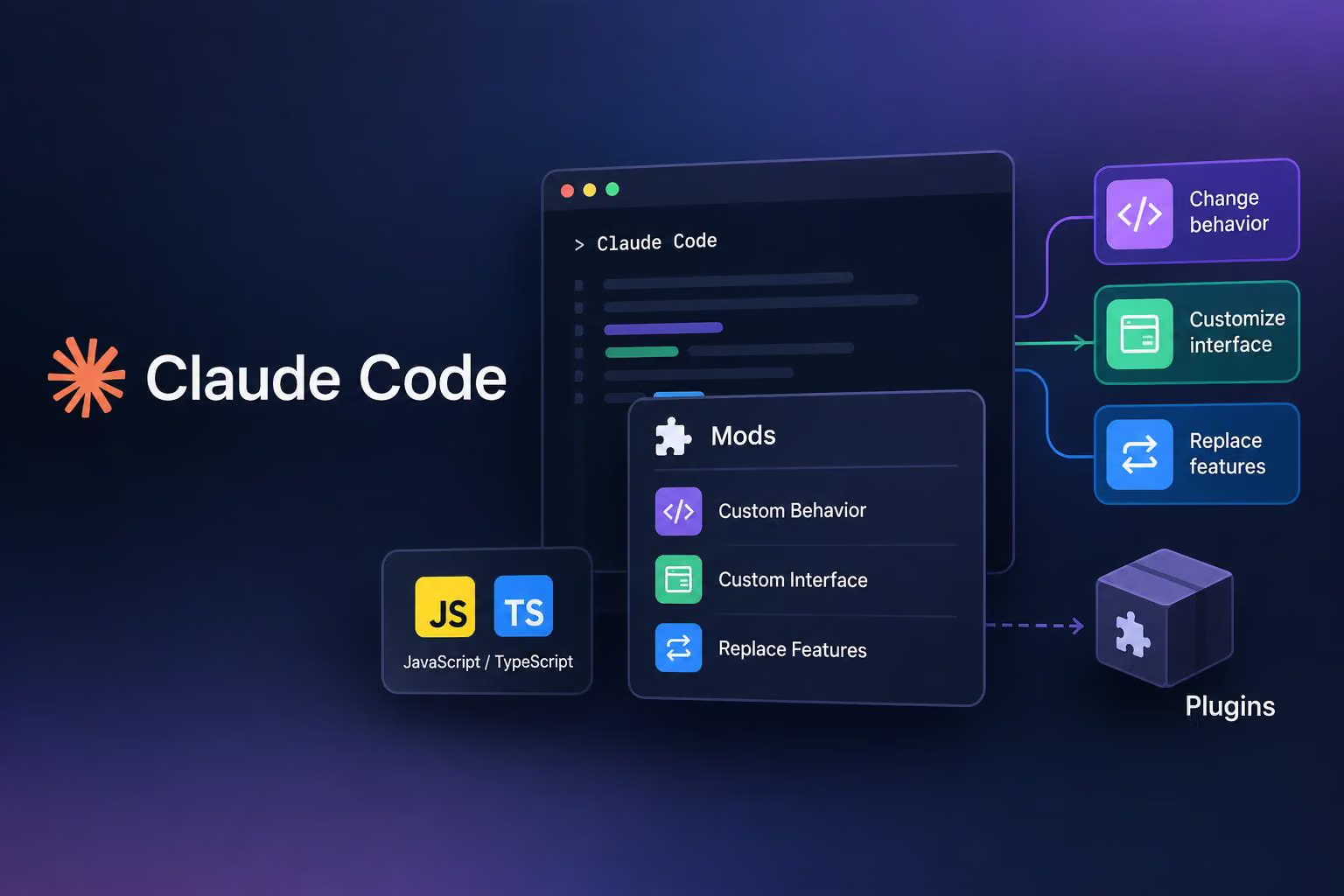
Anthropic has introduced Claude Code mods: small JavaScript or TypeScript modules that can change the coding tool’s behavior, customize its interface or replace built-in features. In a post on X, @ClaudeDevs says users can write a mod themselves or ask Claude Code to build one. Mods ship inside plugins—the packages users install and share—and work in the command-line interface (CLI) and desktop app.
The distinction is that mods can do more than add a command or display a status line. According to Anthropic’s announcement, they can rewrite prompts, intercept tool calls and replace parts of the interface. That flexibility comes with a trust requirement: mods have the same access to your machine as Claude Code itself.
How mods go beyond settings hooks
An event is something Claude Code emits when it performs an action, such as calling a tool, finishing a turn or drawing part of the screen. A hook is code that responds to that event.
The getting-started guide explains that existing settings hooks run a shell command for each event, exchanging JSON through standard input and output. A mod instead loads once and stays in the session. It can keep state, update the interface, open a pane, run a process, register a slash command or register a tool the model can call.
Mod hooks form a chain. Calling next(e) passes the event to other plugins and then to Claude Code’s normal behavior. A hook can:
Observe: let the action happen, then inspect its result—for example, recording a file edit.
Rewrite: pass a changed event onward, such as a modified command.
Answer instead: return its own response without continuing the chain, including denying a tool call.
Anthropic says mods can also approve or deny permission requests and redact secrets from tool output before Claude reads it. When multiple mods handle the same event, their load order matters: the first loaded sees the event first and the result last.
This is also a way to replace existing functionality. Anthropic says /diff now ships as a mod that users can disable through /plugin or replace. AGENTS.md support is another feature built with mods. Moving more built-in features to mods is a plan, not a completed migration.
Monitoring context and reviewing edits
Two announced examples make a coding session easier to inspect, but they answer different questions.
Token Weather shows how full the context window is and adds a sparkline—a compact chart—of the last 12 turns. The context window is the amount of input available to the model for a response, measured in tokens: the small units into which text is divided for model processing. The guide’s version places a one-line readout above the prompt, showing a weather label, usage percentage, tokens used versus the window size, and the change since the previous turn.
Its labels move from Clear below 25% to Cloudy, Showers and Storm, then Compact soon at 90% or above. Compaction condenses conversation context to free space in the context window. These are the example mod’s display thresholds, not guarantees about model quality or when compaction will occur.
Replay Theater focuses on the work Claude has done rather than the context it has consumed. The announcement describes it as recording every file edit Claude makes in a turn. Running /replay lets users step through the diffs—the changes between file versions—one at a time in a docked pane.
Token Weather therefore helps you watch context usage across turns; Replay Theater helps you review the sequence of edits within a turn.
Command safeguards are not a substitute for publisher trust
Blast Radius intercepts selected risky Bash commands before they run. The examples include rm -rf, git reset --hard and a force push. The guide also names git clean and database migrations, describing a pane that shows what the command would touch and offers Proceed and Cancel.
That adds a review point before an operation proceeds. It does not establish that the mod catches every destructive command or guarantees a safe outcome.
The broader trust boundary remains important even for a mod designed as a safeguard. Both the announcement and guide warn that mods run with Claude Code’s machine access. The guide recommends reading a publisher’s repository before installation and installing only from sources you trust. An interface preview or a successful validation check is not a substitute for that assessment.
Installing and sharing a mod
The guide specifies Claude Code 2.1.287 or later, with mods enabled by default. Check your CLI version with:
claude --versionUsers can install plugins containing mods through /plugin in the CLI or desktop app. Anthropic also points users to the Claude directory, which accepts plugins containing mods.
For a publisher’s repository configured as a plugin marketplace, the guide gives this sequence inside Claude Code:
/plugin marketplace add your-org/my-mods
/plugin install token-weather@my-mods
/reload-plugins
Here, your-org/my-mods and token-weather@my-mods are example names to replace with the publisher’s repository and plugin identifier. The mod starts when plugins reload; the guide advises restarting Claude Code if it does not appear.
To share your own mod, package it as a plugin and add a marketplace file to its repository. You can keep it private or submit the plugin to the directory. There is no separate mod distribution format to learn.
Building a first mod—and checking it
The quickest route in the guide is to start Claude Code and describe the interface you want. For example, this illustrative prompt requests the guide’s core Token Weather behavior:
Build a Claude Code mod called token-weather that shows a one-line context readout above the prompt. Include context usage percentage, tokens used out of the window, a sparkline of the last 12 turns, and the change since the previous turn. Update it after each turn.The guide says Claude asks whether to enable hot reloading for the session. Allowing it lets changes reload in place. This generated mod is session-local and its folder is cleaned up later, so copy the folder out and install it as a plugin if you want to keep it.
For developers who want to build or inspect the code themselves, the manual route has three basic pieces:
A standard
.claude-plugin/plugin.jsonmanifest describing the plugin.A
hooks/hooks.jsonfile naming the mod’s single module undermodules.A JavaScript or TypeScript module exporting
register(on, options), where hooks are registered.
The guide starts by targeting the AbovePrompt component with a ui.render hook, then adds context readings at session start and after each main-loop turn. It stores those readings in $.state, which survives hot reloads; ordinary module variables reset when the module reloads. State values must also be declared in the plugin’s type contract.
For a local folder named token-weather, the guide uses:
claude --plugin-dir ./token-weather
claude plugin validate ./token-weather
claude plugin test ./token-weather
The first command opens a session with the local plugin loaded. Validation checks the manifest and module source, including declared state and API calls. The test command runs the plugin’s *.test.ts files against the Claude Code runtime; you need to supply those tests.
As a concrete check, the guide’s Token Weather test supplies 36,100 tokens in a 200,000-token window, then changes the reading to 134,400 after a turn. It checks that the display moves from Clear to Showers, shows 67% usage and reports an increase of 98.3k tokens. This is a source-provided test example, not testing performed for this article.
The API may change between releases. When Claude Code loads a mod, it writes type declarations into the plugin’s .claude-plugin/types/ folder; the guide identifies these as authoritative for the installed version. The full getting-started guide supplies the implementation and test files.
What team administrators can control
Because mods ship inside plugins, existing plugin controls apply. Anthropic says administrators can allow or block plugin marketplaces. Team and Enterprise owners configure this in the admin console; administrators using Claude API or third-party API plans distribute managed settings to users’ machines.
On Team and Enterprise plans, and on machines with managed settings, a built-in mod called sec-default loads first. Anthropic describes it as preventing user-installed mods from taking certain risky actions, such as overriding permission deny rules.
Administrators can instead specify their own mods to load first. If they do, Anthropic instructs them to include sec-default in that list to retain its restrictions. That makes load order a policy decision, not just an implementation detail.
The announcement also proposes team-specific uses: a pane showing build-pipeline status, confirmation before commands touch production configuration, and a first-loaded mod that records calls made by other mods. These are customization examples, not evidence that every installation includes those controls. Marketplace policy and permission restrictions help administrators govern mods, but they do not remove the need to assess the code and its publisher.

0 comments
No approved comments yet. You can start the conversation.
Leave a comment