
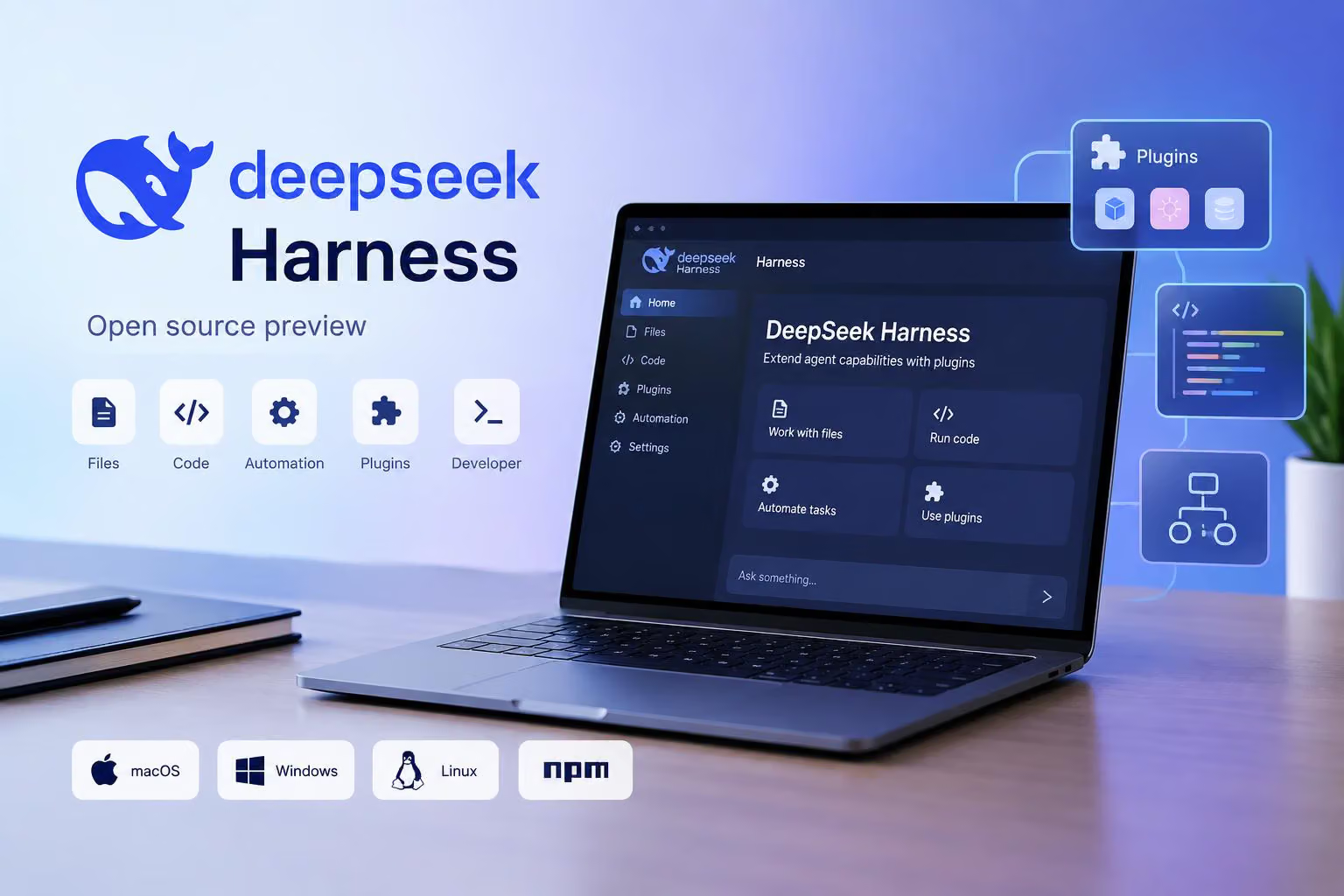
DeepSeek has released DeepSeek Harness as an open-source preview for working with files, code, automated tasks, and plugins. In a post on X, @deepseek_ai says packaged desktop versions are available for macOS and Windows, while Linux users can use the @deepseek-ai/dsh package on npm.
Harness is separate from DeepSeek’s general AI assistant. It is described as a harness architecture for extending agent capabilities through plugins, and it can run either as a desktop application or as a web interface started with code. Because the release is still in preview, the available features and user experience are continuing to change.
What DeepSeek Harness is designed to do
The DeepSeek Harness overview describes the project as being built on Cordis’s “everything is a plugin” architecture. In practical terms, the product is intended to combine an AI agent with tools, skills, interfaces, and workflows that users can add or customize.
The project describes several types of work:
Everyday work: Organizing materials, analyzing spreadsheets, writing documents, and preparing presentations.
Coding and repository tasks: Understanding a project, fixing problems, developing features, and running tests.
Research and checking information: Searching for material, cross-checking information, and producing conclusions with sources.
Long-running work: Running scripts, processing files in batches, executing tasks in the background, and checking progress later.
Custom extensions: Installing existing plugins or creating plugins to adapt the system to a particular workflow.
These descriptions outline the intended uses rather than independently measured results. The preview status also means users should not assume that every workflow behaves identically in the desktop, web, and Linux versions.
Plugins and automation are central to the design
The project’s main architectural idea is that tools and capabilities are plugins. Users can install existing plugins, while a “creation mode” is described as a way to create plugins through conversation. The overview says plugins can extend tools, skills, and interfaces rather than limiting Harness to a fixed set of built-in functions.
The overview also describes automation task plugins for launching tasks and monitoring their progress. Users can monitor important progress and expand the details of tool calls when needed. The supplied material does not specify whether those tasks can run on a schedule.
For developers, Harness includes tools for viewing execution traces and detailed runtime information. Those controls are intended to help investigate tool calls and execution problems. The project also points developers toward its GitHub documentation, community plugins, and the Cordis paper for more information about the surrounding ecosystem.
How to access the DeepSeek Harness preview
The available options depend on the operating system and whether you want a packaged desktop application or a code-started web interface.
Access path | What is available | Requirements or method | Caveat |
|---|---|---|---|
macOS desktop | Packaged desktop version | Apple silicon and macOS 13 or later | The product remains a preview and is still being refined |
Windows desktop | Packaged desktop version | Download the Windows version from DeepSeek’s download page | The product remains a preview and platform details may change |
Linux | Access through the | Use the package route identified in the announcement | The product remains a preview; desktop feature parity is not established |
Web UI | Code-started web interface | Install Node.js, then run | The product remains a preview and behavior may vary by access path |
The DeepSeek download page provides the macOS and Windows desktop download options. It specifically lists Apple silicon and macOS 13 or later for the Mac version. The page also says that the desktop application supports background execution and local file reading and writing, which are intended to help with longer or more complex tasks.
For Linux, the announcement identifies the @deepseek-ai/dsh npm package as the access route. The available information does not establish that Linux users receive the same packaged desktop experience or feature set as macOS and Windows users.
The web route is more explicit. After installing Node.js, the Harness page gives this command:
npx @deepseek-ai/dsh webThe same page also shows a source-installation route using the project repository:
git clone https://github.com/deepseek-ai/deepseek-harnessUsers are directed to follow the repository’s instructions after obtaining the source.
What to expect from this preview release
DeepSeek describes Harness as being open for global testing and released in parallel as open source. The project’s core plugins and base API are expected to continue changing as the ecosystem develops.
The desktop download page also says that the current version is still being iterated on and that some functions and aspects of the experience are still being improved. The packaged macOS and Windows applications are the desktop options described by the announcement. Linux users are directed to the @deepseek-ai/dsh npm package, while the Harness page provides a command for starting its web UI.
The available announcement does not establish a release version, pricing information, Windows system requirements, or independent test results. DeepSeek Harness is best understood as an evolving, plugin-oriented open-source preview rather than a finished general-purpose assistant.
0 comments
No approved comments yet. You can start the conversation.
Leave a comment