
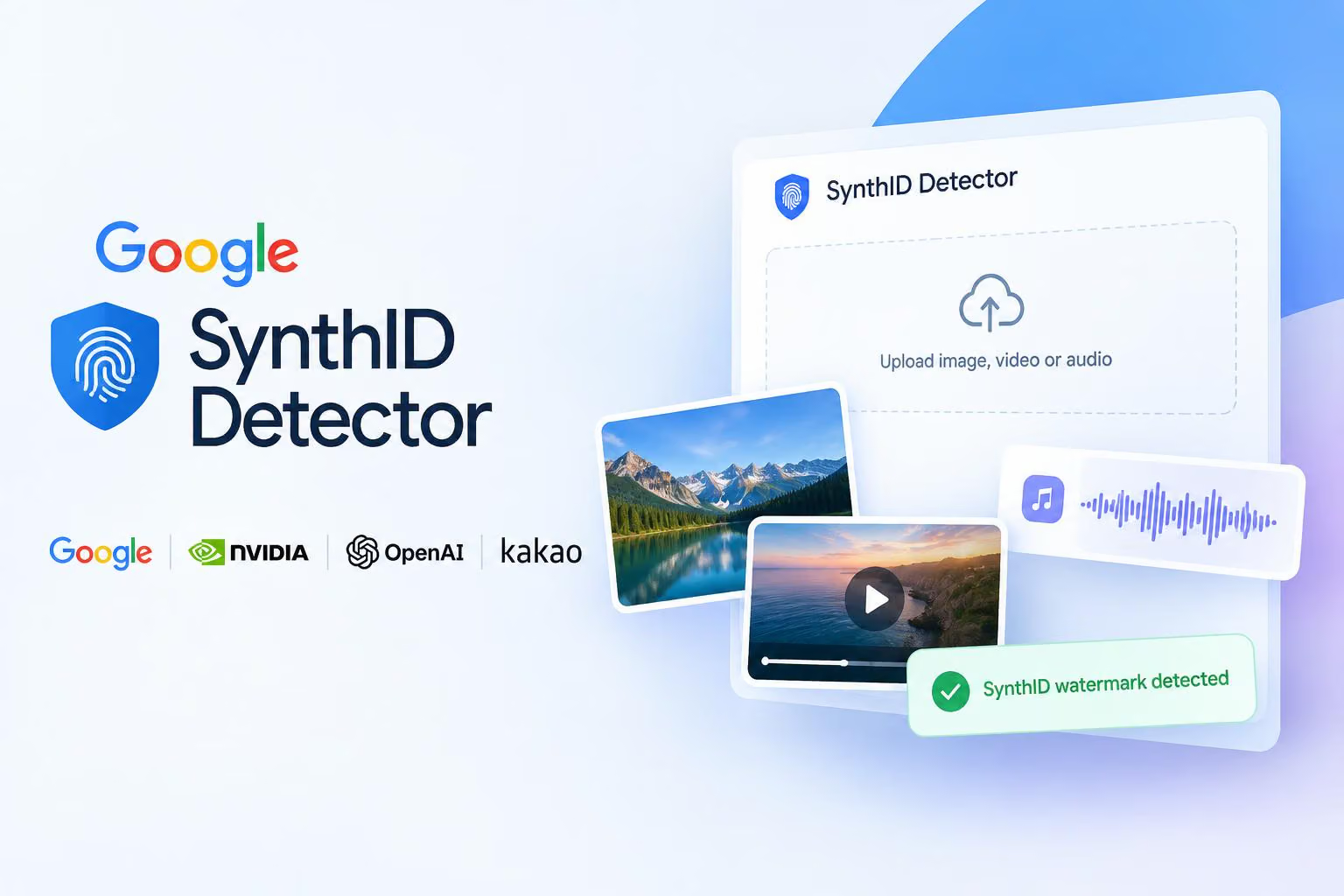
Google says SynthID Detector is now available globally in English, giving readers a way to check whether an image, video or audio file carries a SynthID watermark from Google or a participating company. The announcement gives no pricing and says nothing about how uploads are handled, so check the portal’s terms before submitting sensitive files.
What changed in SynthID Detector?
Google names OpenAI, NVIDIA and Kakao as partners in the expansion and says Apple will join soon. The portal currently lists Google, NVIDIA, OpenAI and Kakao under “Detects media generated by,” so Apple should be treated as a planned partner rather than a current one.
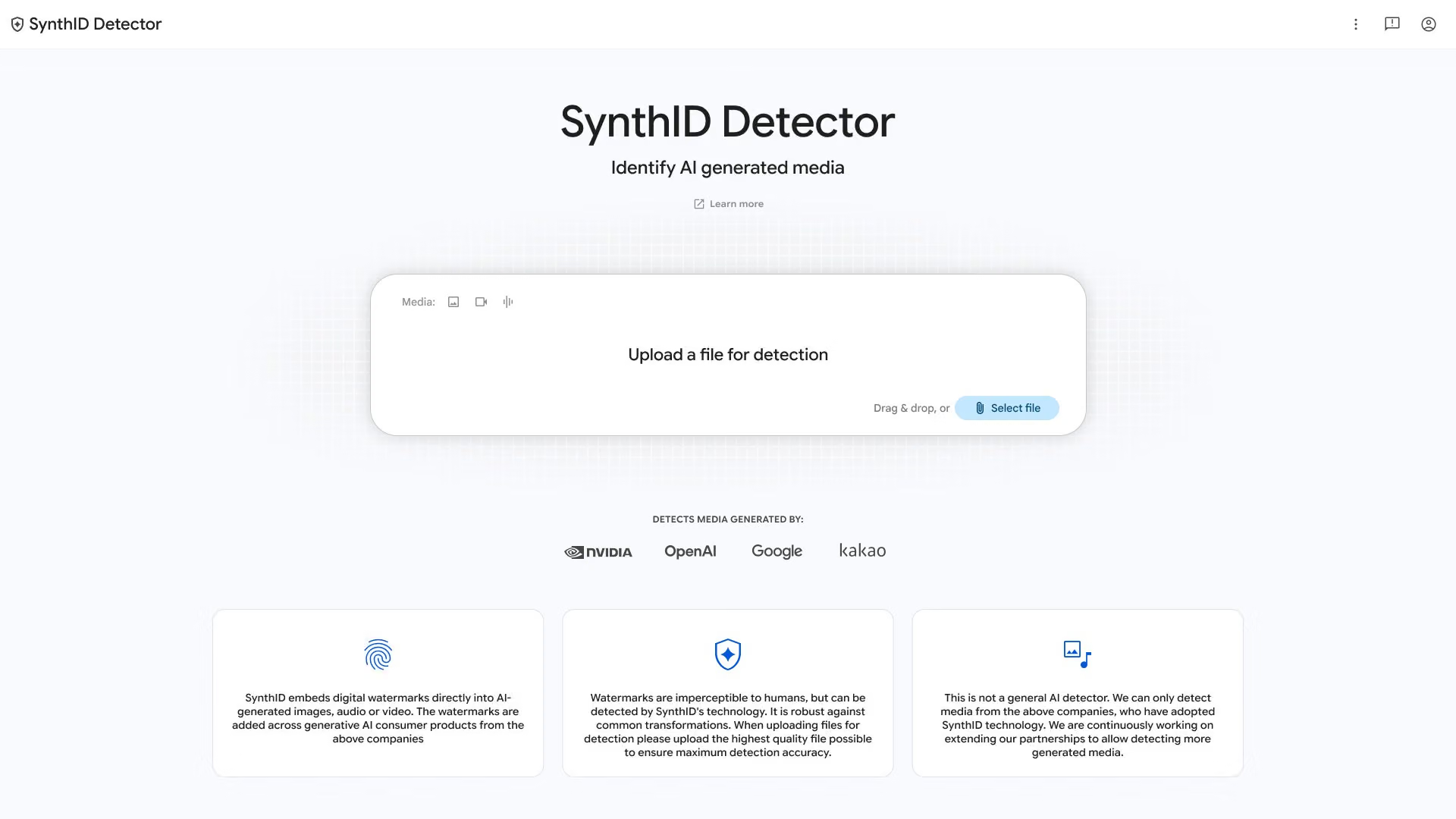
Image credit: @Google on X
Google also says that since launching SynthID in 2023, it has watermarked more than 180 billion images and videos and 240,000 years of audio. These are Google’s totals for watermarking, not measures of how accurately the Detector finds them.
How do you check a file with SynthID Detector?
Go to synthid.com and upload an image, video or audio file.
The portal scans the file for a SynthID watermark from Google or one of its partners.
SynthID is an imperceptible digital watermark embedded directly in the media, not a visible label, so a check looks for that hidden signal. The portal recommends uploading the highest-quality version of a file available, and says its watermarks are robust against common transformations. Because the portal asks for the highest-quality file possible, we would use the original where you can rather than a re-saved copy.
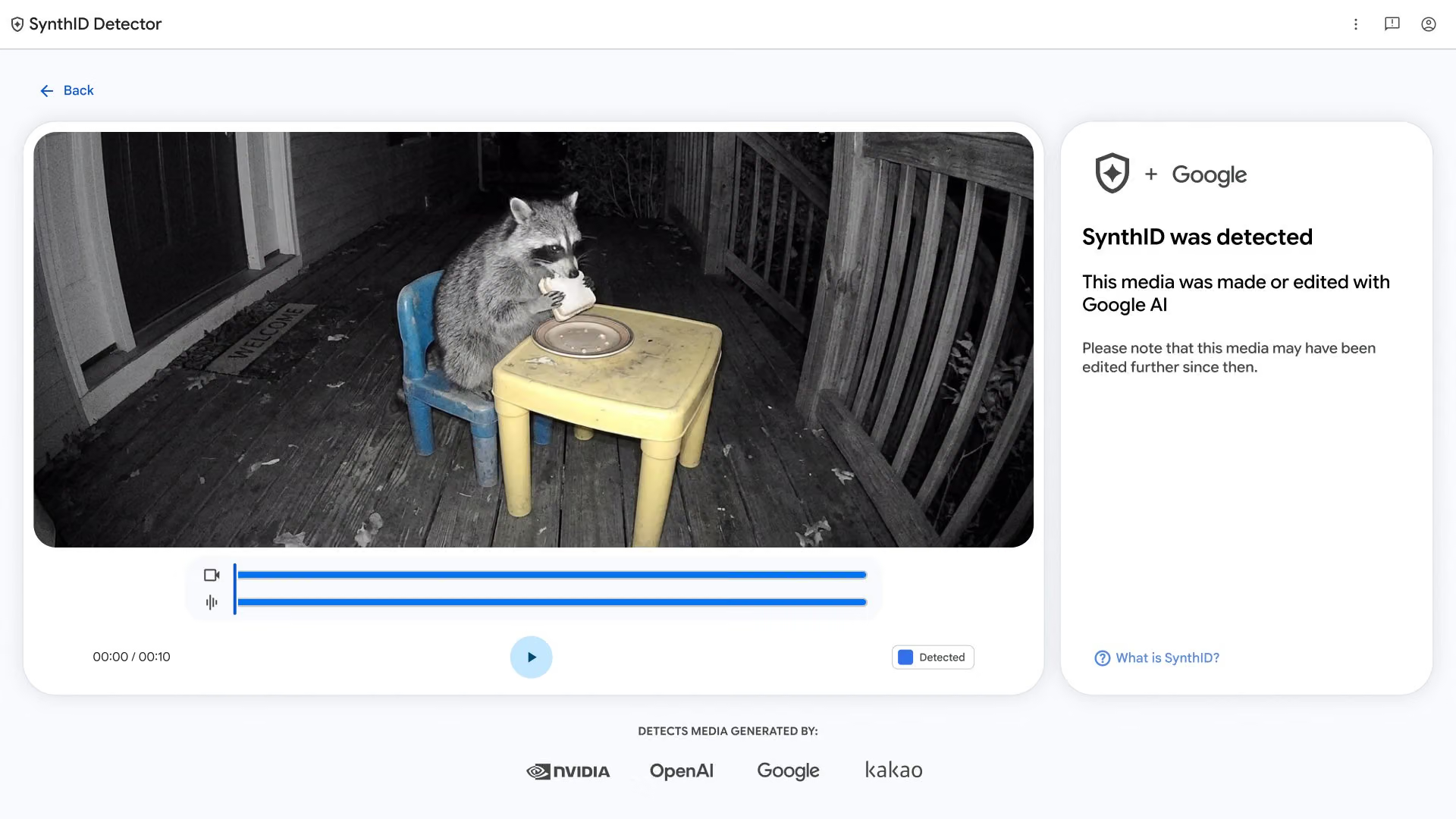
Image credit: @Google on X
How do you read a positive result?
Google’s example is a 10-second night-vision video of a raccoon eating a sandwich at a child’s table. The result reads “SynthID was detected” and “This media was made or edited with Google AI,” followed by a warning that the media may have been edited further since then.
A positive result tells you the portal found a SynthID watermark from a participating company. It does not give a full edit history, and it does not show which parts of the file were generated. As an illustration, a crop or re-encode could change how a file looks without removing the watermark.
Image credit: @Google on X
What does a negative result not show?
The portal is not a general AI detector. It checks only for SynthID from participating companies, so a file with no detected watermark may still have been made with AI by a tool outside that group. A negative result is not evidence that a person made the file.
Who should use it?
Our view: SynthID Detector is a useful first check when a file may have come from Google or a named partner. For consequential decisions, treat the result as one clue about where a file came from and weigh it alongside other context, rather than relying on a watermark check alone.
Where does the Detector fit among Google’s verification tools?
Google says the Detector joins its built-in verification features in Search, the Gemini app and Chrome, which it says now regularly handle more than 1 million verification requests daily. The Detector itself is a separate page at synthid.com where you upload a specific file you already have.


0 comments
No approved comments yet. You can start the conversation.
Leave a comment