
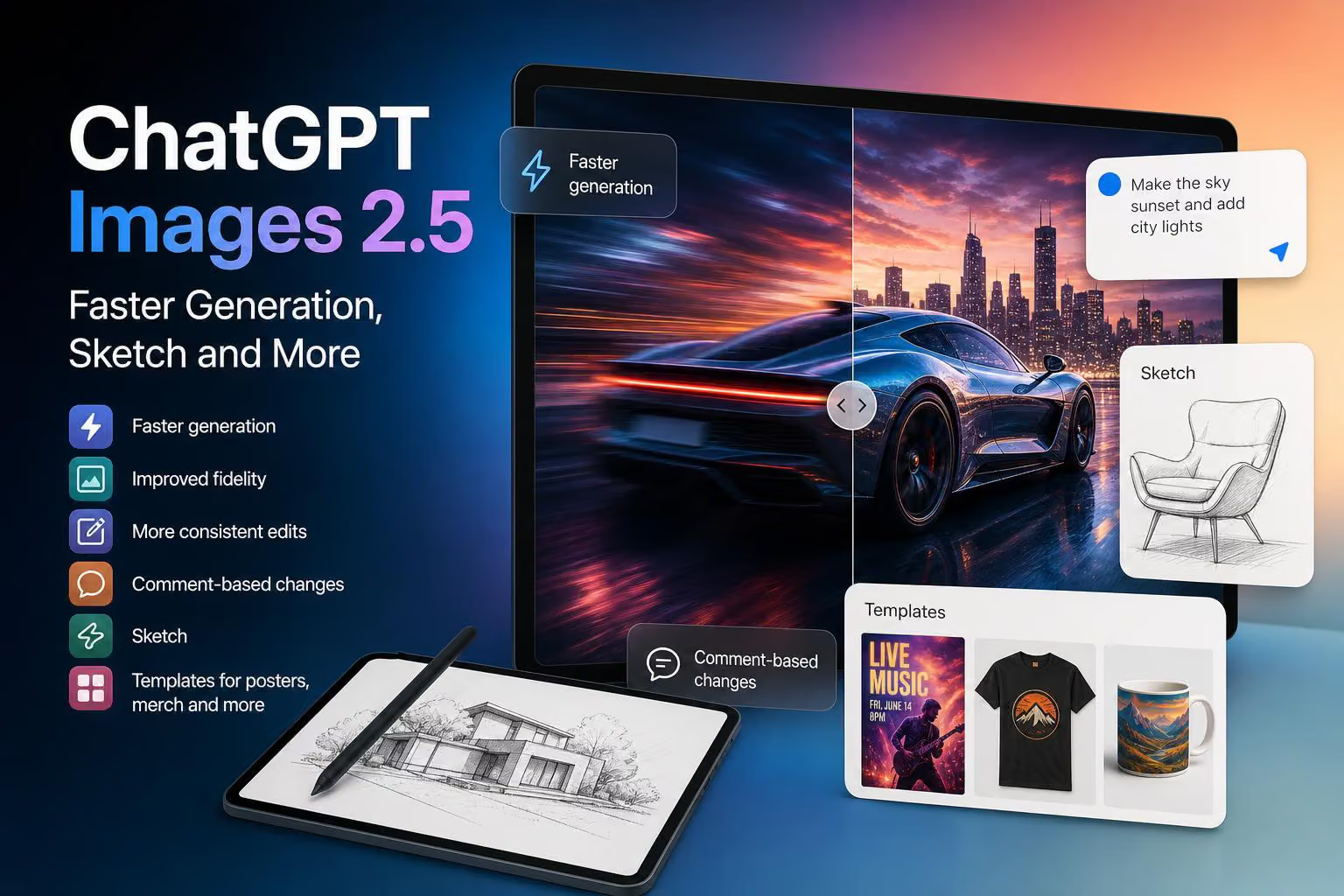
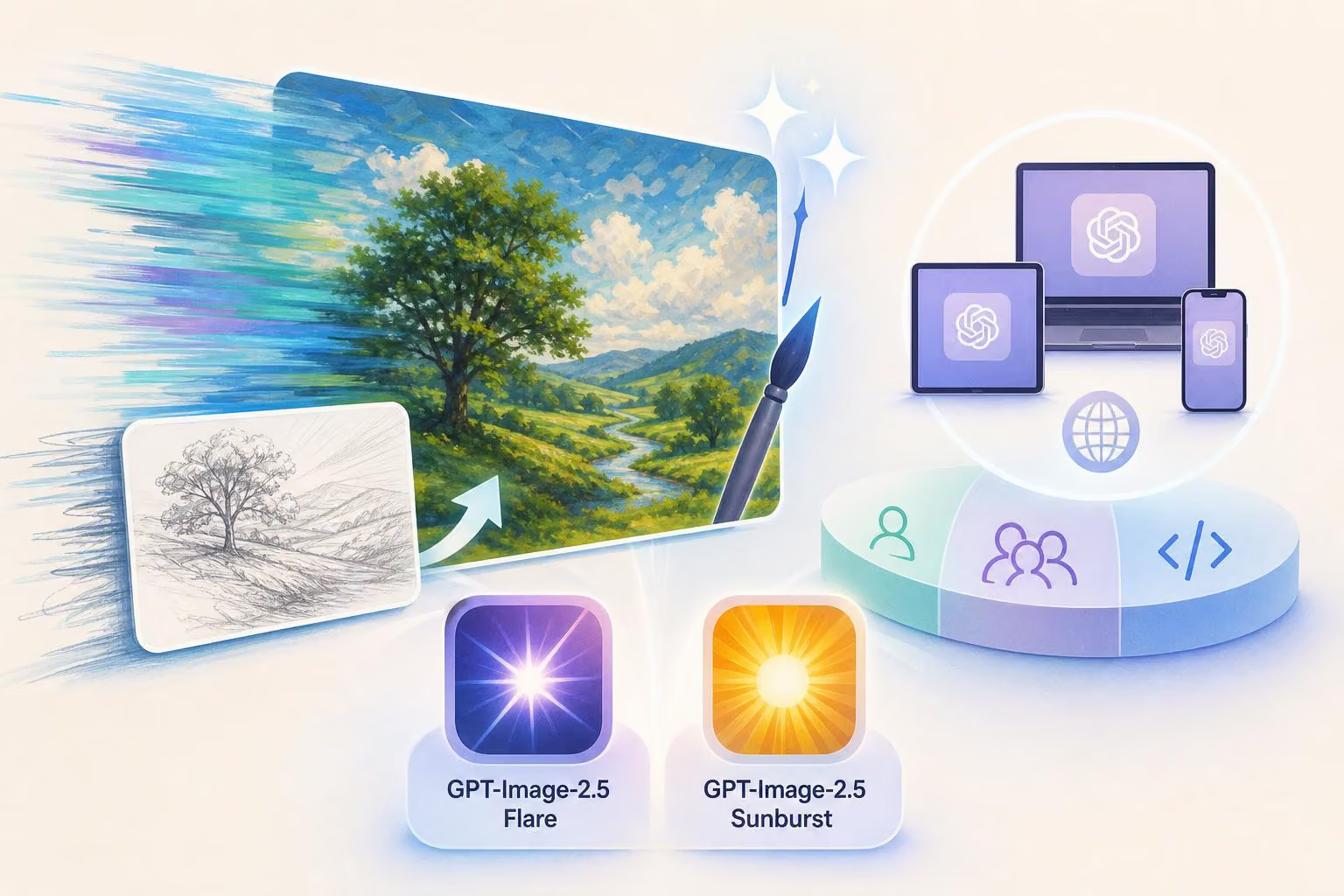
ChatGPT Images 2.5 adds faster image generation, improved fidelity and tools designed to make image creation easier to control. According to @OpenAI, the update is rolling out to ChatGPT, ChatGPT Work and Codex users across desktop, mobile and web, while GPT-Image-2.5 Flare brings related improvements to the API.
The update focuses on both image creation and revision. Users can generate images more quickly, preserve details across multiple edits, make targeted changes through comments, draw ideas with Sketch and start from templates for formats such as posters or merchandise.
What ChatGPT Images 2.5 adds
Faster generation and improved fidelity
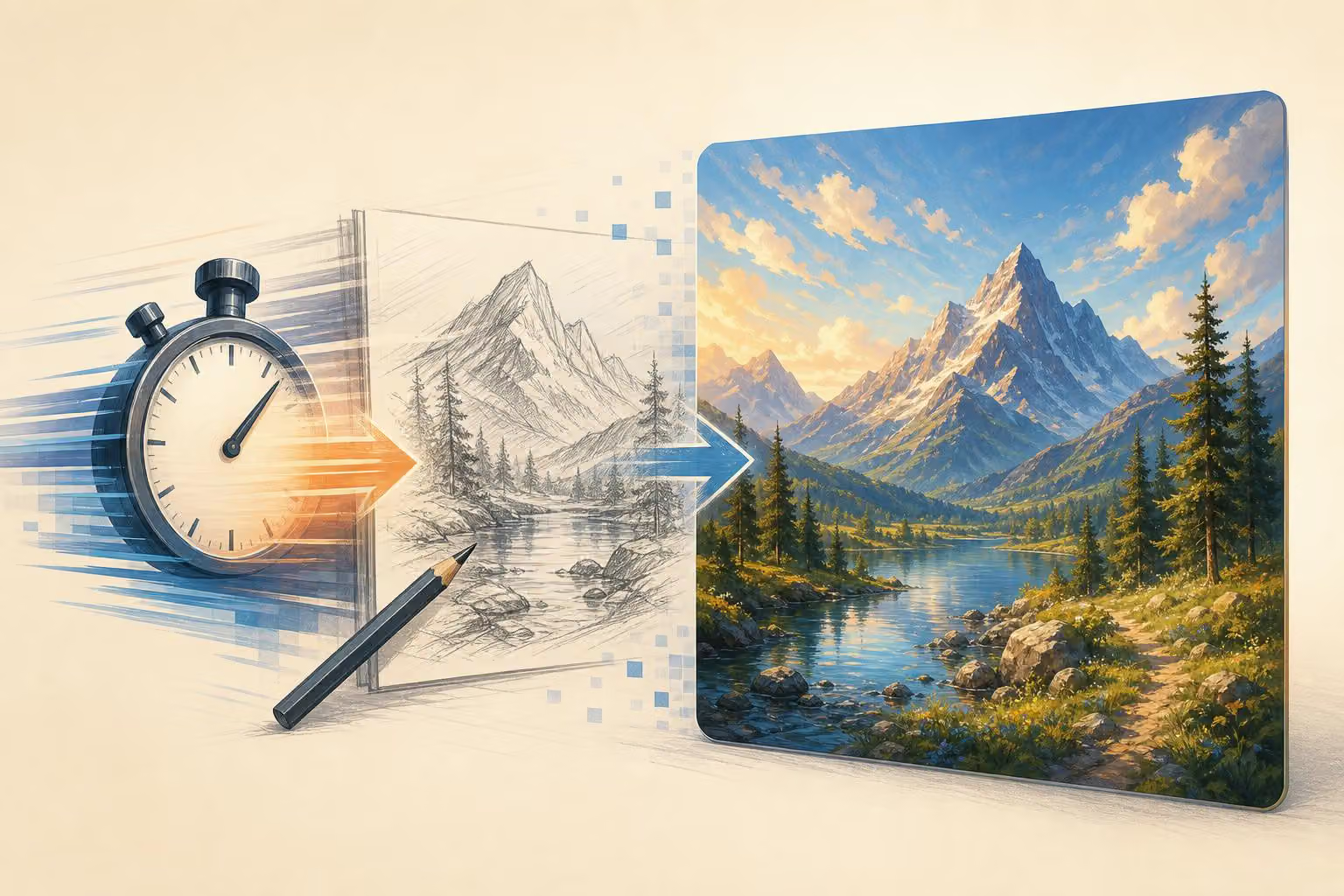
The announcement describes faster image generation, which is intended to help users move from an idea to a draft with less waiting. It also highlights improved fidelity: images should represent prompts with more natural and recognizable results.
OpenAI doesn't give exact speed or quality measurements, so treat these as the company's stated improvements rather than measured gains.
More consistent details across edits
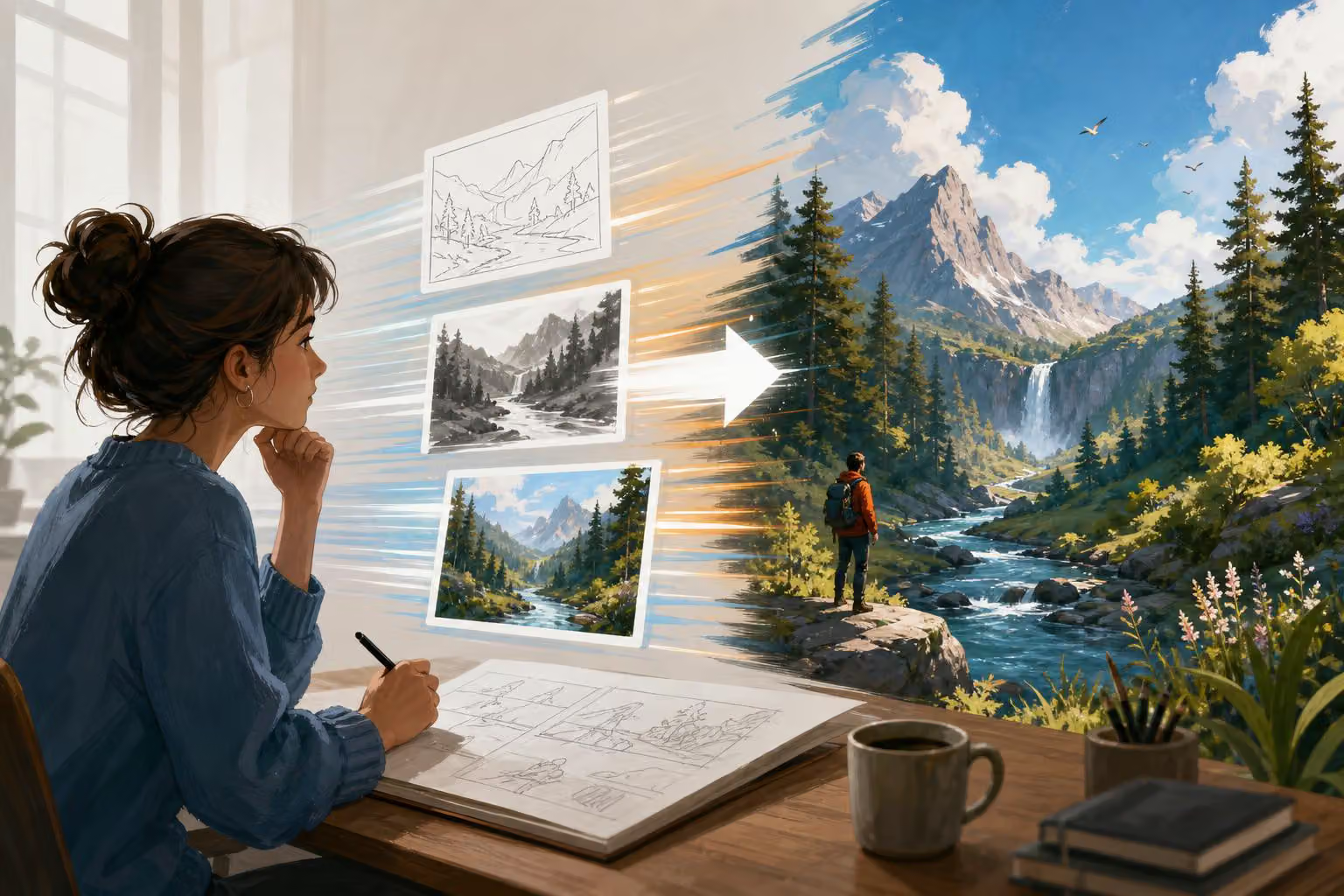
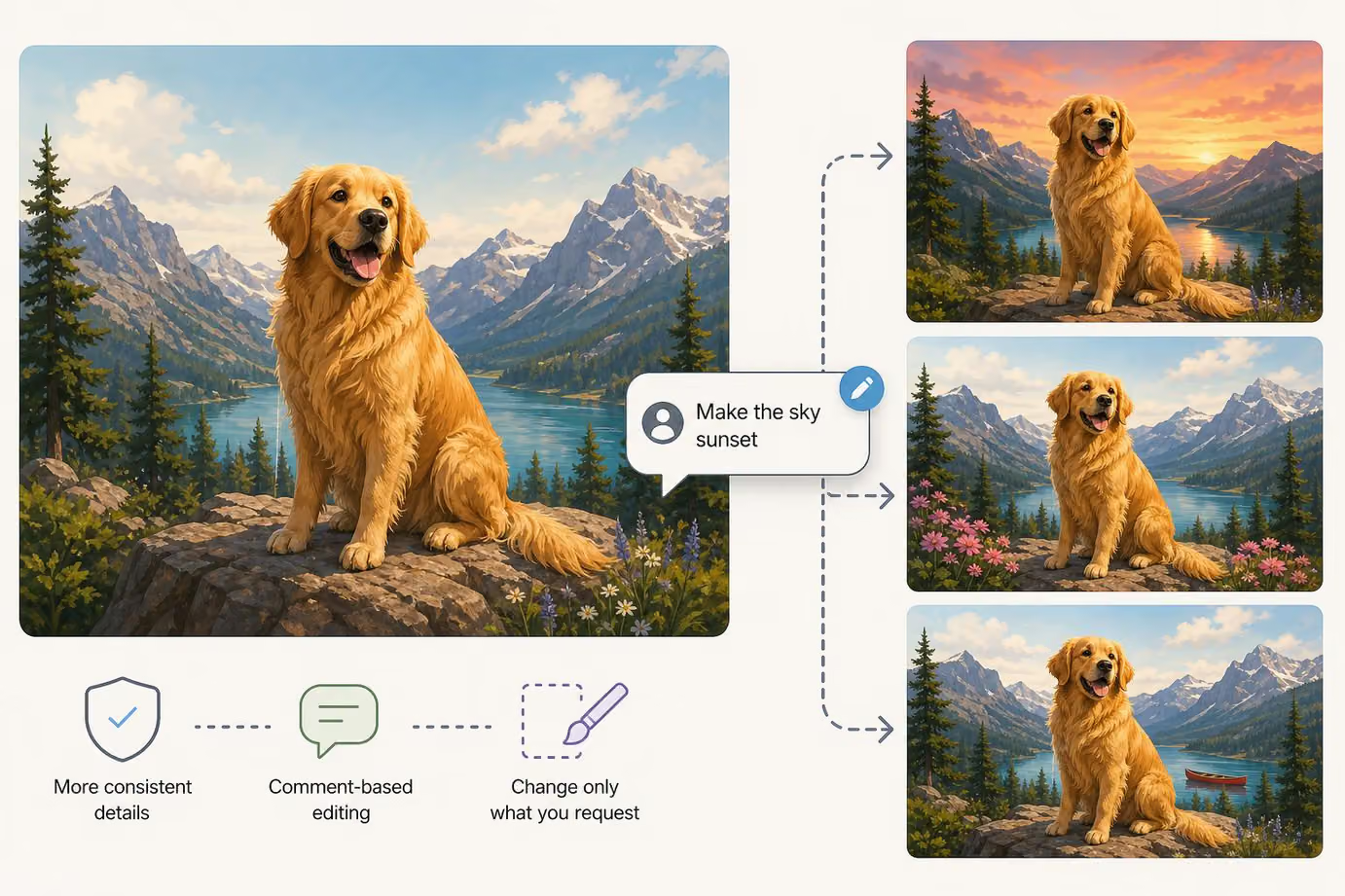
ChatGPT Images 2.5 is also designed to keep details consistent across multiple edits. This matters when an image needs several rounds of changes, because the subject, visual elements or other requested details can remain more stable as the image develops.
The announcement pairs this with comment-based editing. Instead of asking for a completely new image, users can comment on an existing result and specify what they want changed. The stated aim is to change only the requested parts while leaving the rest of the image intact.
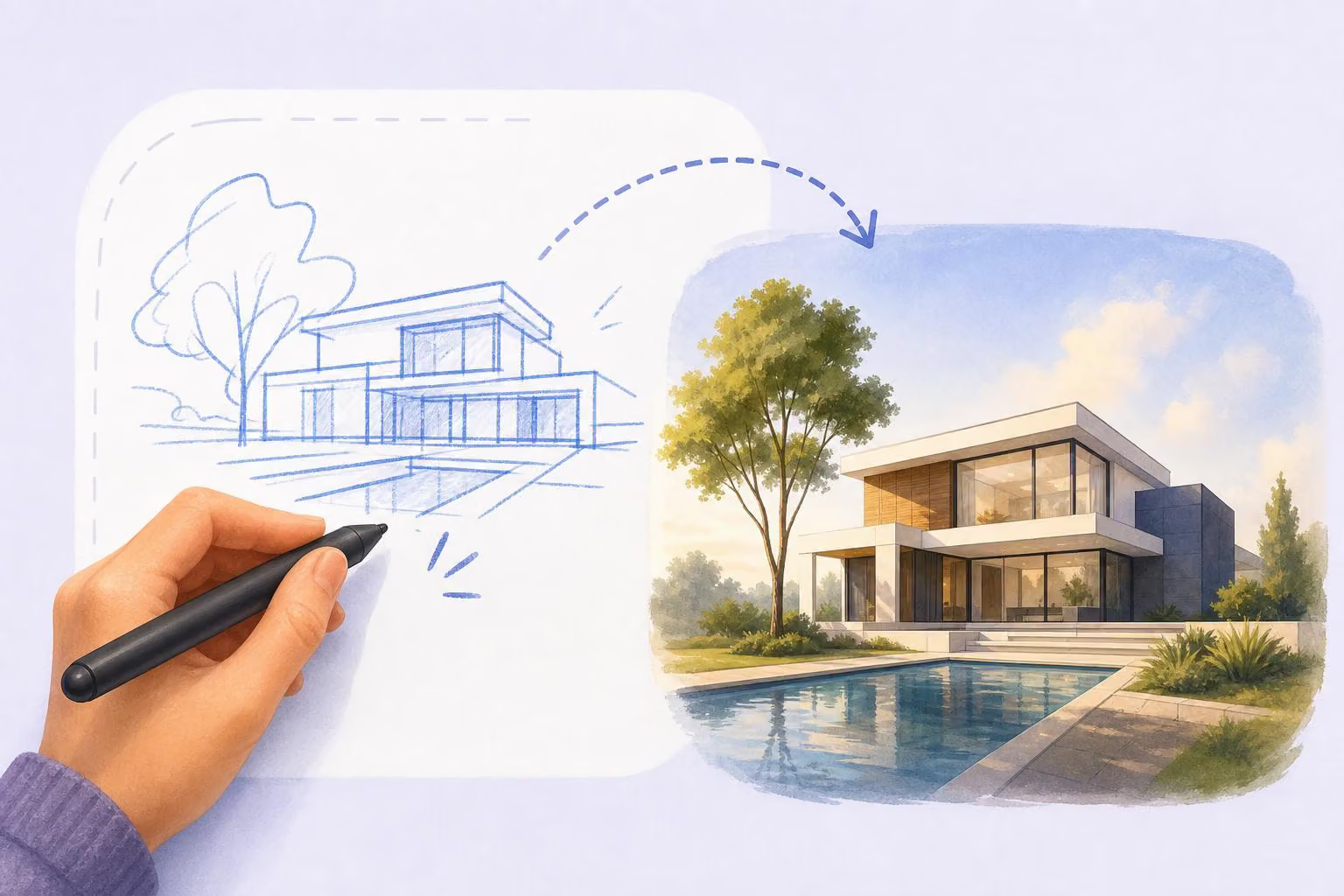
Sketch lets users draw their ideas
Some visual ideas are easier to show than describe. The new Sketch feature lets users draw directly in ChatGPT to communicate what they have in mind. To use it, the announcement says to type “@ Sketch” in ChatGPT.
This gives users another way to provide direction when a written prompt alone would be difficult to explain. OpenAI doesn't describe other Sketch workflows beyond starting it with “@ Sketch.”
Templates for posters and merchandise
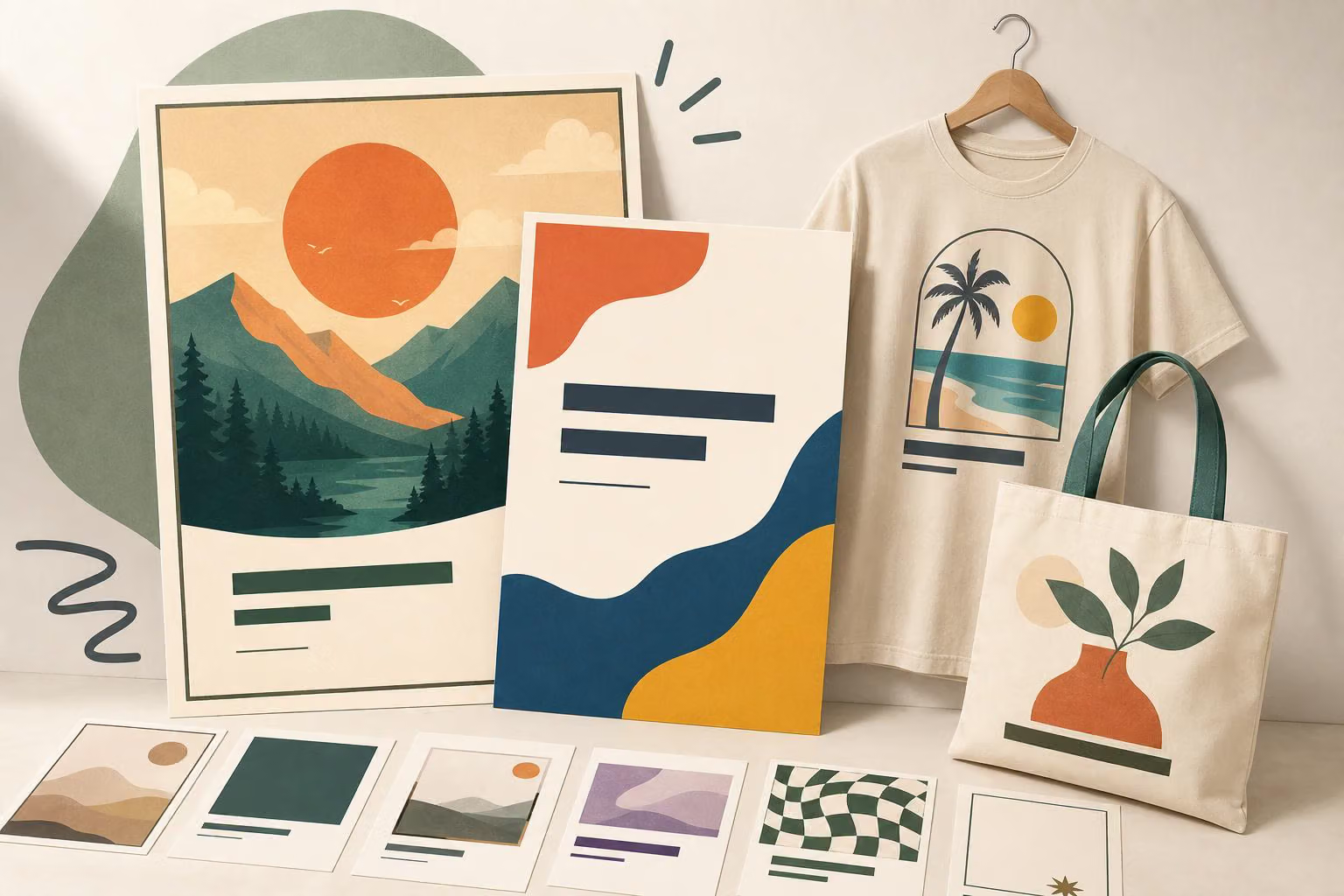
ChatGPT Images 2.5 also includes templates for popular image formats, including posters and merchandise. A template provides a starting format that users can customise with their own message, design elements or visual style.
The announcement presents templates as a way to get started when a blank canvas is not useful. It names posters and merch as examples but does not establish support for other specific formats.
ChatGPT Images 2.5 availability
The rollout is described as covering ChatGPT, ChatGPT Work and Codex users on desktop, mobile and web. OpenAI hasn't given pricing, usage limits or a detailed rollout schedule.
The announcement also introduces two API models. It identifies GPT-Image-2.5 Flare as bringing the same quality, editing and speed improvements described for the update. The post also begins to name GPT-Image-2.5 Sunburst but cuts off before describing it.
0 comments
No approved comments yet. You can start the conversation.
Leave a comment