
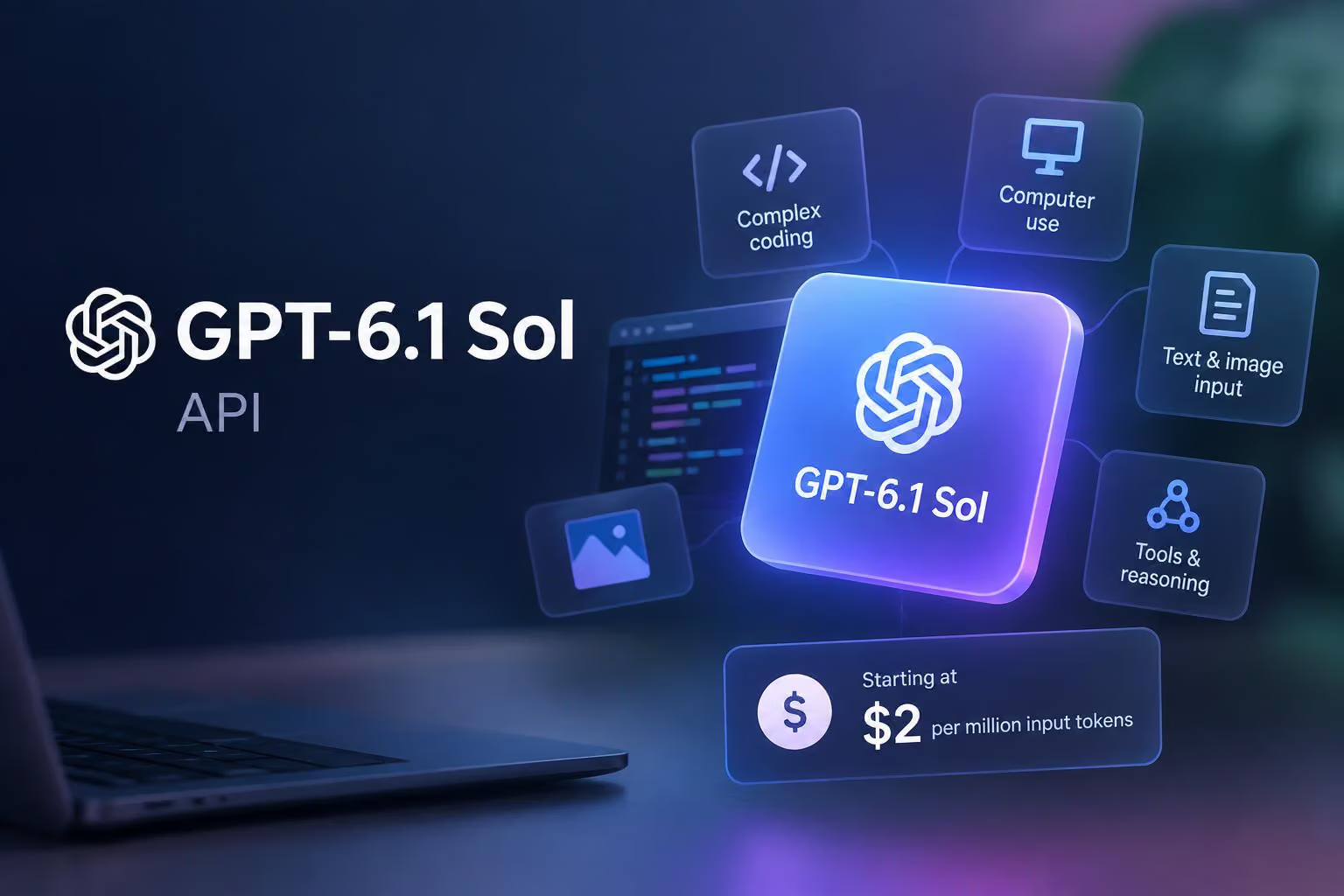
OpenAI Developers describes GPT-6.1 Sol as a model for complex coding, computer use and other professional work. Its documentation lists a 1,050,000-token context window, configurable reasoning, text and image input, and a range of API features.
The model page also includes important conditions around tool calling, long prompts, data residency, pricing modes and account tiers. Its performance and cost positioning should be evaluated on representative workloads rather than assumed from the documentation alone.
What GPT-6.1 Sol is designed to do
GPT-6.1 Sol is positioned for workloads that need more than a short text response, particularly complex coding, computer use and professional tasks. OpenAI describes it as offering “near-Astra performance at a lower cost,” but the model page does not provide independent benchmark scores or task-level results. That description is therefore OpenAI’s stated positioning, not a verified performance conclusion.
For an evaluation, the relevant question is whether the model’s reasoning options, long context, tool support and price fit the workload. A developer building a tool-using coding workflow, for example, could select the model ID gpt-6.1-sol and use the Responses API to combine model output with supported tools.
Reasoning, inputs and outputs
The reasoning.effort setting supports five levels:
lowmedium, the defaulthighxhighmax
The none and minimal settings are not supported. The available levels give developers a documented way to adjust reasoning effort for a task, although the model page does not quantify how quality, latency or token use changes at each setting.
GPT-6.1 Sol accepts text and image input and produces text output. Audio and video are not supported modalities. Image input could therefore be relevant to workflows that need the model to inspect visual material, while applications requiring native audio or video input would need a different model or an additional processing step.
The model has a context window of 1,050,000 tokens. The context window is the amount of input and related conversation or tool information the model can handle in a request. Its maximum output is 128,000 tokens. These are capacity limits, not a promise that every request will be processed at those sizes or that a longer response will be useful.
The documentation lists April 30, 2026 as the model’s knowledge cutoff.
API access and tool-use implications
The key distinction for tool-based applications is that tool calling is documented for the Responses API. Chat Completions is supported without tool calling.
The model page lists streaming, function calling and structured outputs as supported features. Function calling lets an application provide callable functions that the model can request, while structured outputs are intended for responses that follow a defined format.
Endpoint index and model capabilities
The documentation includes GPT-6.1 Sol in an endpoint index covering services such as:
Responses and Chat Completions
Live, Realtime, realtime translation and realtime transcription
Assistants and Batch
Embeddings, image generation, video and image-edit services
Speech generation, transcription and translation
Moderation and legacy Completions
This endpoint list should not be read as a list of every capability supported by GPT-6.1 Sol. The model-specific fields say that text is the only output modality, image is supported for input, and audio and video are not supported. They also say fine-tuning is not supported. The page does not explain the setup, quotas or model-specific behavior for each listed endpoint, so developers should confirm those details before designing around one.
Tools supported through the Responses API
The model page lists these tools as supported when GPT-6.1 Sol is used with the Responses API:
Web search
File search
Image generation
Code interpreter
Hosted shell
Apply patch
Skills
Computer use
MCP
Tool search
This combination is relevant to applications that need the model to work with files, execute code, interact with a computer environment or call external capabilities. The documentation does not provide task-level accuracy results for these tools, so support should not be confused with demonstrated reliability for a particular workflow.
GPT-6.1 Sol API pricing
The standard text-token rates listed in the documentation are:
Pricing item | Rate or adjustment | Qualification |
|---|---|---|
Input tokens | $2.00 per 1 million | Standard rate |
Cached input | $0.10 per 1 million | 5% of the uncached input rate |
Cache writes | $2.50 per 1 million | 1.25 times the uncached input rate |
Output tokens | $10.00 per 1 million | Standard rate |
Prompts above 272,000 input tokens | 2 times input and cache rates; 1.5 times output rate | Applies to the full request |
Fast mode | 2 times Standard | Unavailable with EU data residency |
Batch and Flex | 50% lower than Standard | Documented pricing adjustment |
Regional processing | 10% premium where available | Availability is conditional |
Cached input is charged at 5% of the uncached input rate, while cache writes cost 1.25 times the uncached input rate. These rates matter for applications that repeatedly send stable prompt material or manage long shared contexts.
When a prompt contains more than 272,000 input tokens, the documentation says the higher input and cache rates apply at twice the standard rate and the output rate rises to 1.5 times standard for the full request. Crossing the threshold can therefore affect the entire request rather than only the tokens beyond 272,000.
Fast mode costs twice the Standard price. Batch and Flex are listed at 50% below Standard, while regional processing adds a 10% premium where available. Fast mode is unavailable with EU data residency. Tool-specific models can also involve fees per tool call, according to the pricing note on the model page, so token totals alone may not describe the complete cost of a tool-using application.
Data residency and deployment constraints
GPT-6.1 Sol supports US and EU data residency. The documentation specifically notes that Fast mode cannot be used with EU data residency. Teams choosing a processing region should therefore consider both their data-handling requirements and whether the associated speed or pricing mode is available for that region.
The model page does not describe every residency eligibility condition or give endpoint-specific deployment instructions. Those details should be checked before committing a production workload to a particular processing arrangement.
Rate limits by usage tier
GPT-6.1 Sol is not supported on the Free tier. The listed limits for supported tiers are measured in requests per minute (RPM) and tokens per minute (TPM):
Usage tier | RPM | TPM |
|---|---|---|
Free | Not supported | Not supported |
Tier 1 | 500 | 500,000 |
Tier 2 | 5,000 | 1,000,000 |
Tier 3 | 5,000 | 2,000,000 |
Tier 4 | 10,000 | 4,000,000 |
Tier 5 | 15,000 | 40,000,000 |
The documentation says that usage tiers determine how high the limits are and can increase as an account sends more requests and spends more on the API. RPM limits affect request frequency, while TPM limits affect the total token volume an application can send or process over time.
These limits are important for capacity planning. A workload with large prompts may reach its token limit before its request-per-minute limit, while a high-volume application sending short requests may encounter the opposite constraint.
When might GPT-6.1 Sol be suitable?
GPT-6.1 Sol may be worth evaluating when an application needs several of the following:
Complex coding or professional-work capabilities
Reasoning effort above the default medium setting
Image input with text output
A context window of up to 1,050,000 tokens
Responses API tool calling
Computer use, code execution, web search or file search
Structured outputs or function calling
US or EU data residency
Batch or Flex pricing for workloads that can use those modes
The model may be a less obvious fit when an application requires native audio or video input, fine-tuning, Chat Completions tool calling, Fast mode with EU residency or Free-tier access. Its standard output price is also five times its uncached input price per million tokens, so applications that generate large responses should model output costs separately from prompt costs.
GPT-6.1 Sol evaluation checklist
Before selecting the model for production, developers should check:
Workload quality: Compare it with alternatives on representative coding, computer-use or professional tasks.
API design: Use the Responses API if the application depends on documented tool calling; Chat Completions is listed without tool calling.
Modalities: Confirm that text and image input with text output is sufficient, because audio and video are not supported modalities.
Context economics: Test whether prompts exceed 272,000 input tokens, since the higher pricing applies to the full request above that threshold.
Tool costs: Include any applicable per-tool-call charges alongside input and output token costs.
Capacity: Compare expected request and token volume with the account’s RPM and TPM tier limits.
Deployment requirements: Confirm US or EU residency needs and whether the selected pricing or speed mode is available in that region.
GPT-6.1 Sol’s documented combination of long context, configurable reasoning and Responses API tools makes it a candidate for demanding API workflows. The right choice depends on measured workload results, token mix, tool usage, latency requirements and deployment constraints.
0 comments
No approved comments yet. You can start the conversation.
Leave a comment