
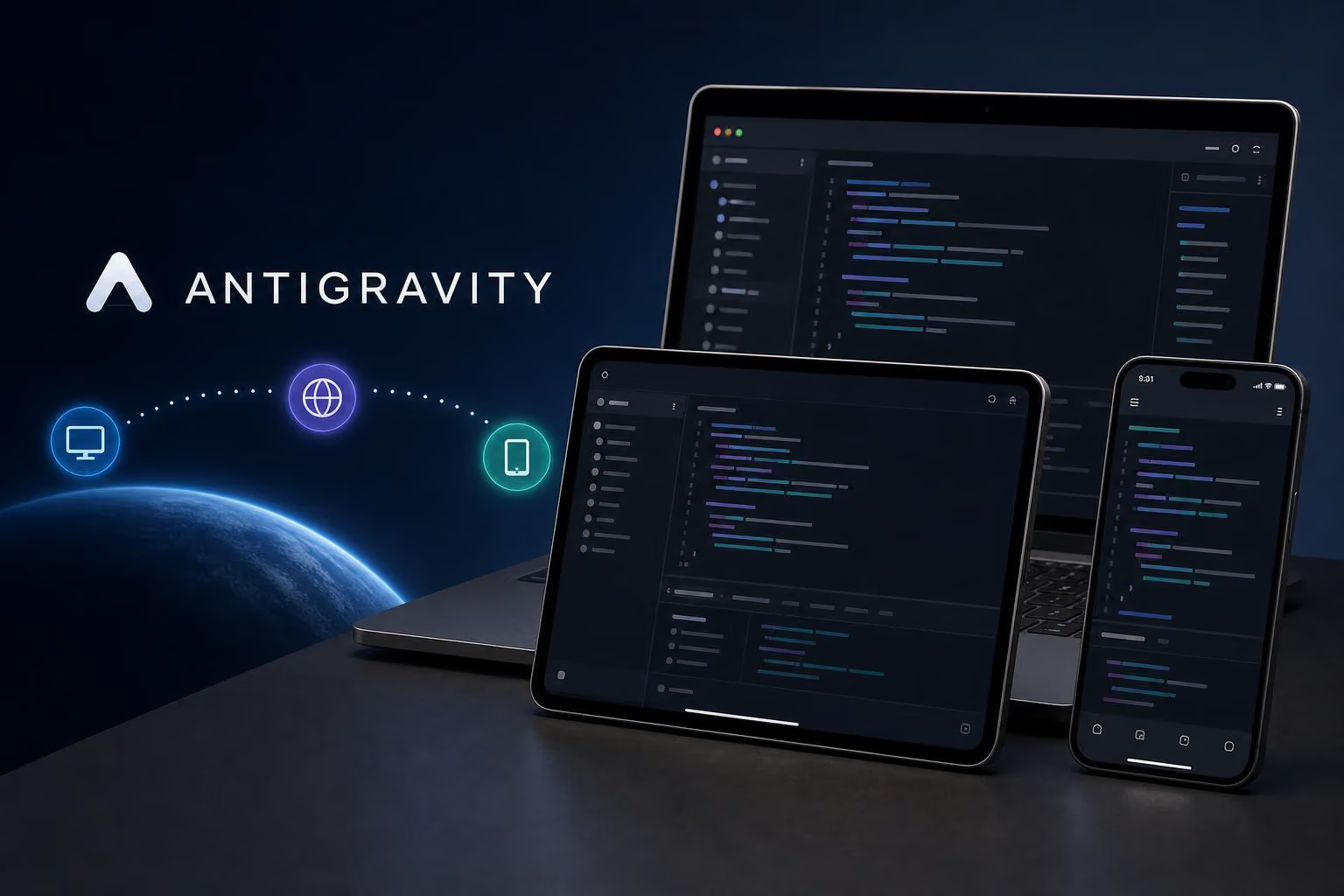
Antigravity Remote Control lets you connect to an Antigravity session running on one of your own machines and control it from somewhere else. Google Antigravity announced it on August 21, 2026, presenting it as a way to reach sessions you have already started from a browser or an iOS or Android phone. Rollout starts with Ultra subscribers, the post says, and is meant to reach all users.
The agent keeps running on the machine where it started, and the browser acts as a secure window into your workspace, in Google's words. This guide covers what the feature does, how to switch it on, and where it stops.
What does Antigravity Remote Control do?
Google's launch blog says a web browser is enough to reach sessions on laptops, servers and desktops. It also says the connection gives access to the host's files, workspaces, build tools, credentials and environment variables, and that push alerts can tell you when an agent pauses and wants a reply. That makes a remote session a full view of the host rather than a stripped-down one.
The official docs apply the feature to both the desktop app and the command-line tool, so one browser dashboard covers sessions started in either. Because the view comes from the machine itself, the setup you have already built travels with it.
How do you turn it on?
The feature overview gives separate steps for the desktop app and the CLI. In the desktop app, the switch sits under Settings in the Application pane, where you can also name the machine. In the CLI, /remote-control starts it inside an active session and /remote-control off stops it, while the --remote-control flag switches it on for a new session. For a machine that should always be reachable, agy remote-control start runs a headless CLI instance as a background daemon.
Connecting from another device means opening antigravity.google.com and signing in with the same Google account. A third-party guide says the account must match the one on the host machine. A Medium walkthrough notes that the hosts that are up are listed after login.
What are the limits?
The announcement describes browser and mobile access and does not mention a separate app. A third-party guide says the dashboard can be pinned to a phone's home screen, which also brings push notifications.
The host is the real constraint. A practical walkthrough assumes a laptop that is awake at the desk with the setting on. If the host is not running, there is nothing to reach, so an always-on machine suits work you want to access at any time.
Don't confuse this with Remote Agents. The docs list it separately, covering remote projects tied to GitHub repositories and Google Drive files, and the CLI starts it with a --remote-agent flag.
If the toggle is missing, the official docs describe a message for accounts where an account or organization policy has not enabled the feature.
Who gets access first?
The rollout is staged rather than plan-locked, so Ultra is an early wave, not a gate. The post gives no dates for the later stages. For most people, the practical question is whether the setting appears on their account, not which plan they pay for.
Key takeaways
The agent keeps running on your own machine, while a browser or phone acts as the control surface.
Turn it on in the desktop app's Settings or with /remote-control in the CLI, then sign in at antigravity.google.com with the same Google account.
Ultra subscribers came first; the post says the rollout reaches all users but gives no dates for the rest.
Frequently asked questions
What is Antigravity Remote Control?
It is a way to drive Antigravity sessions on your own computers from a web browser or a phone. The work keeps running on the machine where the session started.
Does the host computer need to stay on?
Yes. The session runs there, so that machine must be running with Remote Control enabled, and Google's docs suggest the headless daemon for machines you want always reachable.
Do I need an Ultra subscription?
The post says the rollout reaches all users, with Ultra subscribers first. If the setting is missing, an account or organization policy may be the reason.
0 comments
No approved comments yet. You can start the conversation.
Leave a comment