
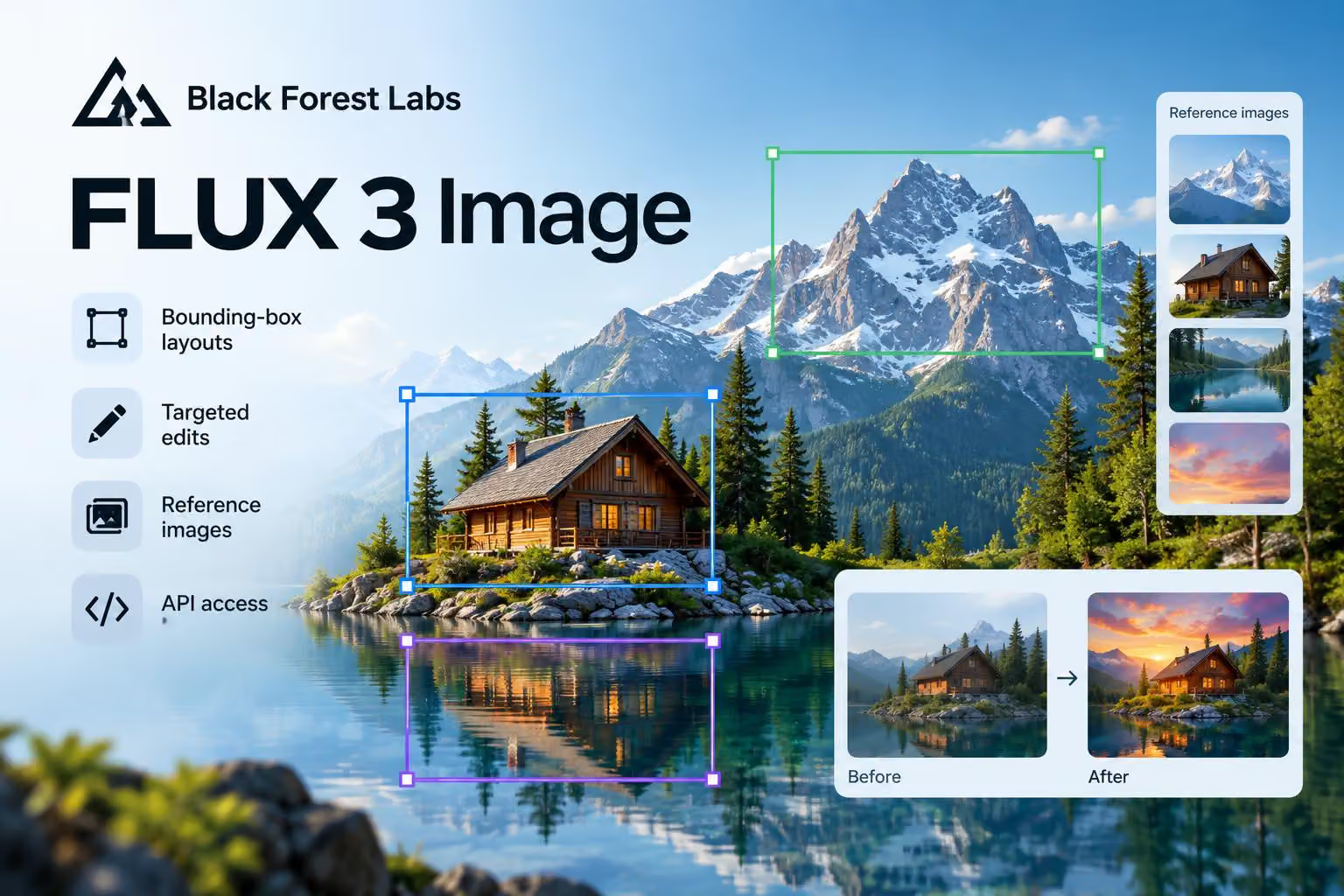
In a post on X, @bfl_ai announced FLUX 3 Image, an image-generation and editing model from Black Forest Labs. The company highlights bounding-box layouts, targeted multi-turn edits, support for up to 10 reference images, output of up to 4K, and access through its API and Playground.
Black Forest Labs also says commercial weights are available for companies that want to fine-tune the model and deploy it on their own infrastructure. An open-weights version is described as coming in the following weeks, so that version is not presented as available now.
What FLUX 3 Image is designed to do
The model page describes FLUX 3 Image as the image-generation part of a broader FLUX 3 multimodal model. For images, Black Forest Labs presents it as supporting text-to-image and image-to-image generation, text rendering, editing, detailed realism, and an understanding of motion.
Image credit: @bfl_ai on X
The model page also frames FLUX 3 Image around control over composition. Instead of describing only the overall scene, a user can describe individual elements and give each one a position on the canvas. That makes the model relevant to layouts containing several objects, people, text elements, or other components that need to maintain specific relationships.
How bounding-box layouts work
A bounding box is a rectangular region that marks where an element should appear in an image. Black Forest Labs says users can draw a box for each important element, describe what belongs inside it, and provide a global caption describing the complete scene.
The model page describes the layout as a two-part prompt:
A global caption explains the whole image and how its elements fit together.
An element table lists each element’s semantic ID, bounding box and description.
The page represents the canvas as a 0-to-1000 grid on both axes. Each box uses the format [y_min, x_min, y_max, x_max]. The element IDs let the global caption refer back to specific objects, such as a person, a sign or a building.
The model-page example, “Le Festival du Soleil,” combines a scene prompt with five positioned elements: text reading “LE FESTIVAL DU SOLEIL,” a coastal town, a large dome, swimmers and a crowd. The example shows the difference between a general image prompt and a layout prompt: the scene description establishes the overall setting, while the element table specifies where the important parts belong.
Black Forest Labs says an agent can plan the layout from a single text prompt and an aspect ratio. In that workflow, the agent creates the caption and element table, while the resulting boxes remain editable. A user can therefore adjust the planned composition rather than manually specifying every element from the start.
Targeted edits and multi-turn workflows
The same box-based system is intended for editing images that already exist. A user can re-describe, replace or move an element within a selected box, while leaving other parts of the image untouched, according to Black Forest Labs.
The company describes this as supporting several targeted edits across multiple turns. For example, the model page shows a wetsuit and board being recolored box by box, and another example adds divers in a before-and-after edit.
The model page says a prompt upsampler can expand a short request into a more detailed caption. It may also suggest additional elements, but boxes supplied by the user are passed through with their IDs and coordinates. This is intended to let users combine the convenience of a natural-language instruction with explicit control over key regions.
Reference images, text and resolution
Black Forest Labs says FLUX 3 Image can use up to 10 reference images to compose a new image. The announcement does not specify file requirements, how references are prioritized, or whether the limit works identically across every access method.
The announcement also lists text-to-image and image-to-image generation, strong text and editing capabilities, detailed realism, and an understanding of motion.
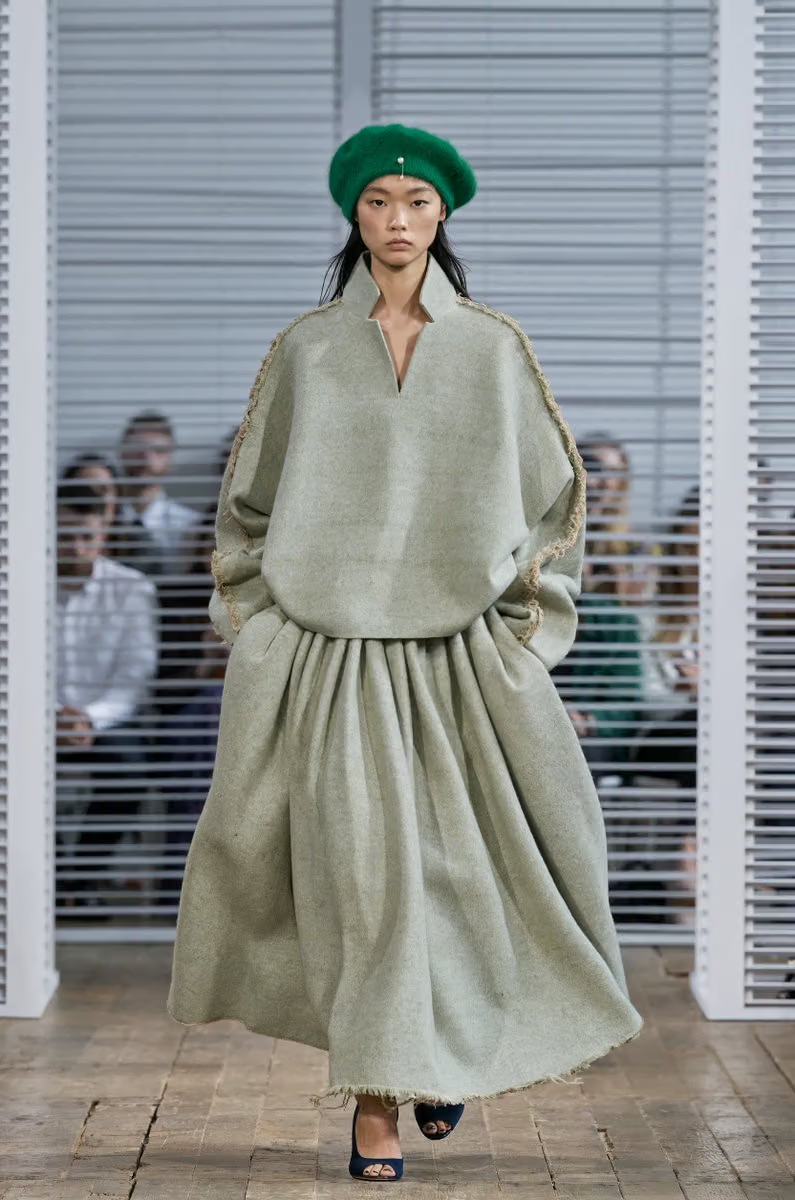
Image credit: @bfl_ai on X
The company says the model can generate images at up to 4K to preserve detail. The model page separately shows a Soba shop example labelled 5,456 × 3,072 pixels. Because the sources do not clarify whether that example represents the same output mode as the “up to 4K” description, those figures should not be treated as interchangeable specifications.
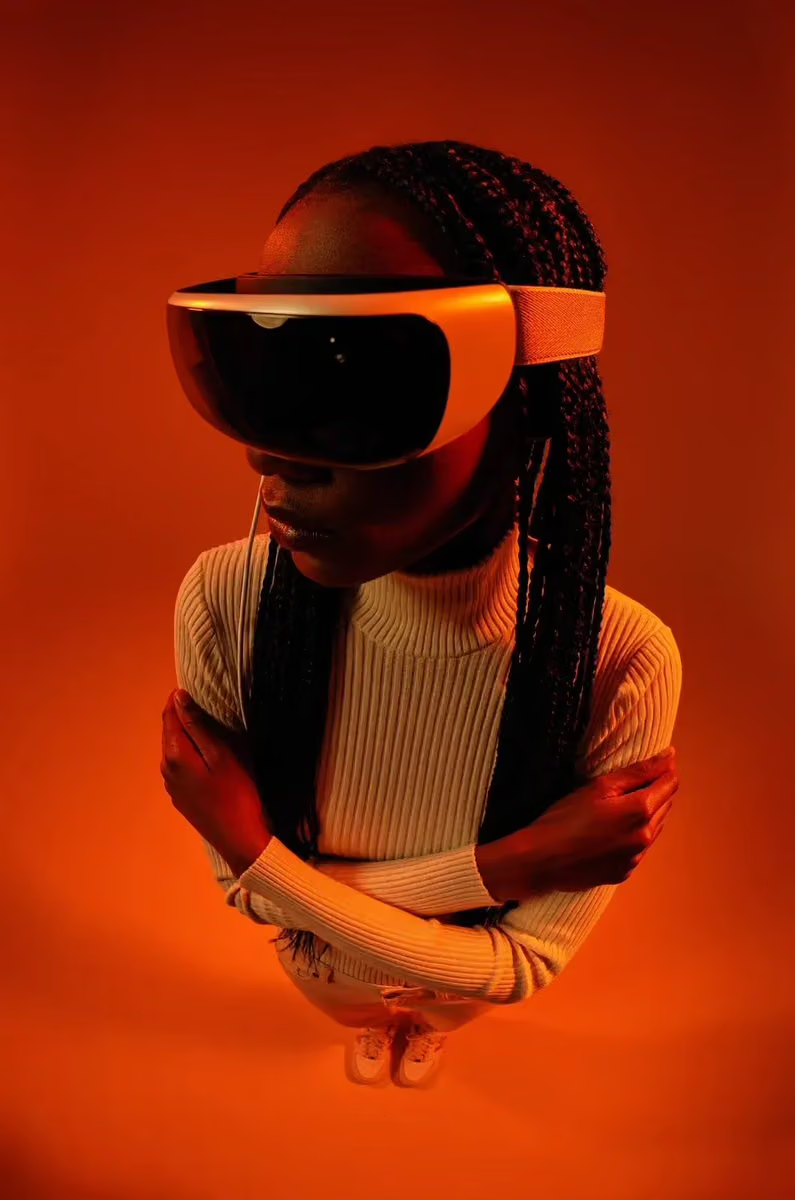
Image credit: @bfl_ai on X
How to access FLUX 3 Image
Black Forest Labs directs users to its API and Playground. The model page says users can draw boxes by hand in the Playground or send a layout prompt to FLUX 3 through the BFL API. The supplied announcement and model page do not specify account requirements, usage limits or general pricing.
The X announcement says FLUX 3 Image is available through the API at 50% off until Oct. 8. It does not provide a year, regular API pricing or other terms for the discount. The date should therefore be read exactly as announced rather than assigned to a particular calendar year.
The announcement also links to a free precise-editing tool. The announcement does not specify which FLUX 3 Image features the precise-editing tool supports or whether its access terms match the API or Playground.
Commercial weights and the upcoming open-weights version
Black Forest Labs says commercial weights are available for companies running image generation at scale. The company describes this option as allowing customers to fine-tune FLUX 3 Image and deploy it on their own infrastructure.
The announcement directs interested companies to a commercial licensing contact form. The contact page provides a way to get in touch, but it does not include the license price, usage restrictions, support terms or technical specifications. Those details would need to come from Black Forest Labs.
The company separately says an open-weights version of FLUX 3 Image is launching in the coming weeks. That timing does not include a release date, download location, license, model size or technical specifications. Commercial weights available now and a future open-weights release are therefore separate options, not interchangeable descriptions of the same availability.
What the announcement establishes
FLUX 3 Image is presented as a controllable image-generation and editing system built around layouts, regions and references. Its advertised workflow combines a global scene description with boxes that identify where important elements should appear, then keeps those regions available for later edits.
For developers, the announcement establishes API and Playground routes, plus a commercial-weights option for companies seeking fine-tuning and self-hosting. It does not establish regular pricing, usage limits or the availability and licensing terms of the future open-weights version.
0 comments
No approved comments yet. You can start the conversation.
Leave a comment