
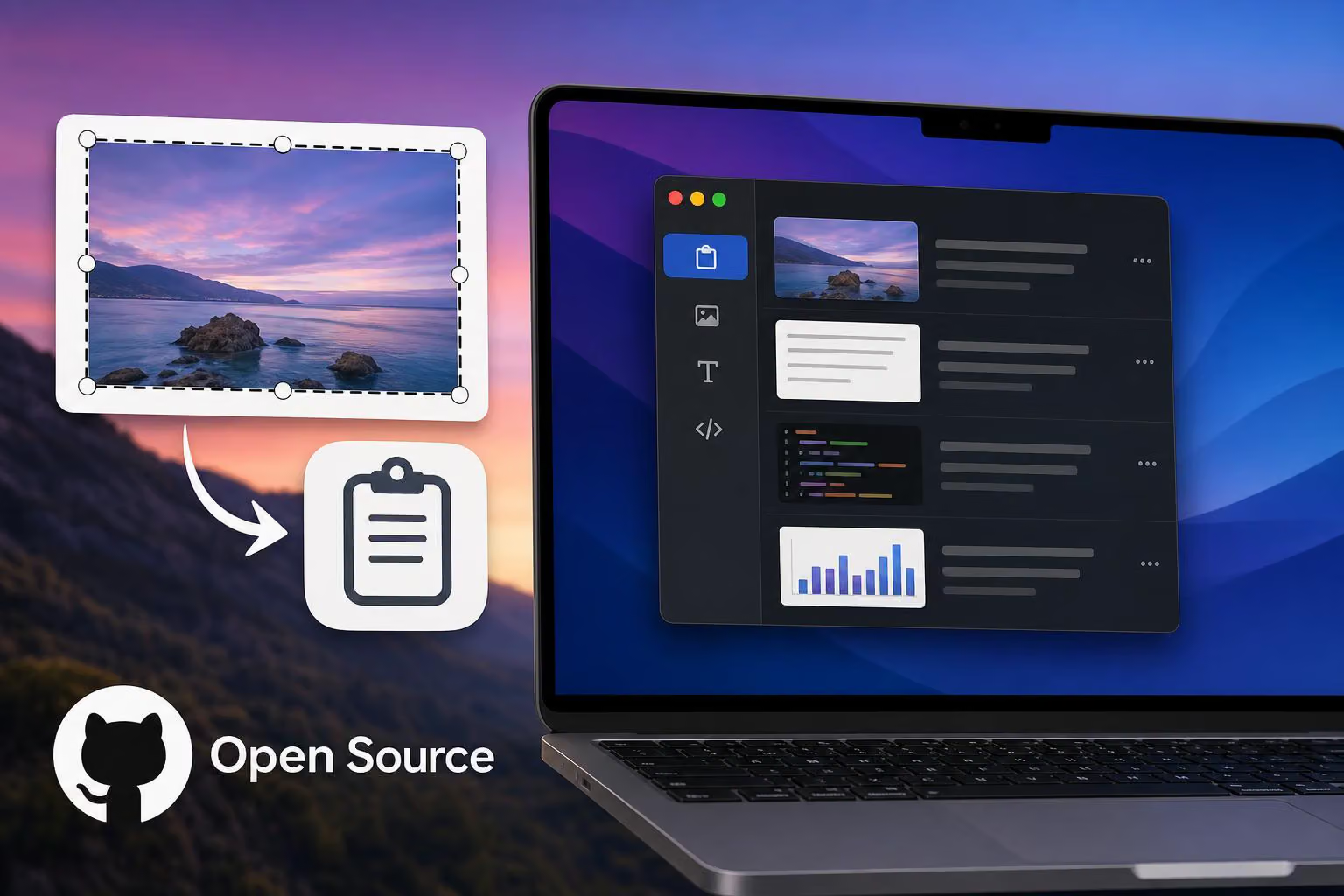
EchoCopy is an open-source macOS app that aims to make screenshot and clipboard workflows less cumbersome. In a post on X, @Conor_D_Dart said they built it after finding that macOS screenshots required an extra step before they could be pasted elsewhere.
Moving screenshots into the clipboard
After taking a screenshot, macOS displays a thumbnail in the lower-right corner. The developer said they had to right-click that image, choose the option to add it to the clipboard, and only then paste it into another app or conversation.
EchoCopy is designed to manage screenshots and other copied content more conveniently. The post specifically mentions using it for work on X and for showing Codex what needs to be done, but does not provide a longer feature list.
A personal solution to a recurring workflow
The developer said they did not want to pay for a utility that handled what felt like a small need, so they built an open-source alternative. They also acknowledged that similar applications already exist. The project is presented as a practical solution to a personal workflow, not as the first clipboard manager for macOS.
The post includes a separate account of the development process: GPT-5.6 Sol reportedly could not get the feature working, while GPT-6 Astra Light fixed it in six minutes and six seconds. That is the developer’s experience, not an independent comparison of the two AI systems.
Readers can try EchoCopy through its GitHub repository.


0 comments
No approved comments yet. You can start the conversation.
Leave a comment