
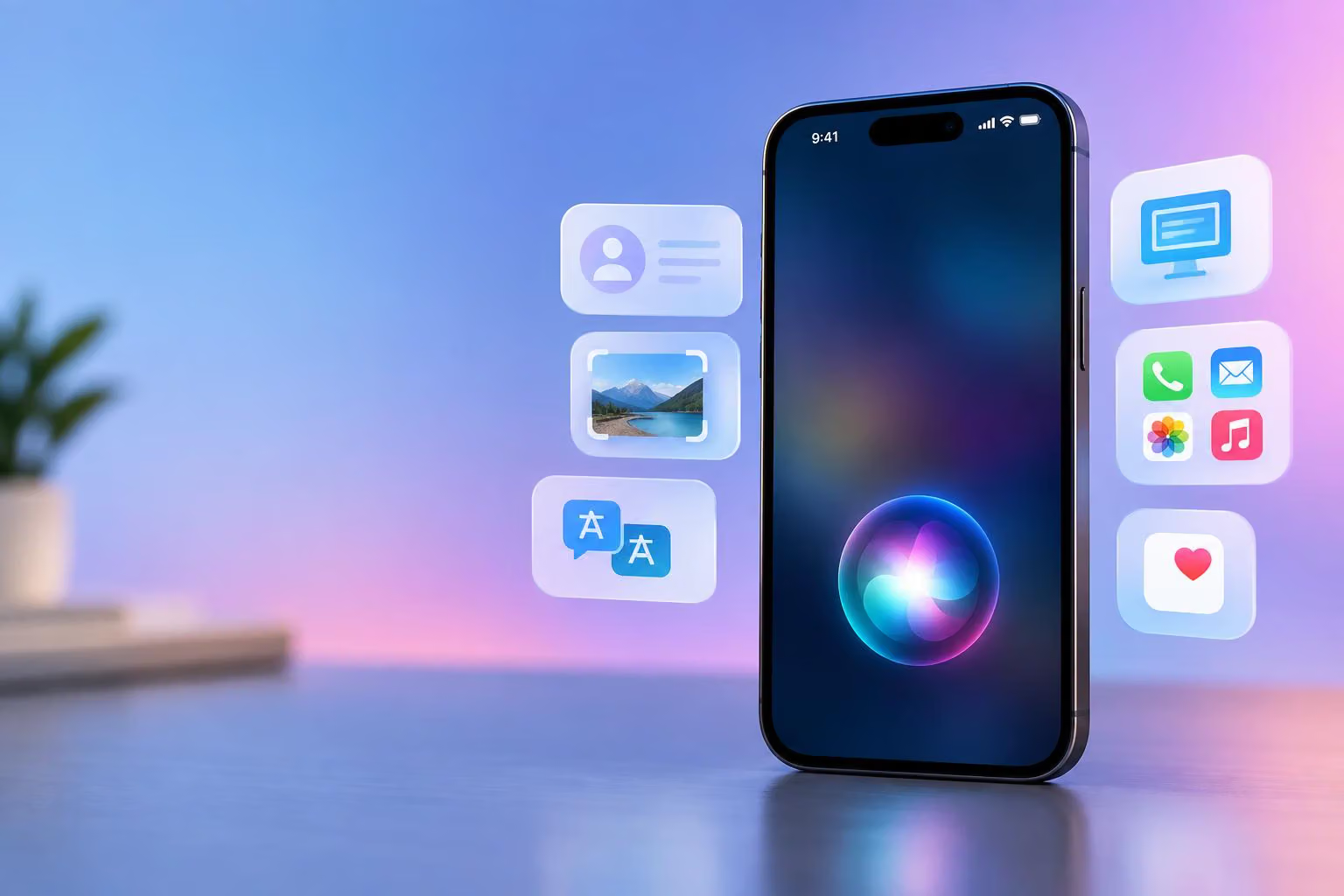
Apple says it has released the next generation of Apple Intelligence, powering a reimagined Siri AI with personal context, onscreen awareness, visual understanding, broad question answering, and more actions across apps. The announcement appears in the Apple Newsroom post “Siri AI, a profoundly more capable and personal assistant, is here.”

Image credit: Apple Newsroom
Source: Siri AI, a profoundly more capable and personal assistant, is here · Apple Newsroom
The release is broader than a Siri redesign alone. Apple also describes new features for Photos, Safari, Writing Tools, Health, Apple Watch, and other apps. But the rollout is conditional: Siri AI starts as an English beta, some capabilities are planned for later, and access depends on a compatible device, supported language, and region.
What Siri AI does differently
Apple describes Siri AI as a more conversational assistant built on Apple Intelligence, Apple’s broader system of AI models and features. Instead of treating each request as an isolated command, the new Siri is designed to continue a conversation, use information from across a person’s Apple apps, interpret what is displayed on screen, and take action in supported apps.
That does not mean every capability is available everywhere. Apple’s announcement combines features that are rolling out now with features coming later, and it does not provide a feature-by-feature compatibility matrix. Readers should therefore treat the list as a description of Apple’s announced product direction, not as confirmation that every feature works on every Apple Intelligence-compatible device.
Apple says Siri AI can:
Answer questions on a wide range of topics.
Continue conversations with follow-up questions.
Search relevant information in messages, emails, photos, and other personal content.
Understand content displayed on a device’s screen.
Interpret images, screenshots, app windows, and physical objects through Visual Intelligence.
Draft and revise text.
Take actions across Apple and selected third-party apps.
Sync Siri conversations across Apple products through iCloud.
On iPhone, users can invoke Siri with “Hey Siri,” the side button, or a gesture from the Dynamic Island. On iPad and Mac, Apple says Siri AI is integrated into Spotlight and systemwide context menus. On Apple Vision Pro, Siri can appear as a 3D visualization that users can place in their space and invoke by looking at it and speaking.
Personal context turns separate apps into one task
Personal context is the feature that most clearly changes what Siri can do. Apple says Siri AI can connect information from places such as Messages, Mail, Photos, and Reminders instead of requiring the user to locate each item manually.
Apple’s example involves a family visit. A user asks what a family member suggested doing. Siri searches messages and finds a suggestion to bake a family recipe, retrieves the cooking instructions from an earlier email, and adds the ingredients to a grocery list in Reminders.
The important mechanism is the connection between sources and actions: a message supplies the activity, an email supplies the recipe, and Reminders receives the resulting shopping list. The request is not just a question with a written answer; it is a cross-app task that uses personal information and produces an update in another app.
Apple also says Siri AI can draft an email from scratch and edit and share a group of photos. Apple illustrates this with a Siri request to draft an email listing available Saturdays from noon to 3 p.m. and suggesting gluten-free snacks. The example shows the type of multi-part request Siri AI is designed to handle.
Siri can already work with some third-party apps, according to Apple. The company gives texting a friend in WhatsApp and playing a book in Audible as examples. Apple says later support will include requests such as drafting an email in Microsoft Outlook, finding a homework assignment in Notability, or adding a restaurant recommendation to Tripsy.
Onscreen awareness connects questions to what is displayed
Onscreen awareness lets Siri AI respond to the content currently visible on a device. Apple’s example is a user viewing a sports team’s website and asking Siri to find upcoming home games and add them to the calendar.
This is different from personal context. Personal context connects information associated with the user, while onscreen awareness starts with the current display. Together, the capabilities are intended to reduce the need to copy information between an app, a browser, and a calendar.
Apple also says Siri AI can use broad world knowledge to answer questions about topics such as sports scores, vacation planning, and local coffee shops. The announcement says Siri can leverage information from across the web when answering these questions. The availability and limits of specific features may vary by device, language, region, and rollout stage.
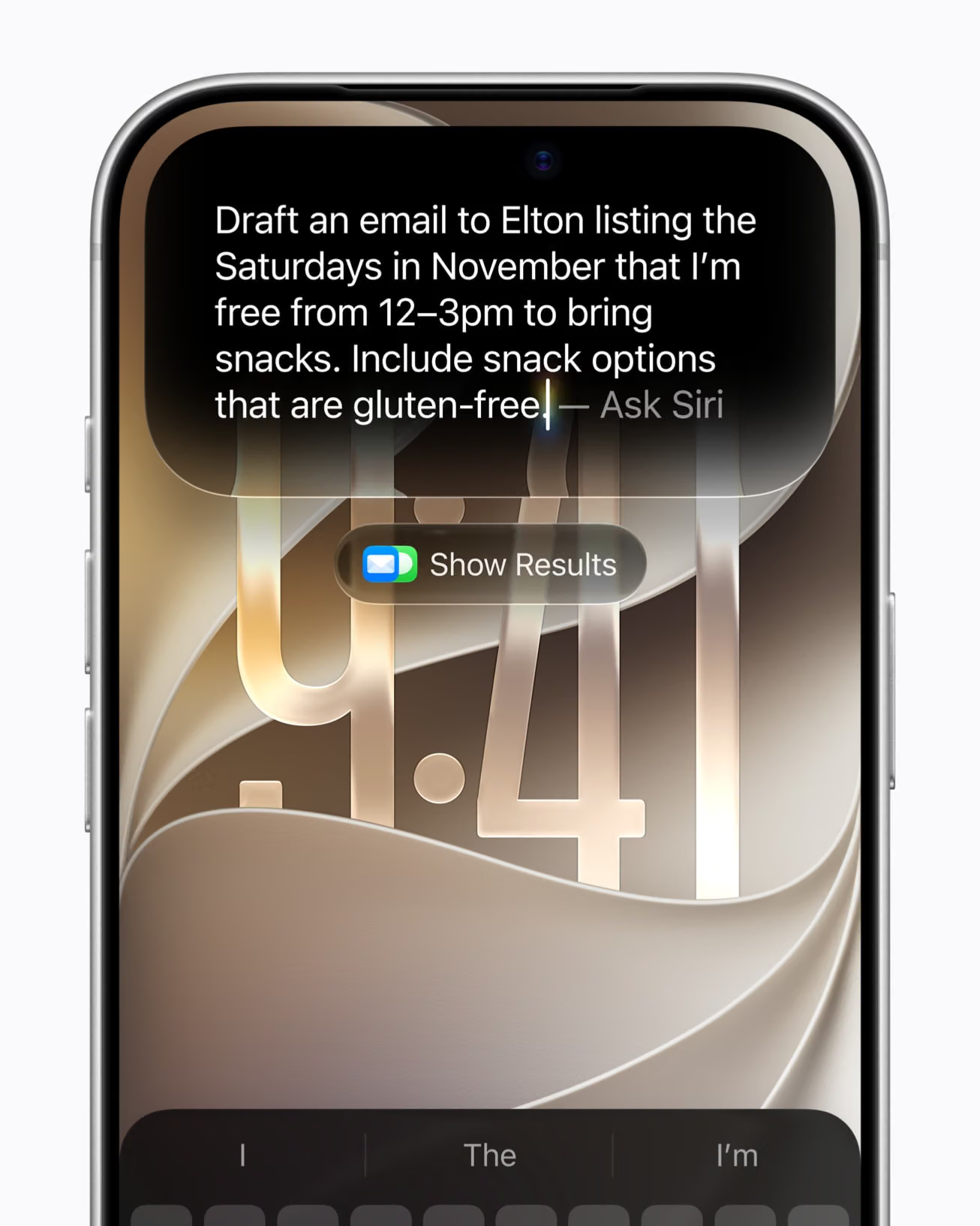
Image credit: Apple Newsroom
Visual Intelligence lets Siri interpret images and surroundings
Visual Intelligence extends the same idea beyond text and app screens. Apple describes it as a multimodal capability, meaning it can work with visual information as well as language.
Apple gives several platform-specific examples:
On iPhone, a new Siri mode in the Camera app can answer questions about what the camera sees and take related actions.
On iPad, Visual Intelligence is integrated into the screenshot experience.
On Mac, users can select something on the display with a keyboard shortcut and type a question to Siri.
On Apple Vision Pro, users can ask about content in app windows or physical objects by looking at them.
Apple gives a music-festival poster as an example. A user can ask about set times for particular artists and have Siri create several calendar events for the weekend. As with the family-recipe example, the practical value comes from combining interpretation with an action: Siri identifies relevant information in an image and then uses it to update the calendar.
The announcement does not establish that all Visual Intelligence functions have identical availability across iPhone, iPad, Mac, and Vision Pro. Apple lists the platforms, but says more generally that some Apple Intelligence features may not be available in all regions or languages.
Writing, conversations, and the wider Apple Intelligence update
Siri AI also includes integrated Writing Tools. Apple says users can ask Siri to generate a draft, revise existing text, or suggest improvements virtually anywhere they type. In Mail and Messages, the system can adapt writing to how a user typically communicates with a particular recipient, including punctuation and tone. Apple also describes automatic proofreading across the system, including most third-party apps.
The dedicated Siri app is intended for revisiting conversations or starting new ones. Apple says iCloud can privately sync conversational history across iPhone, Mac, iPad, Apple Watch, and Apple Vision Pro, allowing a conversation to continue on another device.
Other Apple Intelligence updates extend beyond Siri:
Photos: Apple describes Spatial Reframing, an Extend tool, and improvements to Clean Up for removing distractions.
Image Playground: Apple says its image-generation tool can create images in more styles, including photorealistic imagery, and can accept described changes. Apple also says support for the SynthID standard is upcoming.
Safari: New tools can organize tabs into topics, notify users about changes such as restocks or price drops, and create extensions from descriptions.
Mail and Messages: Smart Reply can use a user’s writing style, while Mail suggestions can take actions with third-party apps.
Phone and Calendar: Call Context can surface information such as confirmation codes or reservation numbers, and Calendar can add or modify events from simple descriptions.
Shortcuts: Users can describe a shortcut instead of building a complex automation manually.
Home: Apple describes grouped activity notifications, generated descriptions for sequences of video clips, and broader camera-clip search.
These features are part of the wider Apple Intelligence release rather than all being Siri AI functions. That distinction matters: having an Apple Intelligence-compatible device does not by itself establish that every listed Siri, Photos, Safari, Health, or Apple Watch feature is available on it.
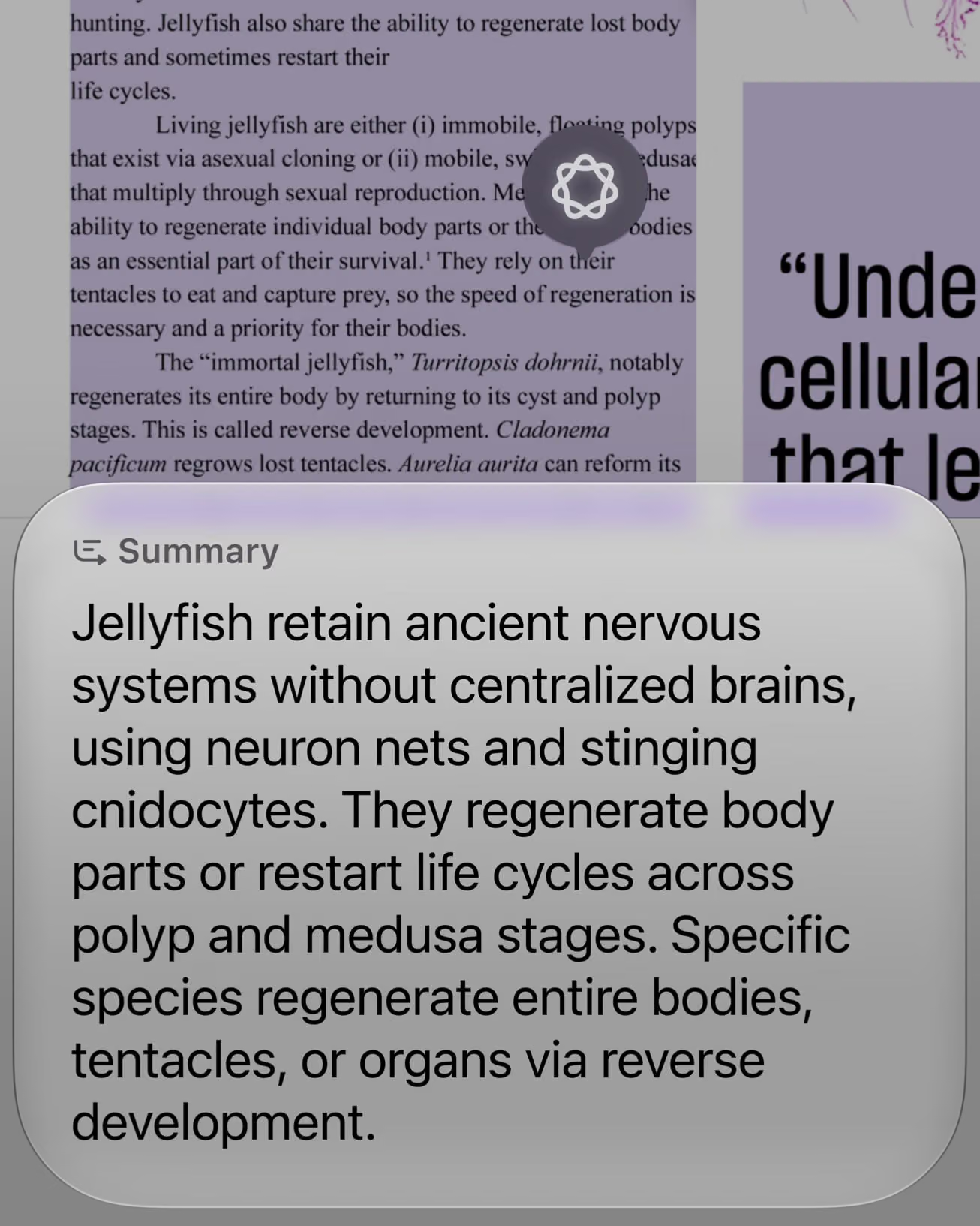
Image credit: Apple Newsroom
Siri AI availability and rollout limits
Apple says Siri AI begins rolling out in beta in English in iOS 27, iPadOS 27, macOS 27, watchOS 27, and visionOS 27. French, Japanese, Korean, Portuguese, and Spanish support is planned for the following month, according to the announcement.
Capability or access condition | Apple’s stated status or limitation |
|---|---|
Siri AI core features | Rolling out in beta in English |
French, Japanese, Korean, Portuguese, and Spanish | Planned for the following month |
Apple Intelligence device support | Requires a listed compatible device and supported language settings |
EU access | Siri AI is initially unavailable in the EU on iOS, iPadOS, and watchOS; dependent features are also unavailable there |
China access | Siri AI and other new Apple Intelligence features are unavailable while Apple addresses regulatory requirements |
Server-side features | Daily usage limits may apply, depending on the feature, request, demand, policies, and other factors |
Expanded server-side access | Apple says expanded access will be available for a fee in the future |
Apple Watch Live Rewind and Siri Recap | Arrive in beta later in the year |
New Health capabilities | Available later in the year |
Apple lists Apple Intelligence support for iPhone 16 models or later, iPhone 15 Pro and iPhone 15 Pro Max, iPad mini with A17 Pro, iPad models with M1 or later, MacBook Neo with A18 Pro, Mac models with M1 or later, Apple Vision Pro, Apple Watch Series 9 or later, Apple Watch Ultra 2 or later, and Apple Watch SE 3 when paired with an Apple Intelligence-enabled iPhone nearby.
The company also lists a broad set of supported device and Siri languages, including Chinese, Danish, Dutch, English, French, German, Italian, Japanese, Korean, Norwegian, Portuguese, Spanish, Swedish, Turkish, and Vietnamese. However, Apple separately says Siri AI itself is initially rolling out in English, with five additional languages planned for the following month. Some features may not be available in every listed language or region.
For a practical eligibility check, readers need to compare four things rather than look only for the Apple Intelligence label:
Whether the device is among Apple’s supported models.
Whether the device and Siri are set to a supported language.
Whether the feature has already shipped or remains in beta or planned status.
Whether the user’s region permits the feature, particularly in the EU and China.
Apple’s stated privacy architecture
Apple says Apple Intelligence divides processing between the device and Private Cloud Compute. On-device processing handles some requests locally, while Private Cloud Compute is intended to provide access to more advanced models without storing or exposing personal data to Apple or other parties.
Apple says personal data handled by Private Cloud Compute is not stored or made accessible to Apple or anyone else, and that outside experts can continue to verify this privacy design. The company also says Siri uses on-device components such as the Spotlight index and App Toolbox for some system functions.
Apple also describes privacy controls for the new Apple Watch Audio Intelligence features. Sound Recognition, Live Rewind, Siri Recap, and Shazam-related features use a combination of hardware, software, and services. Apple says the audio features do not create or store audio recordings, and that raw audio is processed in an isolated part of the S11 chip before being deleted. Users can opt into individual features, while Live Rewind provides an audible signal and visual microphone indicator when activated.
Apple says Siri Recap creates a high-level summary rather than a transcript and that Live Rewind and Siri Recap data are end-to-end encrypted in the Siri app with iCloud syncing. Those two features are scheduled to arrive in beta later in the year.
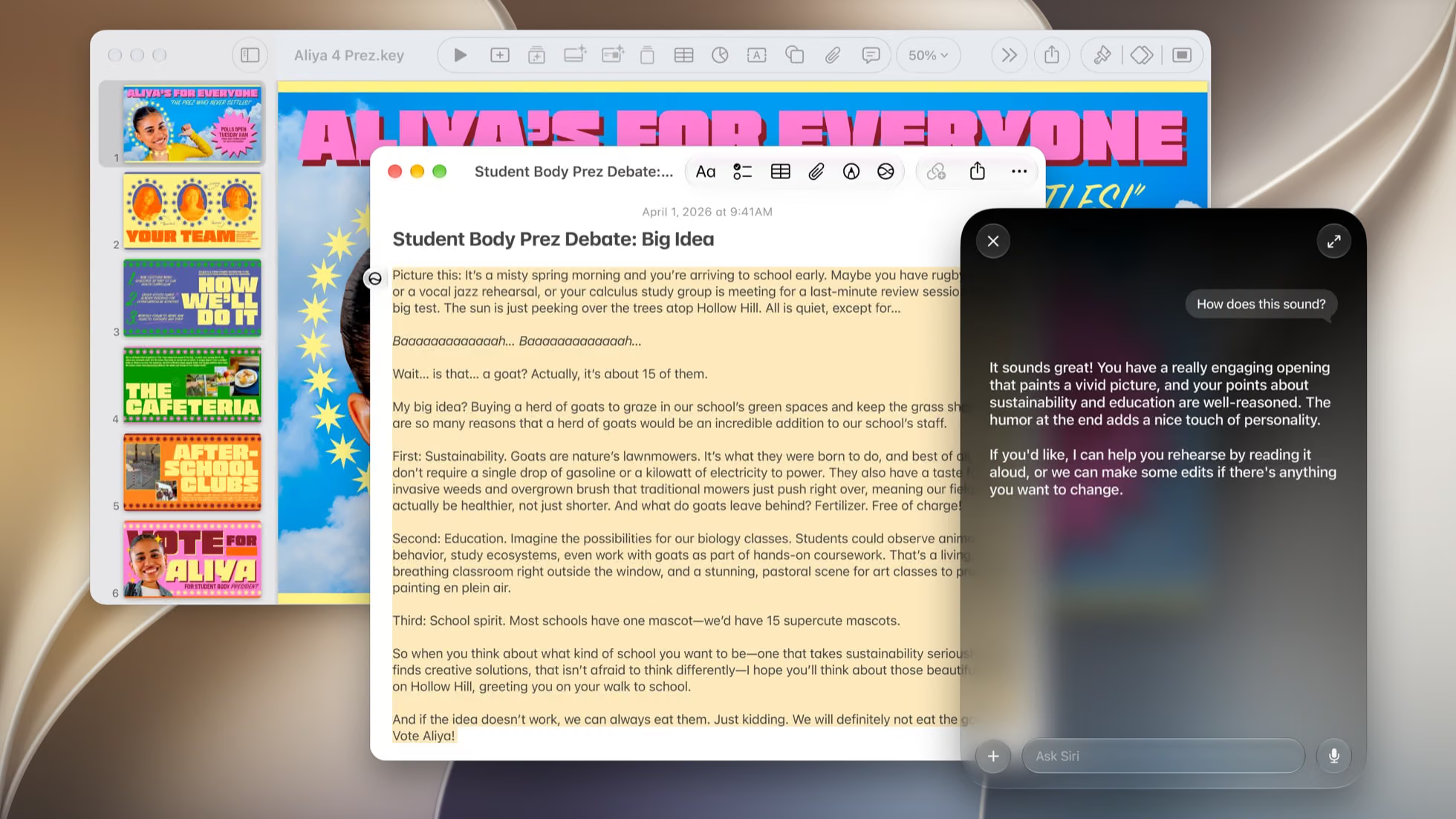
Image credit: Apple Newsroom
The practical takeaway
Apple’s reimagined Siri is designed around a shift from isolated voice commands to context-linked assistance. Its most significant described abilities are the connections between personal information, what is currently on screen, visual content, and actions in other apps.
The announcement also makes clear that Siri AI is not a universal feature available to every Apple user immediately. It begins as an English beta, additional languages are planned rather than available at launch, some regions are excluded, and server-side features may have daily limits. Other capabilities, including parts of Apple Watch Audio Intelligence and the updated Health experience, are scheduled for later.
For now, the key question is not simply whether an Apple device supports Apple Intelligence. It is whether that specific device, language, region, and feature combination has reached the required rollout stage.



0 comments
No approved comments yet. You can start the conversation.
Leave a comment