
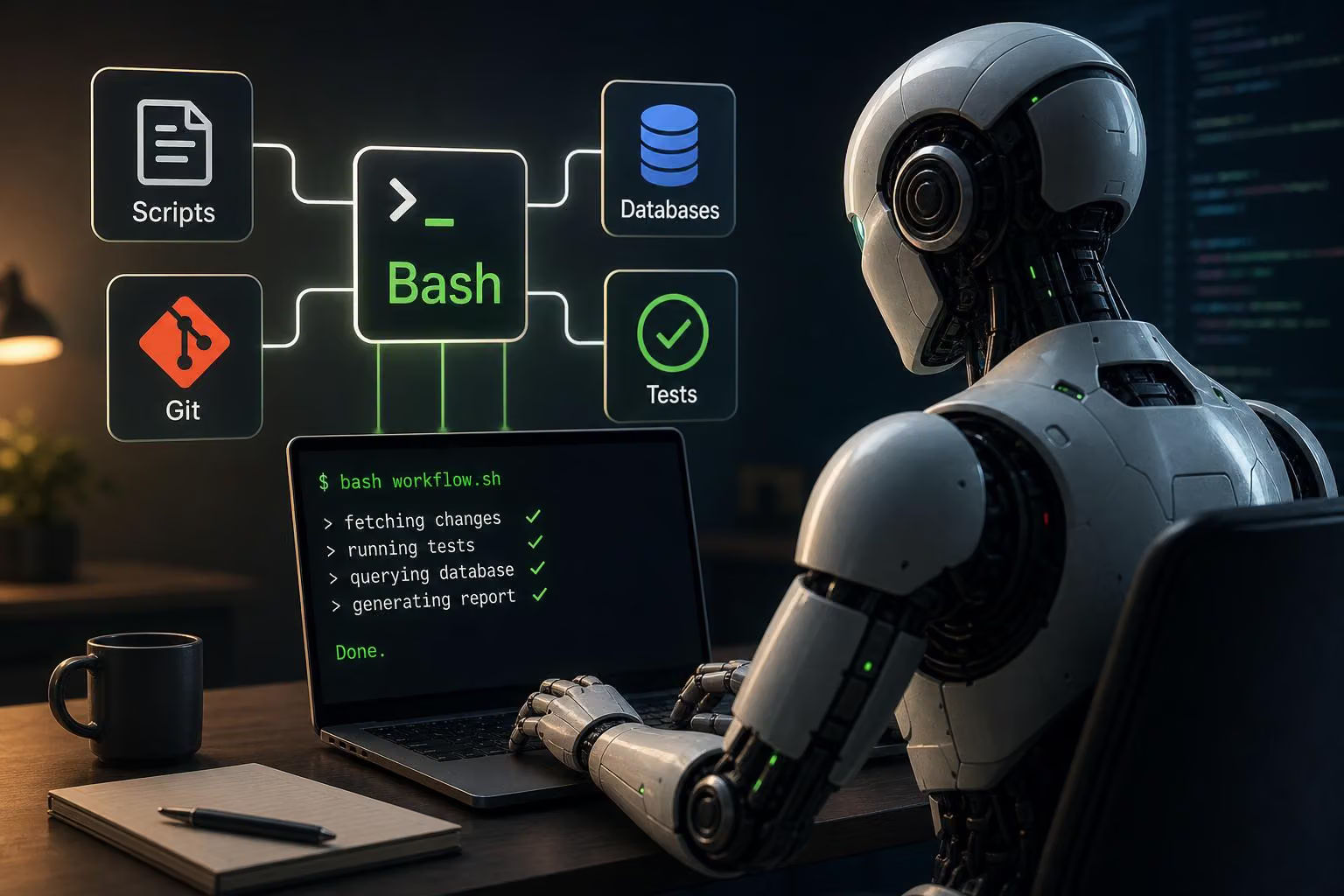
Coding agents are increasingly using Bash for work that once required dedicated read, edit and search tools. In a post about rebuilding an agent harness around a shell and a media viewer, @_philschmid reports that task completion stayed in the same range while the agent crossed fewer tool boundaries during complex tasks and verification.
The point is not that models have become universally better than developers at shell programming. It is narrower: they can now assemble disposable command-line workflows quickly, combining familiar utilities and short scripts into an operation that would take many developers longer to design and check interactively.
Bash as a composition layer
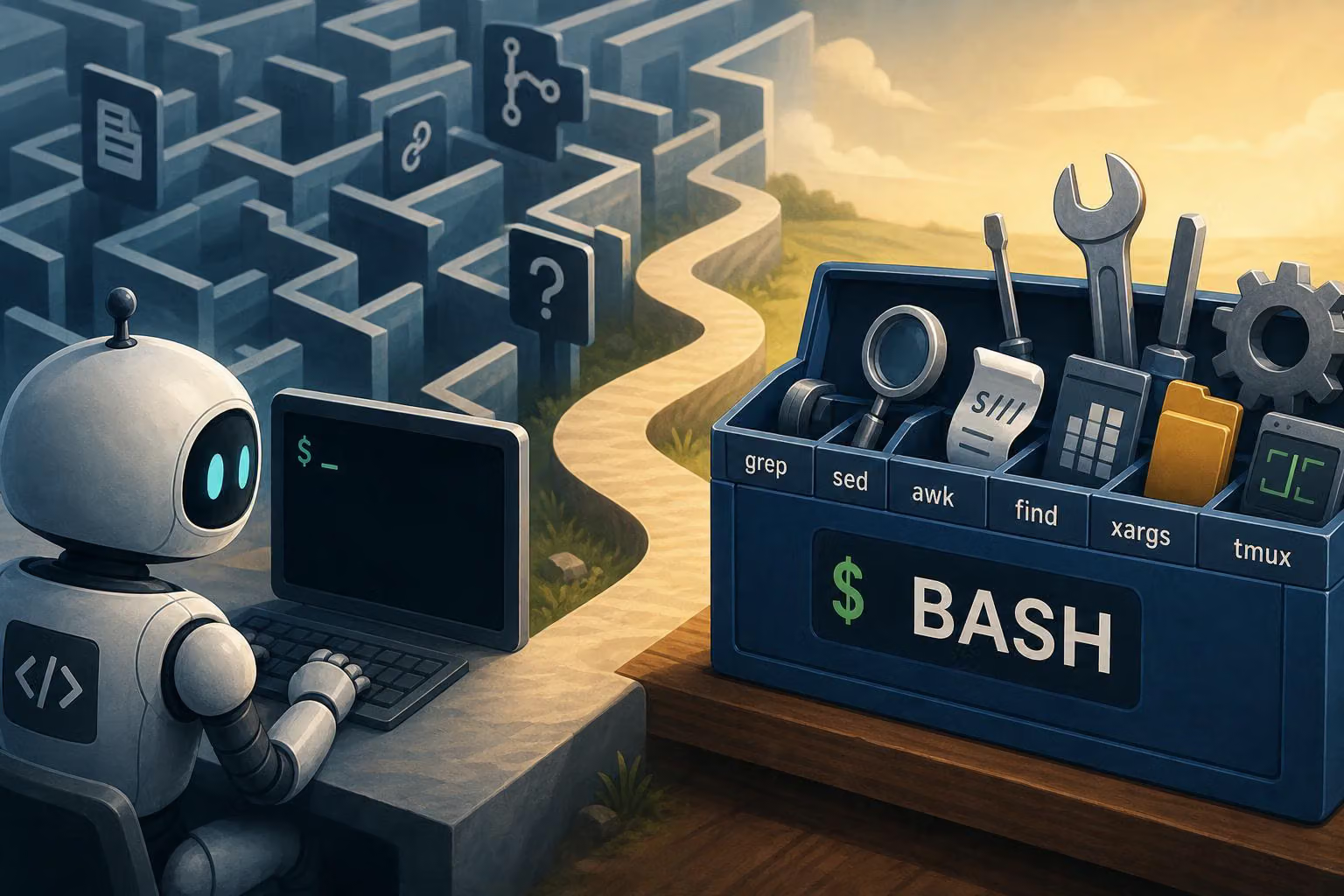
The individual building blocks are familiar: Git, ripgrep, jq, Python, temporary files, process substitution and test runners. The change is in the orchestration. Instead of exposing a separate model-facing tool for every file operation, a harness can give the agent a shell and let it connect those building blocks for the task at hand.
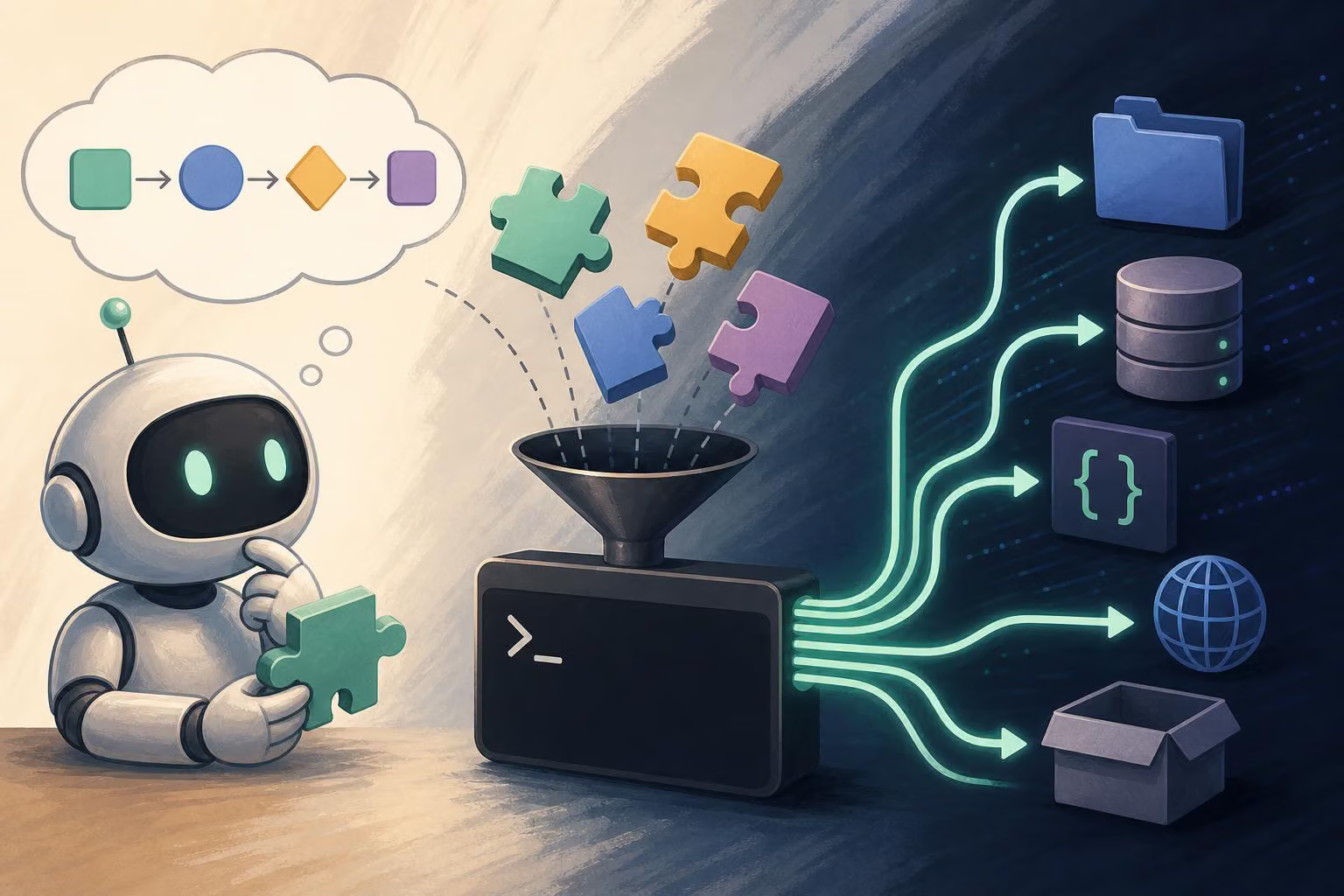
That makes Bash a routing layer rather than the place where all the substantive work happens. Python can perform structured edits, SQLite can query data, Git can inspect repository history, and project-specific commands can run checks. The shell gives the agent one interface for composing them.
The examples show three different kinds of work that benefit from this approach.
Coordinating edits and verification
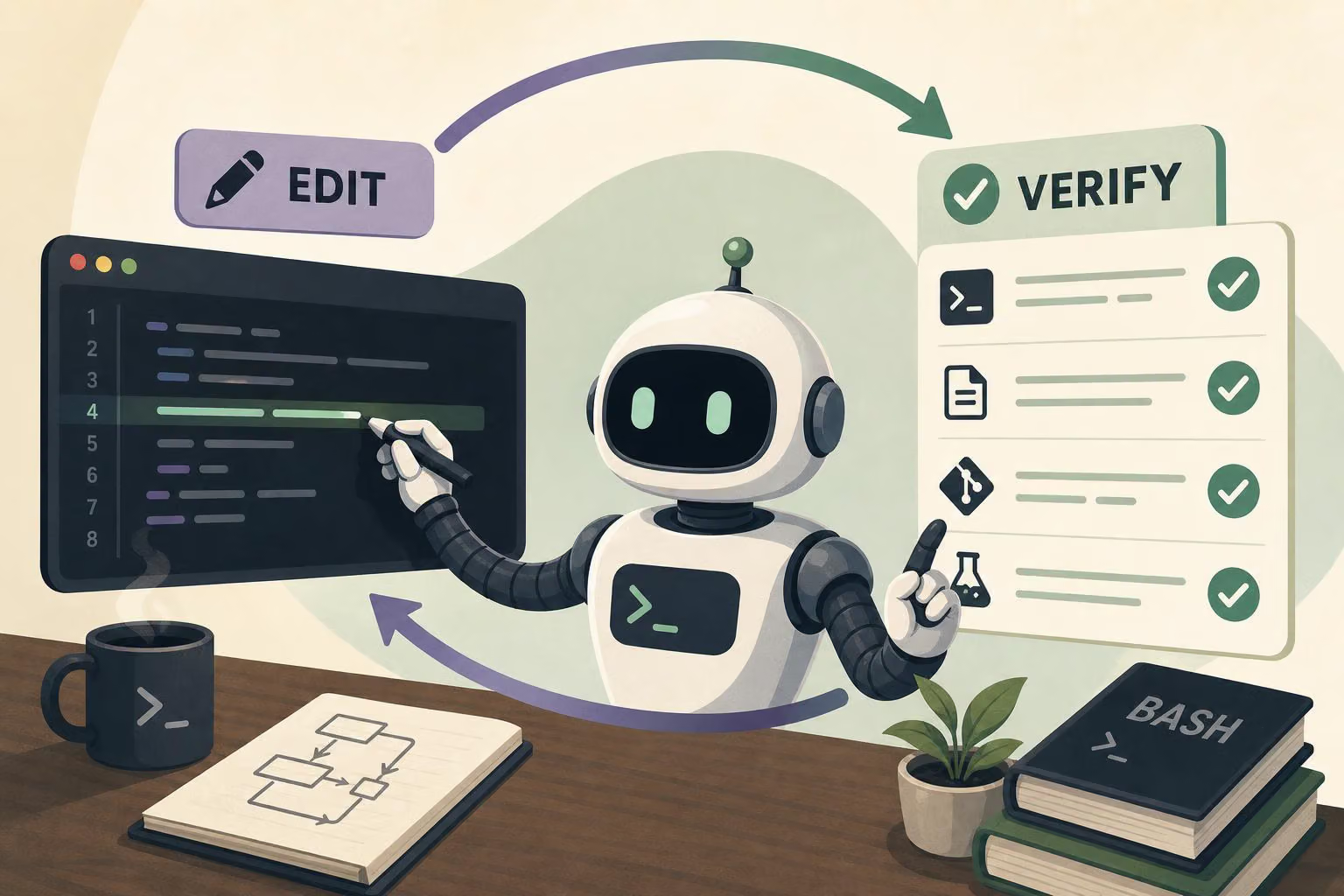
For a multi-file rename, the agent can write a temporary Python script that lists the expected replacements, counts each old snippet and stops if the number of matches is wrong. It can prepare all changed file contents before writing them, reducing the chance of leaving the project in a partially updated state when an assumption fails.
The same workflow can then run a formatter, linter, type checker and focused test suite. A final diff check and short diff summary provide another inspection point. The important pattern is not the particular tools; it is the complete loop of preparing a change, applying it, checking it and returning a compact result for the next decision.
This can be more useful than treating editing and verification as unrelated tool calls. The agent has an explicit way to validate its assumptions before changing files and to inspect the consequences afterward.
Exploring repository history without disturbing the checkout
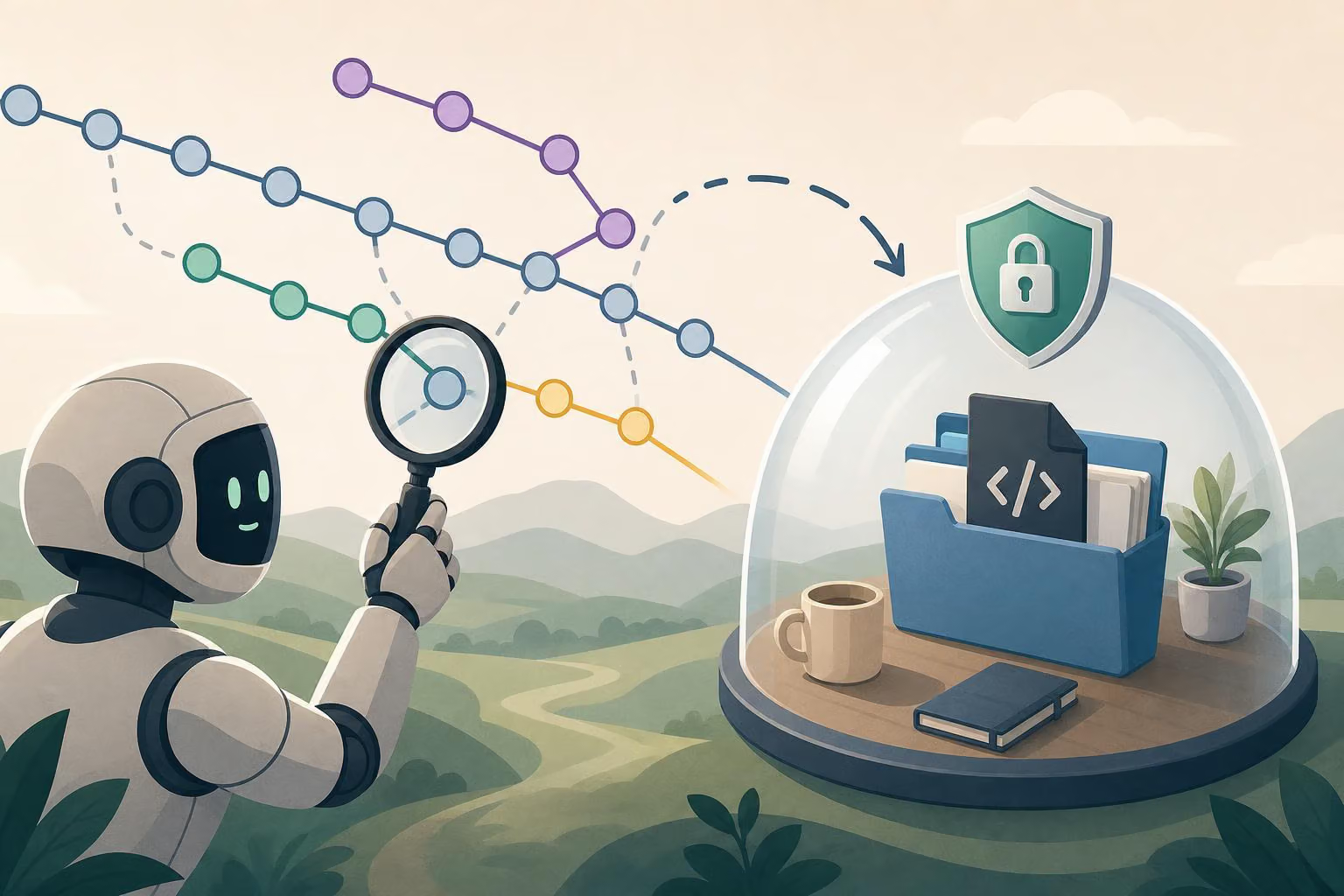
A flaky test requires a different kind of orchestration. The example uses a temporary Git worktree so the current checkout stays in place while a bisect runs elsewhere. Each candidate commit is tested with several random seeds, and the script classifies a revision based on how many runs fail rather than trusting one flaky result.
When the bisect finishes, the workflow prints the suspected first bad commit, a focused diff and the end of the bisect log. That gives the agent a diagnosis-sized result instead of returning every test run and its output to the model context.
The shell is useful here because it can combine repository operations, temporary-directory cleanup, repeated test execution, failure counting and summary generation in one disposable program.
Reducing large data to a usable result
The third example applies the same idea to compressed production logs. A Python script reads rotated JSON Lines files, decompresses them as needed and inserts relevant records into temporary SQLite tables. It then joins access records with errors, filters failed requests, ranks latency values by endpoint and returns the five endpoints with the most failures.
The output contains the endpoint, failure count, average latency, P95 latency and error classes. The intermediate logs do not need to be loaded into the model’s context. Instead, the environment performs the data-heavy work and returns a concise summary.
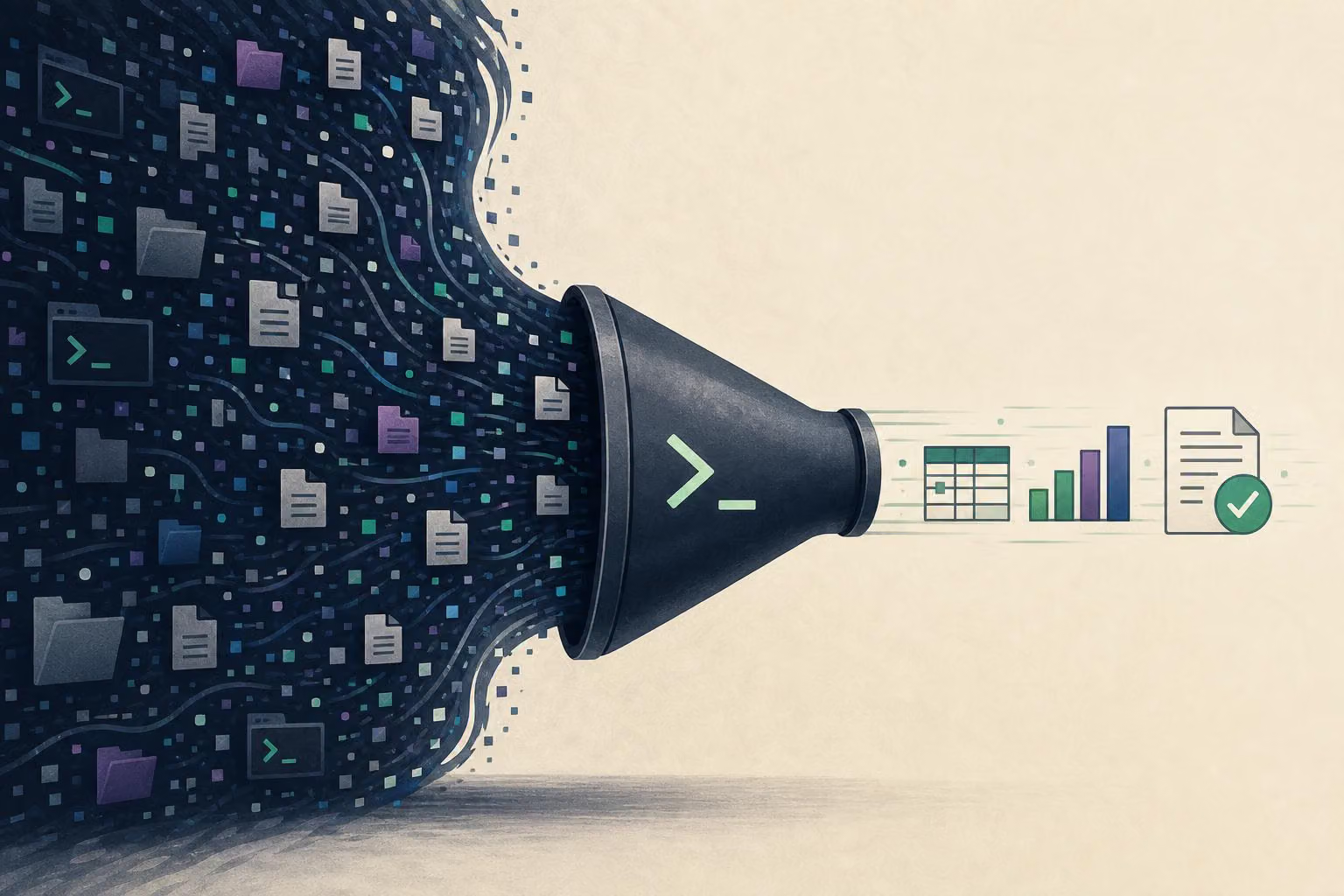
This is context offloading: the agent uses code and local tools to process material that would be too large or unwieldy to present directly. Bash provides the path between the model, the temporary Python program and the other command-line components.
Why dedicated tools still matter
The argument for a shell-centered harness does not erase the risks that made atomic tools attractive. An uninstrumented shell can produce too much output, return opaque errors, mishandle quoting or make an unsafe edit. Text-only command output also cannot provide visual information to a vision-capable model.
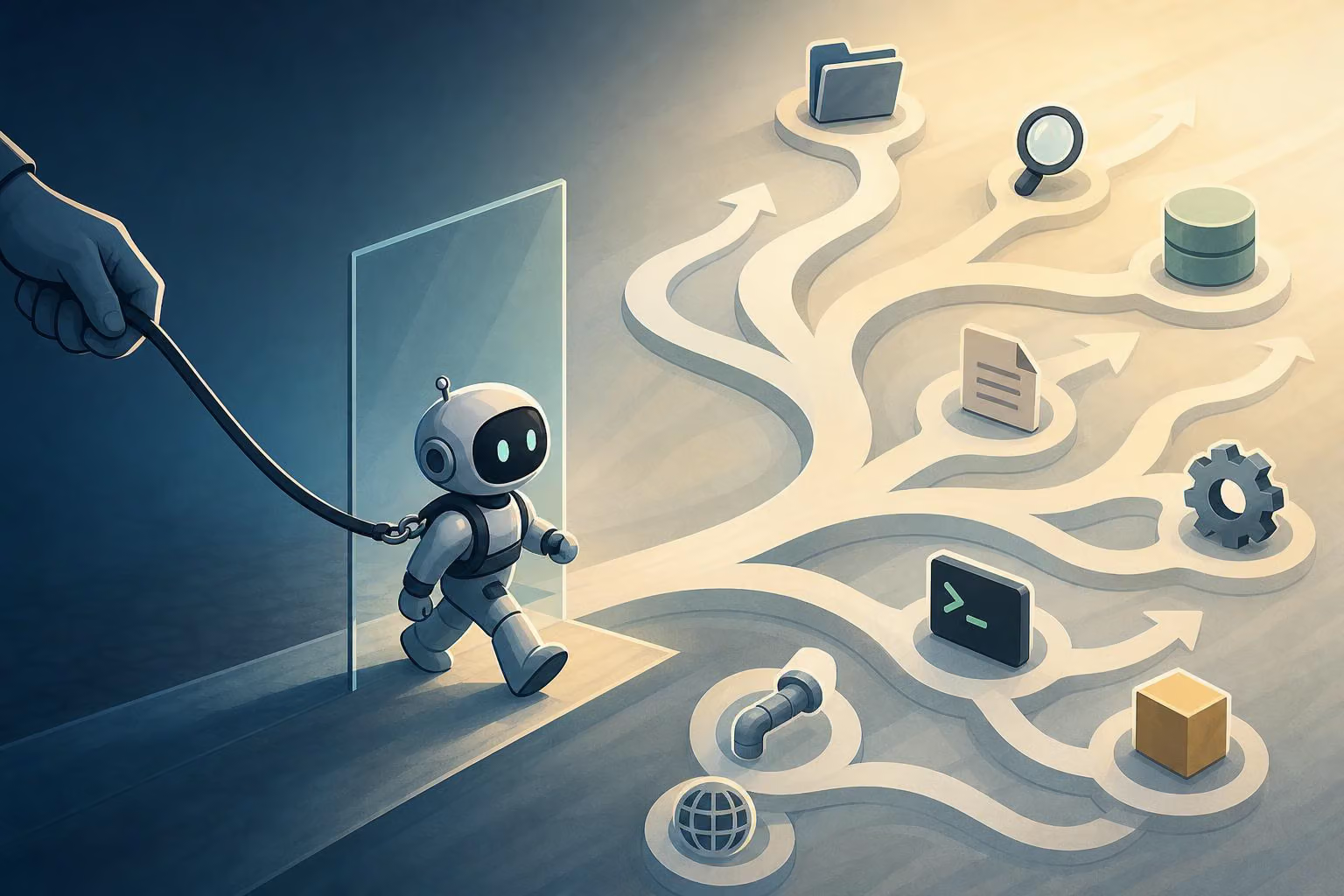
A harness can address some of those problems around the shell. It can truncate output and explain how to request a narrower slice, return exit status and timing information, isolate paths and network access, gate destructive actions, and manage asynchronous processes. Those controls preserve much of the safety and observability associated with narrower tools while leaving the model more room to compose workflows.
Multimodal input remains a clear exception. A command can render a page, capture a chart or save a video frame, but the resulting pixels still have to reach the model through a media-viewing channel. A browser tool can also be the better interface when the task involves navigation, clicking, typing, waiting for a page to settle and receiving a screenshot in one operation. Service integrations may similarly benefit from dedicated interfaces, although a command-line client can keep their schemas out of the prompt when that is useful.
A smaller harness with a wider action space
The post describes a comparison between a shell-centered setup and one exposing separate tools for reading, writing, editing and searching. Both were run on the same coding task set under the same conditions, and the shell-centered configuration performed on par or better in that comparison. That is a result from the described setup, not a universal benchmark for every model or harness.
The practical recommendation is to remove micro-tools where Bash can provide a better general interface, then retain specialized tools where they genuinely improve access to a capability. Subagents can also act as execution firewalls for messy exploration and debugging, returning a clean result to the parent context.
For harness designers, the broader lesson is to expose a capable composition layer without abandoning policy controls, output management or media support. The goal is not simply fewer tools. It is a smaller model-facing interface that still gives the agent a large, carefully governed action space.

0 comments
No approved comments yet. You can start the conversation.
Leave a comment